
How to change the name on your electricity bill in Delhi? Learn the easy online and offline procedures for BRPL and BYPL..
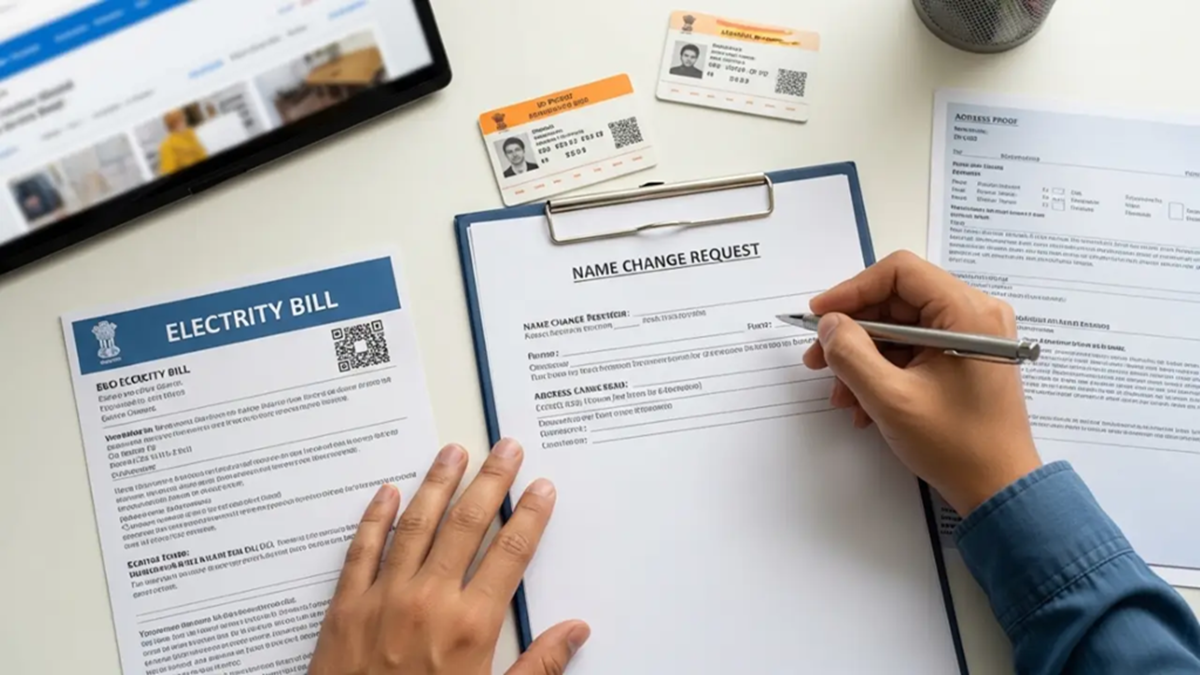
BSES Rajdhani Name Change Online: After purchasing a property or completing a family transfer in Delhi, it is crucial to have the correct owner's name recorded on the electricity bill. If you are a consumer of BSES Rajdhani Power Limited (BRPL) or BSES Yamuna Power Limited (BYPL), you no longer need to make multiple trips to their offices to get the name changed (Name Transfer).
BSES has digitized this entire process. You can get the name transferred at your convenience—either through the online portal or by visiting the nearest division office. Let us look at the step-by-step process.
Gather these documents before applying
If you wish to change the name on your electricity connection, ensure you have scanned copies (in PDF or JPEG format) of all necessary documents ready before starting the application process. Electricity companies require specific documents along with the application for a name change; the complete list is provided below.
Proof of Identity (ID Proof): Applicant's Aadhaar card, PAN card, Voter ID, or Passport. Proof of Ownership: Property registry (Sale Deed), allotment letter, or mutation certificate. Old Electricity Bill: The most recently paid BSES electricity bill. No Objection Certificate (NOC): If the property has multiple joint owners or the name is being transferred from a living person, an NOC form from the previous owner is required. Death Certificate: If the previous connection holder has passed away, their death certificate and proof of legal heirship are required.
Online Name Change Process
If you want to change the name on your electricity bill, you can now apply to update it from the comfort of your home by simply following the easy steps listed below. Visit the official BSES Delhi website or the BYPL/BRPL 'Change Request' portal, depending on your service area. Log in using your registered User ID or register as a new consumer. Navigate to the 'Connection Services' section on the homepage and click on 'Change Request'. Enter your 9-digit CA Number (Consumer Account Number) and registered mobile number, then verify using the OTP sent to your mobile. Select the 'Name Change' option from the 'Change Request Type' drop-down menu. Enter the new owner's details and upload the required scanned documents in the specified sizes. If any processing fee or security deposit applies, make the payment digitally.
Processing Time
Upon successful submission of the application, you will receive an acknowledgement number. Following the physical or digital verification of documents, the new name will be updated and reflected in the bill generated within 20 to 30 days.
Offline Process
If you encounter technical issues while filling out the online form, you may opt for the offline method. To do this, keep the original copies and self-attested photocopies of all the aforementioned required documents ready. Visit the nearest BSES customer care center in your area, obtain the 'Name Change Application Form' from the helpdesk, fill it out completely, and submit it along with the documents at the counter.
Disclaimer: This content has been sourced and edited from Amar Ujala. While we have made modifications for clarity and presentation, the original content belongs to its respective authors and website. We do not claim ownership of the content.
