
Here’s How You Can Apply for a PNG Connection from Home Using Your Phone—Get It in Just 7 Days
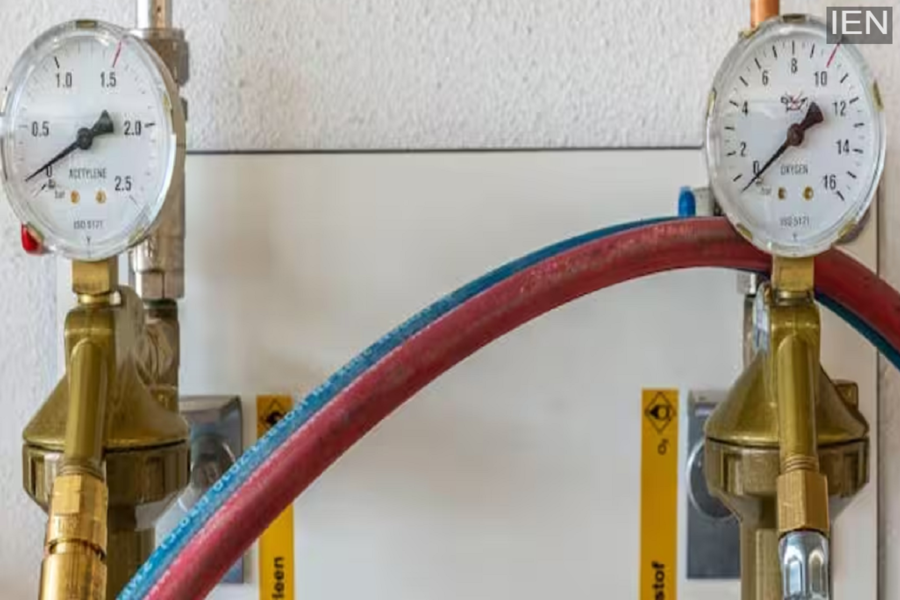
According to the government, directives have now been issued to approve any new PNG connection within 7 days. The objective behind this move is to encourage as many people as possible to transition from LPG to PNG.
Amidst a shortage of LPG cylinders in the country—triggered by tensions in the Middle East—the government has taken a significant decision. According to the government, instructions have now been issued to approve any new PNG connection within a timeframe of 7 days. The primary aim of this initiative is to facilitate the shift of a larger number of people from LPG to PNG. Reports indicate that, in recent times, the demand for PNG connections has surged rapidly, and a substantial number of new connections have been issued within a short period. Most importantly, you no longer need to visit any physical office to apply for a PNG connection; you can now apply online directly from your mobile phone while sitting at home. To do this, simply visit the gas company’s website or app, fill in your personal details, and upload the necessary documents.
Which Documents Are Required for a PNG Connection?
For a PNG connection, you must submit one of the following documents as proof of identity: an Aadhaar Card, PAN Card, Voter ID, or Passport. Additionally, documents such as an electricity bill, telephone bill, ration card, or property tax receipt are required as proof of address. If you reside in a rented property, you will also need to submit a No Objection Certificate (NOC) from your landlord along with a copy of your rent agreement. Furthermore, it is essential to have a passport-sized photograph ready beforehand in either PDF or JPEG format.
How to Apply Online for a PNG Connection?
The online application process is quite straightforward. To begin, visit the website or app of the specific gas company from which you wish to obtain the connection, and select the “Apply Online” option. Next, select the “Domestic PNG Connection” category and enter your area’s PIN code to check for service availability in your locality. If a pipeline network is available in your area, proceed to fill out the registration form and upload the required documents. Finally, you will be required to pay a security deposit, which typically ranges between ₹5,000 and ₹7,000. After making the payment, you receive an application number or reference number, which allows you to track the status of your application.
Distinction Between Payment and Verification
The application process for a PNG connection varies slightly across different companies. Some companies require the fee to be paid at the time of application, while others offer the option to make the payment later. Many companies also provide the facility to pay the security deposit in installments. Regarding verification, in some instances, the process is completed instantly through Aadhaar-based e-KYC, whereas other companies verify documents by sending a survey team to the applicant’s home. The work of laying the pipeline commences only after this verification process is complete.
