
Has your gas booking DAC code been deleted? Here’s how to recover it
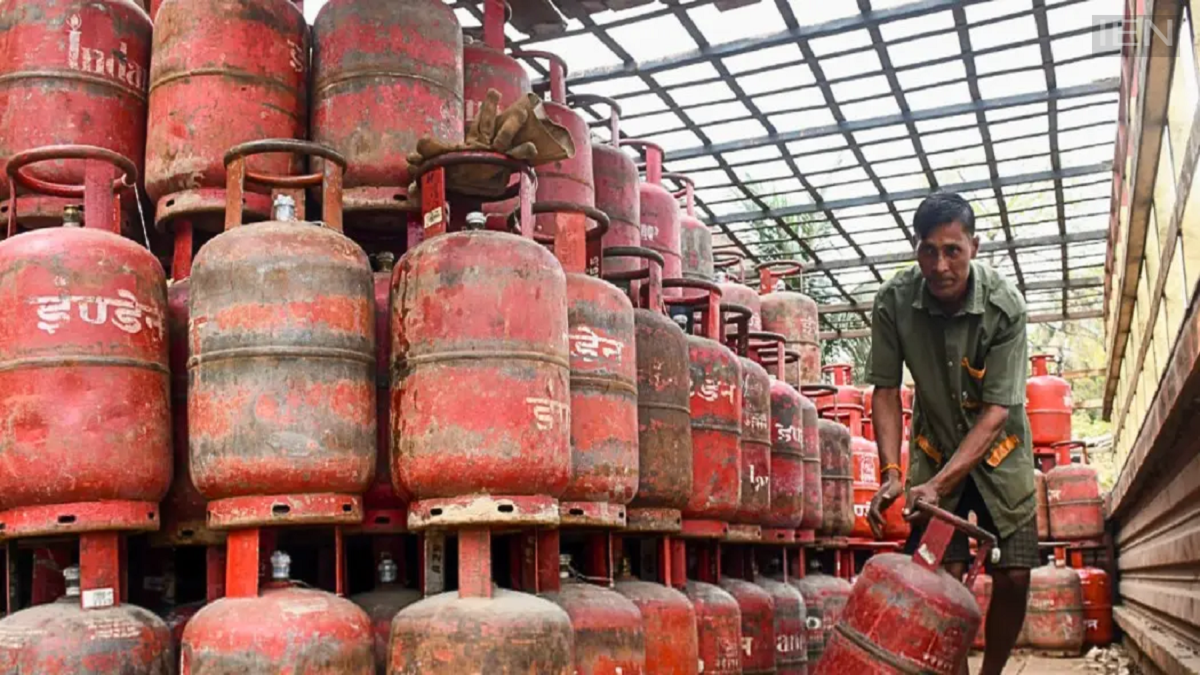
DAC Code: There is no need to panic if the DAC code gets deleted after booking a gas cylinder. Let’s find out how to retrieve this essential Delivery Authentication Code.
LPG Cylinder Booking: Nowadays, the entire process—from booking to delivery of cooking gas—has gone digital. Whenever you book a gas cylinder via your mobile, a Delivery Authentication Code (DAC) is sent to your registered phone number. This code is crucial for every consumer, as the delivery person cannot hand over the cylinder without it.
However, the DAC code sometimes gets deleted from the inbox inadvertently or due to a phone reset, causing anxiety for the consumer. In this article, we explain how to retrieve the DAC code if it goes missing.
What is a DAC Code?
DAC stands for Delivery Authentication Code. It is typically a 4-digit security code sent via SMS to the registered mobile number after booking the gas. Providing this code to the delivery agent at the time of delivery completes the process. It ensures that the gas cylinder is delivered to the correct customer.
How to retrieve the DAC code?
Log in to your gas company's official app (Indane, HP Gas, or Bharat Gas) on your mobile.
Sign in using your registered mobile number.
Go to the 'My Orders' or 'Book Cylinder' section.
Your DAC code will be visible alongside the active booking.
The code can also be obtained via WhatsApp and SMS
Many LPG companies offer services through WhatsApp.
You can get booking details by sending "Hi" or "STATUS" to the company's official WhatsApp number.
In many cases, the system sends the DAC code again via the chat.
If needed, you can also call the booking helpline to have the code resent via SMS.
