
Has someone secretly blocked you on WhatsApp? Find out with these 7 signs.
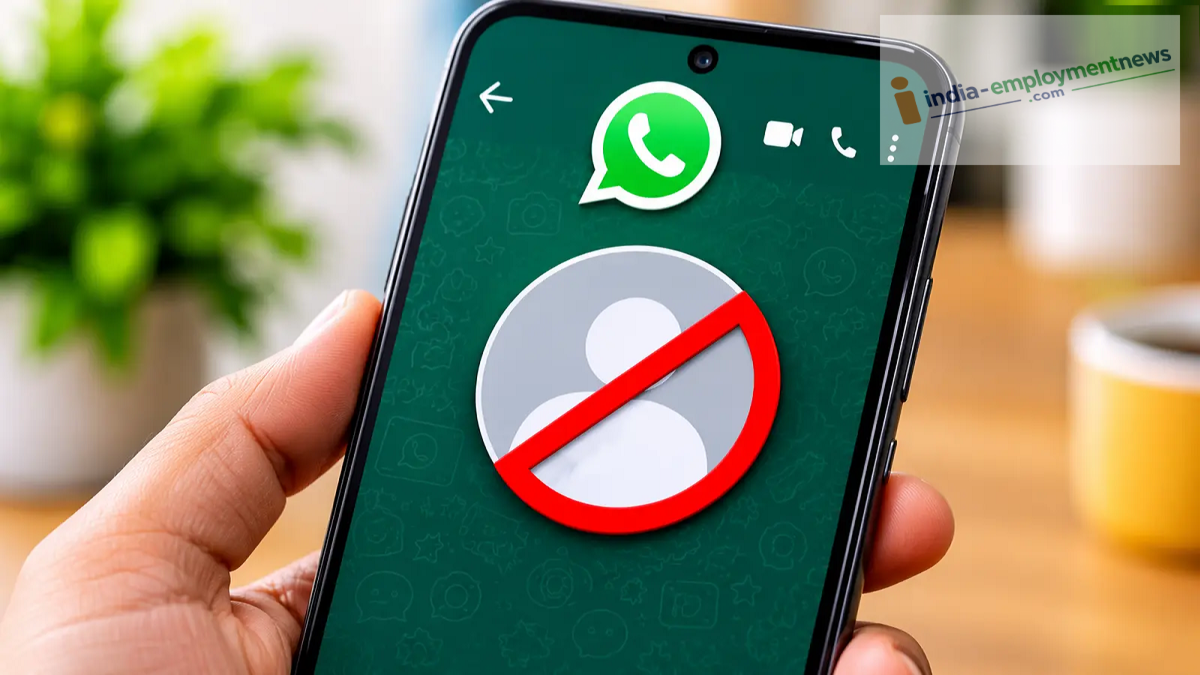
Learn about 7 signs that can help you immediately determine whether or not someone has blocked you on WhatsApp.
Nowadays, almost everyone uses WhatsApp. Whether it’s chatting with friends, checking in on family, or handling important work-related tasks, most communication happens on this app. However, there are times when you send a message but receive no response. You might also find that the person’s profile photo is no longer visible, and your calls won’t go through. In such situations, you might wonder: has the other person blocked you on WhatsApp?
WhatsApp does not send a direct notification when a user blocks you. However, there are certain signs that can help you figure it out. According to a report by the Times of India, there are 7 such indicators that can help you determine whether or not someone has blocked you.
1. 'Last Seen' and 'Online' status are no longer visible
If you were previously able to see a person’s 'Last Seen' or 'Online' status, but it has suddenly disappeared, this could be a sign that you have been blocked. That said, it is also possible that the person has simply changed their privacy settings.
2. Profile photo is no longer visible
If a person’s WhatsApp profile photo was previously visible but has now been replaced by a blank space or a default placeholder image, this could also be a sign that you have been blocked. Alternatively, the person might have removed their photo or restricted its visibility to specific people.
3. WhatsApp Status updates are no longer visible
If someone used to post WhatsApp Status updates regularly, but you no longer see any, it could be because you have been blocked. However, this could also be due to the person’s status privacy settings.
4. Messages show only a single grey tick
This is one of the most well-known signs that you have been blocked. If you send a message to someone and it continues to show only a single grey tick even after a long time, it is possible that the person has blocked you. However, this could also happen if their phone is switched off or they do not have an active internet connection.
5. WhatsApp calls failing to connect
If you are trying to make a voice or video call to someone on WhatsApp and it fails to connect, this could be an indication that you have been blocked. Alternatively, the call might fail due to a poor internet connection.
6. Inability to add someone to a WhatsApp group
If you attempt to add someone to a WhatsApp group but are unable to do so, this could also be a sign that you have been blocked. However, it is also possible that the person cannot be added directly due to their group privacy settings.
7. Profile information no longer visible
If you previously could see a person’s 'About' or 'Bio' information on their WhatsApp profile, but it is no longer visible, this could be considered a sign. However, this might also be due to the person changing their privacy settings.
Do these signs confirm that you have been blocked?
No. None of these signs, on their own, serve as definitive proof that someone has blocked you. WhatsApp intentionally keeps this information private to protect user privacy. Therefore, you should only consider the possibility of being blocked if several of these signs appear together.
Additionally, be cautious of third-party "WhatsApp Block Checker" apps found online. There is no official app that reveals who has blocked you. Avoid granting such apps access to your contacts or personal data.
