
Generate your 'Jeevan Praman Patra' (Life Certificate) for pension from home using your mobile phone..
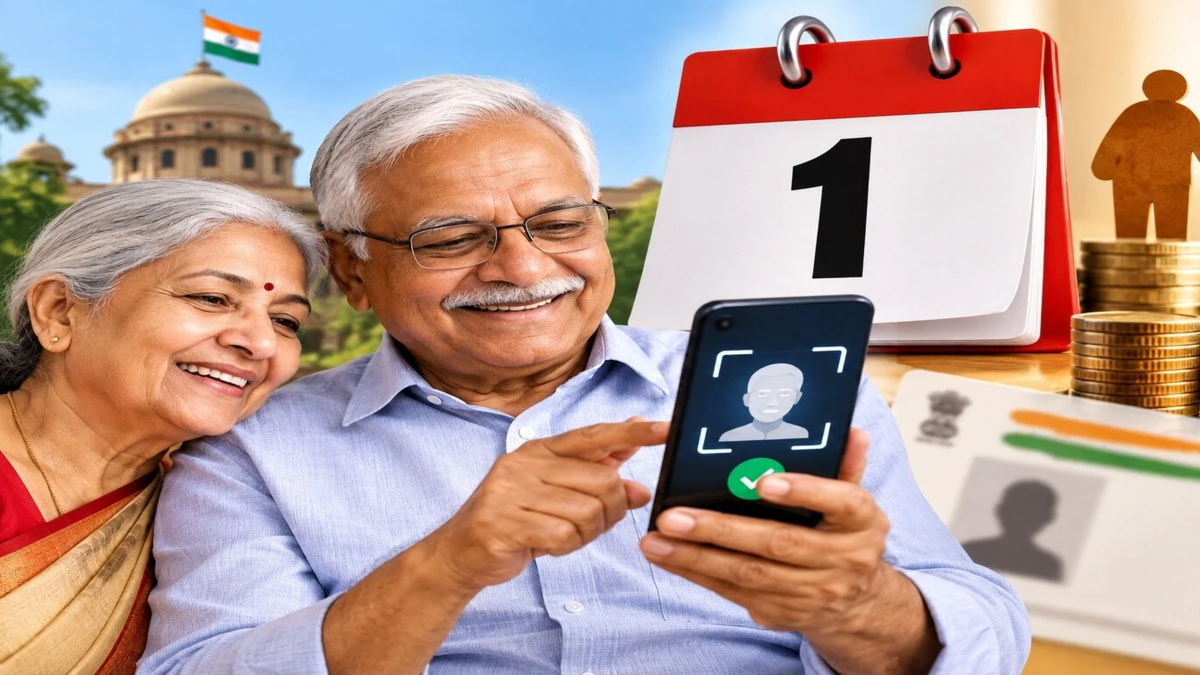
There is good news for elderly pensioners. It is no longer necessary to visit a bank or pension office every year to submit a 'Life Certificate' (Jeevan Pramaan Patra). Through the government's 'Jeevan Pramaan' facility, a digital life certificate can be generated directly from a smartphone using 'face authentication' via the mobile camera.
When should the Life Certificate be submitted?
Submitting a Life Certificate is mandatory to ensure the continued disbursement of a pension. For the year 2026, the submission dates are determined based on the pensioner's age:
Pensioners aged 80 years or older: The process for submitting the Life Certificate began on October 1, 2026.
Pensioners under the age of 80: They may submit their certificate between November 1 and November 30, 2026.
Pensioners should take note of the dates applicable to their age group to avoid any delays in submission and to prevent potential issues regarding their pension.
Step-by-step process for generating a Life Certificate
To generate a digital life certificate, pensioners need to download specific apps onto their smartphones. Once downloaded, the verification process can be completed using face authentication.
Step 1: Download the required apps
Download the 'Jeevan Pramaan Face' app and the 'AadhaarFaceRD' app from the Google Play Store or Apple App Store. Ensure that you are downloading the official, authentic applications.
Step 2: Complete operator authentication
Open the 'Jeevan Pramaan Face' app and follow the on-screen instructions to complete the initial verification process.
Step 3: Enter pension-related details
Provide the pensioner's Aadhaar number, Pension Payment Order (PPO) number, mobile number, and other requested bank and pension-related information.
Step 4: Perform face authentication
Complete the face authentication process using the front camera of your smartphone. Scan your face as per the instructions provided in the app and verify the required information.
Step 5: Generate the Certificate
Once all the information is confirmed to be correct, submit the process. Following successful verification, a Digital Life Certificate will be generated, and you will receive a unique 'Praman ID'. Keep this ID safe.
Keep these documents ready before generating the certificate:
Aadhaar number or Virtual ID (VID)
Pension Payment Order (PPO) number
An active mobile number
Bank account and pension-related information
Details of the department that sanctioned the pension and the institution responsible for pension disbursement
What to do after the certificate is generated?
Keep the 'Praman ID' received after successful verification safe. You can use this ID to download the certificate from the official 'Jeevan Pramaan' portal. Additionally, ensure that the certificate has reached the pension-disbursing institution and has been accepted by them. The mere generation of a digital certificate does not confirm its acceptance.
Disclaimer: This content has been sourced and edited from Dainik Jagran. While we have made modifications for clarity and presentation, the original content belongs to its respective authors and website. We do not claim ownership of the content.
