
Files on Your Phone Could Be Easy Targets for Hackers! Here’s How to Stay Safe
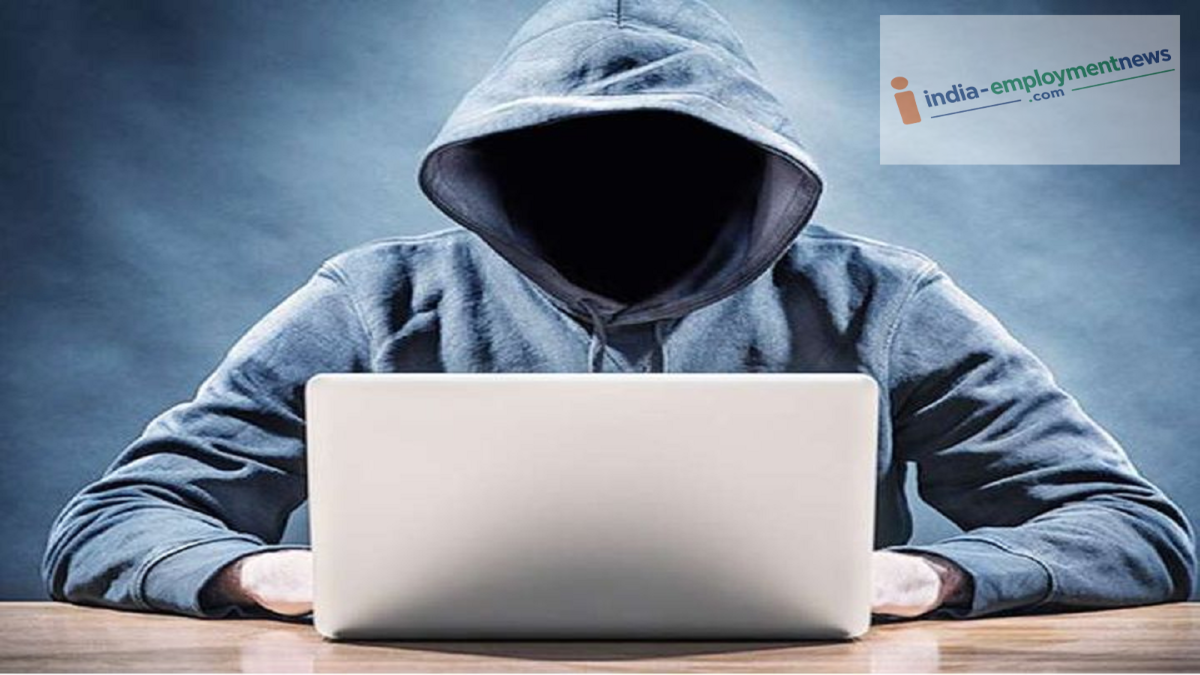
Files such as APKs, ZIP archives, and suspicious documents on your phone can serve as gateways for cyberattacks. Let’s look at which files pose the greatest risk and explore simple ways to keep your phone secure.
Today, smartphones are far more than just tools for making calls or sending messages; they store our personal photos, videos, banking documents, passwords, identity proofs, and other critical files. Consequently, even slight negligence regarding phone security can make it easy for cybercriminals to access your personal data.
Which files are the most sensitive?
Not all files on your phone carry the same level of risk. You should exercise particular caution with PDFs, documents, ZIP files, APKs, and downloaded items. Files such as bank statements, copies of Aadhaar or PAN cards, passports, office documents, and personal photos contain sensitive information.
Additionally, APK files from unknown sources can prove dangerous. Installing one might grant a suspicious app critical permissions on your phone.
Be cautious with files received via WhatsApp and email
Hackers often send files through messages that appear legitimate. For instance, someone might send a PDF or a link related to banking, courier services, job offers, electricity bills, or prize notifications. Opening the file or clicking the link often redirects the user to a fake website.
Therefore, never open a file from an unknown number or email without verifying it first. Do not trust a file simply because it appears to come from the name or profile of someone you know.
Check your 'Downloads' folder too
We often download files from the internet and then forget about them. Old and unnecessary files can sit in the phone's 'Downloads' folder for a long time. If a suspicious file is lurking there, it could cause trouble in the future. It is advisable to periodically check your 'Downloads', 'Documents', and other folders, and delete any unnecessary files. Easy ways to keep your files secure
First, ensure you have a screen lock enabled on your phone and use a strong PIN or passcode. Keep your operating system and apps updated, as updates often include security improvements.
Do not download APKs or other apps from unknown websites. Be cautious if a file suddenly asks for a password, requests permissions, or prompts you to install another app.
Back up important documents to a trusted, secure cloud storage service or another safe medium. Additionally, avoid sharing sensitive files with others unless necessary.
Other important tips for your phone
Check the file name, extension, and the sender's details before opening any file.
Avoid opening a file if it has an unusual name or an unfamiliar extension. Also, do not grant excessive permissions to apps on your phone; think carefully before granting access to sensitive data such as files, photos, the microphone, the camera, and contacts.
