
EPFO Update: You Cannot Withdraw PF Without KYC—Learn How to Update It Online..
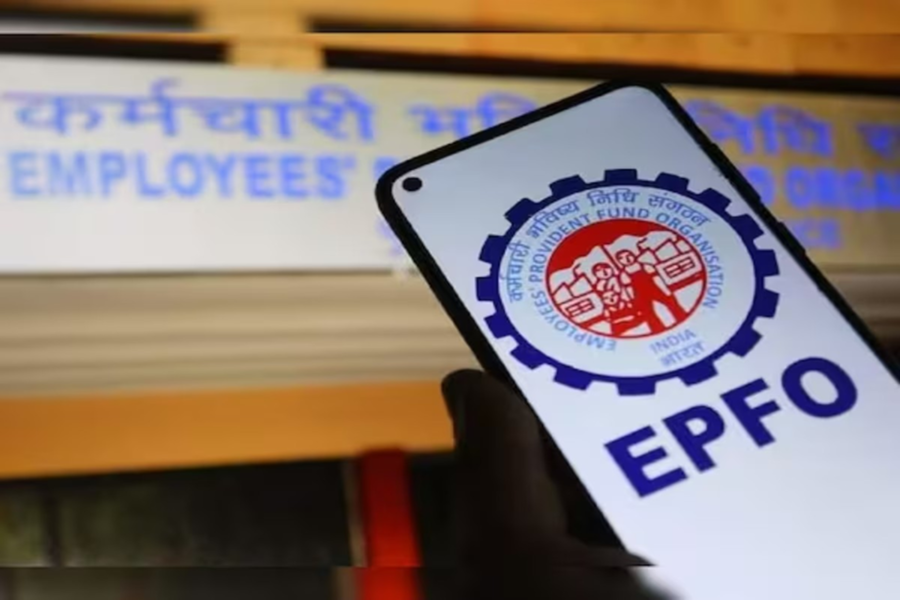
EPFO Update: In the private sector, the Provident Fund (PF) serves as a vital support system for employees. Managed by the EPFO, it is a savings scheme designed to provide financial security after retirement. PF accounts earn interest and can be accessed online via the EPFO portal for transfers and withdrawals; however, individuals often encounter various procedural hurdles when attempting to withdraw their PF funds.
If you wish to withdraw your PF money, the first step is to update your bank account KYC details on the EPFO portal. The good news is that you do not need to visit any government office to complete this task. You can do this from the comfort of your home using a mobile phone or a computer. Let us walk you through the process of updating your KYC details with the EPFO.
Why is Updating KYC with EPFO Essential?
To minimize tax deductions when withdrawing PF funds.
To facilitate the hassle-free withdrawal of either the full PF balance or an advance.
To ensure the seamless transfer of your old PF balance to your new account when you change jobs.
How to Update Bank Account KYC Details?
Visit the EPFO website and click on 'KYC Updation (Member)'.
Log in to the 'Member e-Sewa' portal using your UAN and password.
On the homepage, click on the 'Manage' tab located at the top, and then select 'KYC'.
Now, click on the 'Bank' option and enter your new bank account number along with the IFSC code.
Enter the OTP (One-Time Password) received on the mobile number linked to your Aadhaar, and then click 'Submit'.
Next, click on the 'PAN' option, enter your PAN number, verify it using an OTP, and then click 'Submit'.
Key Points to Remember While Updating KYC
It is crucial to keep a few things in mind while updating your KYC details. The name registered in your bank account must exactly match the name recorded in the EPFO records. Furthermore, your mobile number must be linked to your Aadhaar, as the final verification requires an OTP sent to your Aadhaar-linked number. Ensure that you enter the IFSC code carefully and accurately. After submitting your KYC details on the EPFO portal, be sure to inform your company or employer so that they can approve your request.
How to Check Your KYC Status?
First, log in to the 'e-Sewa' portal.
Click on the 'Manage' tab located at the top, and then select 'KYC'.
Now, navigate to the 'KYC Records' section and check the 'Status' column corresponding to 'Digitally Authorized KYC'. This will enable you to check whether your KYC has been approved or is still pending.
Disclaimer: This content has been sourced and edited from NDTV India. While we have made modifications for clarity and presentation, the original content belongs to its respective authors and website. We do not claim ownership of the content.
