
EPFO Update: From PF-related tasks to UAN activation—get these things done in a jiffy without having to make rounds to your employer..
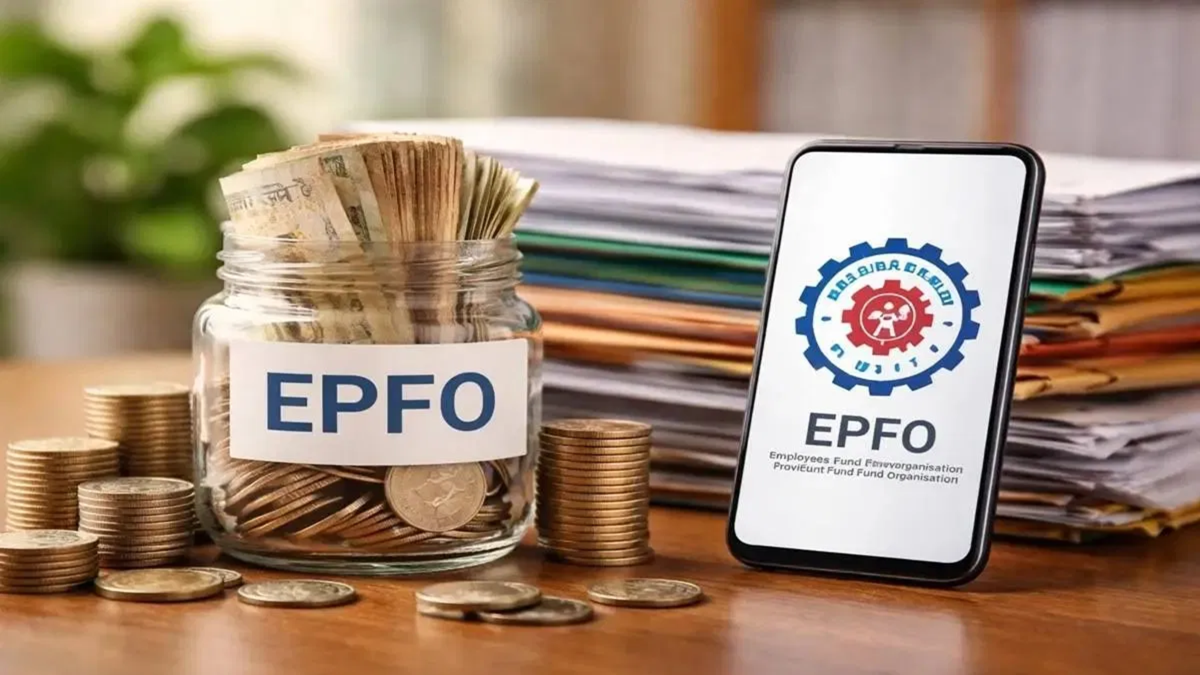
The Employees' Provident Fund Organisation (EPFO) has launched a new, modern portal (epfo.gov.in) for millions of employees across the country. Unlike the old website, this new portal consolidates all essential services onto a single dashboard. Additionally, several features have been removed from the portal, as the UMANG app is now being used for those specific tasks.
So, whether you are starting your first job or have a pending task related to PF (such as a withdrawal), you can handle it easily. There is absolutely no need for lengthy paperwork or repeated visits to offices. You can perform various tasks from the comfort of your home using the UMANG app on your mobile phone. Let us explain where the UMANG app can be utilized.
What are the benefits of the UMANG app?
The new features of the UMANG app can prove to be a boon for first-time employees or those who need a new UAN. You can check your PF balance using the app; furthermore, if you have an existing UAN that is not yet activated, you can complete the activation process through this app as well.
How to generate a new UAN using the UMANG app
Open the UMANG app on your phone and select the 'UAN Allotment and Activation' option.
Enter your valid Aadhaar number and the associated mobile number, then provide your consent.
Verify the process by entering the OTP received on the mobile number linked to your Aadhaar.
The system will then check whether a UAN is already linked to your Aadhaar.
If no existing UAN is found, verify your identity via a face scan using the 'Face RD' application integrated into the app.
Once face authentication is successful, your new UAN will be sent to your registered mobile number.
How to activate an existing UAN
If you already have a UAN but it is inactive, you can use the 'UAN Activation' option within the UMANG app. To do this, you will need to enter your UAN, Aadhaar number, and mobile number. Once Aadhaar verification is complete and the face authentication or OTP process is finished, your UAN will be activated, and you will receive a temporary password via SMS.
What benefits are available after UAN activation?
Once your UAN is activated, you can avail yourself of the following EPFO digital services from the comfort of your home:
Easily checking your EPF balance.
Downloading your complete PF passbook.
Claiming a PF advance and tracking its status without any hassle.
Updating your KYC details yourself.
If you encounter any issues with the OTP or face scan during the process, you can verify your details and try again. Sometimes, the process may get stalled due to incorrect details.
Disclaimer: This content has been sourced and edited from Dainik Jagran. While we have made modifications for clarity and presentation, the original content belongs to its respective authors and website. We do not claim ownership of the content.
