
EPFO Update: Do you also have two UAN numbers? Do this immediately..
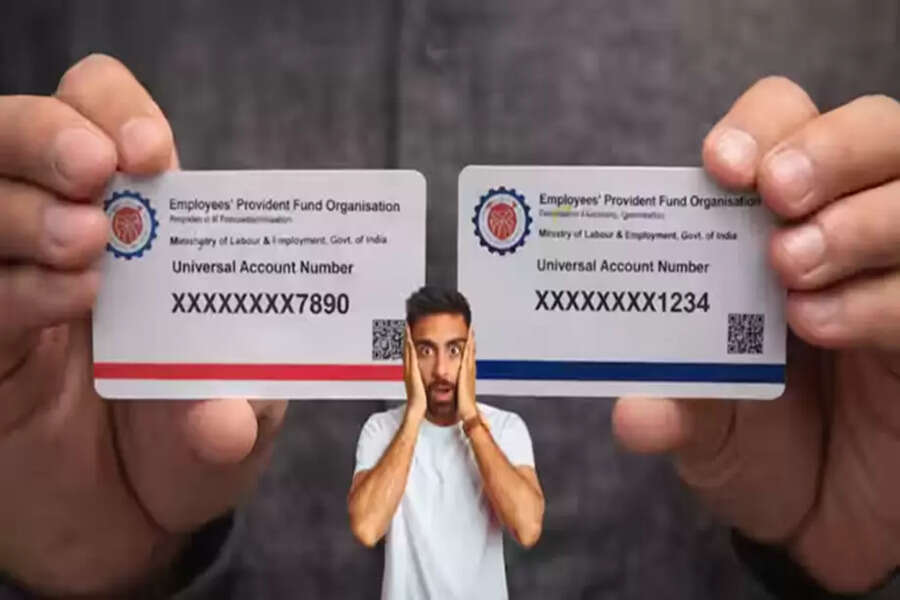
If you have changed jobs multiple times, this news could be very useful for you. In fact, you might have more than one UAN (Universal Account Number) without even knowing it. According to EPFO rules, every employee should have only one UAN throughout their life. However, many people mistakenly end up with two or more UANs and don't even realize it. But be aware that having more than one UAN can lead to losses in your PF interest, difficulties in withdrawing money, and tax problems. This is why the EPFO repeatedly emphasizes "One Member - One UAN".
What is a UAN?
UAN, or Universal Account Number, is a unique 12-digit number that the EPFO assigns to every working employee. This number is for your entire life, regardless of how many times you change jobs. For example, let's say your UAN is 101234567890. Now, whenever you join a new job, the new employer opens a new PF account with the same UAN. So, the UAN remains the same, but a new PF Member ID is created for each job.
How do multiple UANs get created?
1. Not providing the old UAN to the new company
Not providing your UAN to the new company is the most common reason. When you join a new job and don't provide your old UAN or PF details to the HR department, they create a new UAN in the system.
2. Old company not updating the Exit Date
Sometimes, the old company doesn't update the employee's exit date in the EPFO system. Because of this, the new company assumes you are still working at the old company, and they create a new UAN.
3. Discrepancies in KYC details
If there are differences in your name, date of birth, or father's name between your Aadhaar, PAN, and EPFO records, the system fails to identify you and creates a new UAN. Example:
- Name in Aadhaar: Rahul Sharma
- Name in EPFO: Rahul Sharma
- This small difference can lead to the creation of a new UAN.
4. Company closure or HR negligence
It's important to know that sometimes the old company closes down or the HR department doesn't update the details properly, which results in the creation of a new UAN.
Understand the disadvantages of having more than one UAN
1. No interest on PF (the biggest loss)
If a PF account remains inactive for more than three years, it stops earning interest.
Example: Let's say you have two UANs:
- First UAN with ₹2 lakh (inactive since 2020)
- Second UAN with ₹3 lakh (current)
In this case, the account with ₹2 lakh is not earning any interest after three years. If you were to receive 8.25% interest annually, you would benefit by approximately ₹16,500 every year, and over three years, this could amount to a loss of more than ₹50,000.
2. Difficulty in withdrawing money
When you want to withdraw PF at retirement or in an emergency, you have to file separate claims for each UAN. This takes more time and causes inconvenience.
3. Incomplete service history
If you have two UANs, your complete employment history is not visible in one place. This leads to:
- Difficulty in pension calculation.
- Failure to complete 5 years of continuous service.
- Inability to avail tax benefits.
4. Tax problems
When withdrawing money from EPF:
- If there is 5 years of continuous service, no tax is levied.
- However, if you have two UANs, proving continuous service becomes difficult.
- A 10% TDS may be deducted on withdrawals exceeding ₹50,000.
5. Violation of EPFO rules
Having more than one UAN is against EPFO rules. So, even if it happened by mistake, you will still have to rectify it. Before merging, please check the following:
1. All details must be the same
- Name (should be the same in Aadhaar, PAN, and EPFO)
- Date of Birth
- Father's Name
- Gender
If there is any discrepancy, get it corrected first.
2. Aadhaar must be linked
EPFO considers Aadhaar as the primary identity document.
Your Aadhaar must be linked and verified with your UAN.
3. Exit Date must be updated
Your previous company must have updated your date of leaving in EPFO.
If not, contact the HR department of your previous company.
4. KYC must be complete
Your KYC details (bank account, PAN, mobile number) must be correct and updated.
How to merge UANs: Complete process
EPFO has provided two methods for merging UANs:
Method 1: Online (through the EPFO portal)
This is the easiest and fastest method.
Step 1: Log in to the EPFO portal
Go to the website: https://unifiedportal-mem.epfindia.gov.in
Enter your UAN and Password
Fill in the Captcha and Log in
Step 2: Select "One Member - One EPF Account"
After logging in, click on "Online Services" at the top
In the dropdown menu, select "One Member - One EPF Account (Transfer Request)."
Step 3: Check your details
Now your personal details will be displayed on the screen
Check your name, date of birth, Aadhaar number, bank details - everything
If anything is incorrect, get it corrected first
Step 4: Select Employer for Attestation
You will have to choose either your previous or current employer, who will approve the transfer request.
Tip: Choosing your current employer is faster
Step 5: Fill in the old PF Account details
Now you will have to enter your old PF Member ID or old UAN
Click on "Get Details"
The system will automatically display all the information from the old account.
Step 6: OTP Verification
You will receive an OTP on your registered mobile number.
Enter the OTP and verify.
Step 7: Declaration and Submission
Tick the declaration box (which states that the information provided is correct).
Click on the "Submit" button.
Step 8: Note down the Tracking ID
After submitting, you will receive a Tracking ID.
Save this ID.
You can check the status of your request using this ID.
Employer Approval and Processing
Now your request will go to your chosen employer. They will then verify and approve it. After approval, EPFO will merge your old account with the new UAN.
Disclaimer: This content has been sourced and edited from Dainik Jagran. While we have made modifications for clarity and presentation, the original content belongs to its respective authors and website. We do not claim ownership of the content.
