
EPFO Rule: If you want to withdraw the entire amount after changing your job, you will have to do one thing first..
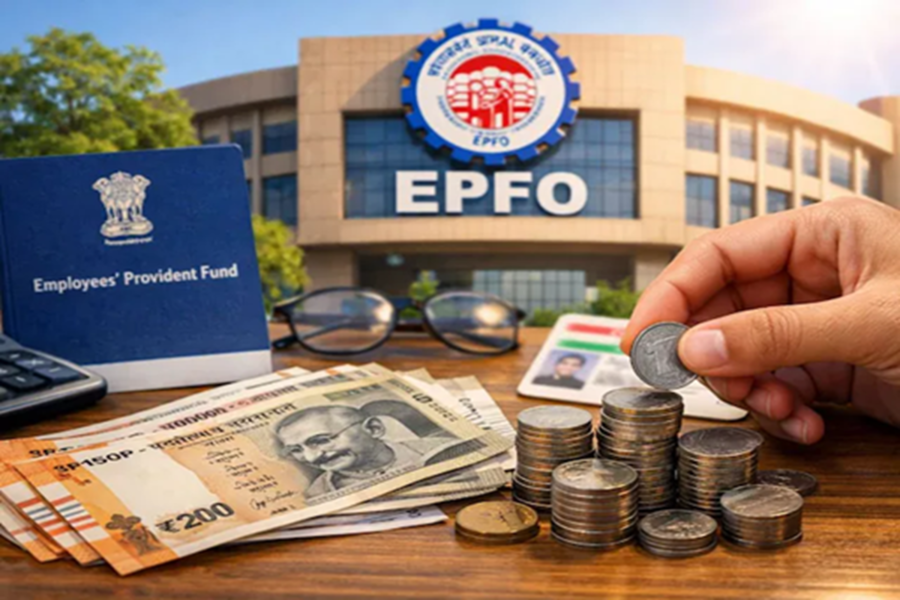
Nowadays, changing jobs has become a common occurrence. Along with this, most people also withdraw funds from their PF accounts. Often, when you leave an old company to join a new one, you fail to update the 'Date of Exit' (DOE) in your EPF account. This can lead to significant complications. Whether you wish to withdraw the entire PF corpus, claim your pension, or transfer your old balance to a new account, it is essential to keep the Date of Exit (EPFO Exit Date) updated.
The good news is that you no longer need to contact your previous company's HR department or the EPFO office. You can now update your Date of Exit (DOE) online by visiting the EPFO Integrated Member Portal via your mobile phone or computer. This process is both simple and swift. The update can be completed using an Aadhaar-based OTP. Once updated, withdrawing funds or transferring your balance to a new account will become much easier for you.
**Why is Updating the Date Important?**
Updating the Date of Exit on the EPFO portal is crucial because, without it, you cannot withdraw the full PF amount.
Furthermore, entering the Date of Leaving (Exit Date) is mandatory if you wish to withdraw your pension amount by filling out Form 10C.
Updating this information with the EPFO is also a prerequisite for transferring the PF balance from your previous employer's account to your new one.
**How to Update the Date of Exit**
Open the official EPFO website—https://unifiedportal-mem.epfindia.gov.in/memberinterface—on your mobile phone or computer.
Log in by entering your UAN, password, and the CAPTCHA code.
Click on the 'View' tab in the top menu and select 'Service History'. If the 'Date of Exit' (DOE) listed next to your previous company's name shows as 'Not Available', then it is necessary to update it.
Navigate to the 'Manage' tab located at the top of the page and select the 'Mark Exit' option.
From the dropdown menu, select the specific previous company (PF account) for which you wish to update the Date of Exit. Select the last date of the month in which your final PF contribution was made (or the date of your last working day).
Select the reason for the exit (this applies even in cases of resignation).
Finally, check the box and click on 'Request OTP'. An OTP will be sent to the mobile number linked to your Aadhaar. Enter this OTP and submit.
**You Must Wait for 2 Months**
It is important to note that you cannot update your Date of Exit (DOE) immediately after leaving a job. You must wait for at least 2 months (60 days) following your final PF contribution. Only then will the 'Mark Exit' option become active. The date of leaving your previous job must always precede the date of joining your new company. If both dates are identical or overlap, the system may treat this as a technical error and withhold your payment. Ensure you select the correct date for your last working day, as entering an incorrect date could lead to complications later on. This entire process is OTP-based; therefore, your Aadhaar card must be linked to a mobile number, and that number must be active.
Disclaimer: This content has been sourced and edited from News18 Hindi. While we have made modifications for clarity and presentation, the original content belongs to its respective authors and website. We do not claim ownership of the content.
