
EPFO: Is the date of joining or exit recorded incorrectly in your EPF account? You won't be able to file a claim..
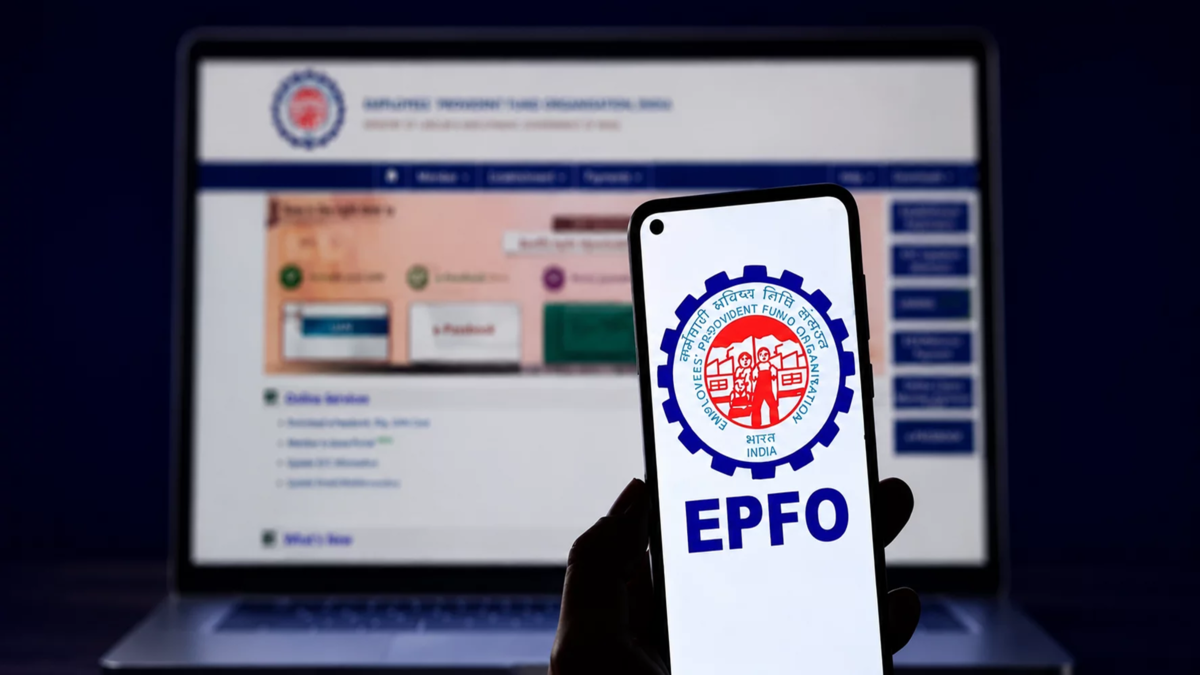
Correction of Incorrect EPF Joining/Exit Dates: Even a minor error in the joining or exit date recorded in your Employees' Provident Fund (EPF) account can create significant hurdles for your PF claims, online transfers, and pension eligibility.
According to Employees' Provident Fund Organisation (EPFO) rules, an accurate record of the total duration of service is mandatory to determine pension eligibility. Learn about the consequences of incorrect dates and how you can rectify them online from the comfort of your home.
What problems arise from incorrect date entries?
When you switch jobs, the exit date from your previous employer must be recorded on the portal to transfer your PF balance to the new employer's account. Without this, the transfer request gets rejected.
As per EPFO regulations, completing a minimum of 10 years of eligible service is mandatory to qualify for a pension under the Employees' Pension Scheme (EPS). Incorrect joining or exit dates can result in a shorter reflected service period, potentially disqualifying you from receiving a pension.
According to the EPFO's electronic challan system, PF contributions can only be deposited for the period between valid joining and exit dates. If an exit date is recorded prematurely, technical issues arise in crediting subsequent contributions.
Does an incorrect date stop PF interest accrual?
No. According to the EPFO, an incorrect or unupdated exit date neither stops the interest earned on your account balance nor leads to the loss of deposited funds. Interest continues to be calculated based on the monthly running balance.
How to correct joining and exit dates online
The EPFO has significantly simplified this process for members. Members whose Universal Account Number (UAN) is verified with Aadhaar can update their details themselves. Employees can update this information on the portal 60 days after leaving their job.
Log in to the EPFO Unified Member Portal.
Go to the menu bar and click on **Manage > Mark Exit**.
Select the relevant PF account. Enter your correct date of exit and the reason for leaving the job.
Complete the authentication process using the OTP sent to your Aadhaar-linked mobile number.
Please note that employer verification may be required for older UANs issued prior to October 1, 2017, or in cases involving major changes.
Make it a habit to check your EPF passbook and service history periodically or whenever you change jobs. Promptly correct any errors regarding your date of joining or exit to avoid delays during claim withdrawals, transfers, or the processing of retirement pensions.
Disclaimer: This content has been sourced and edited from Money Control. While we have made modifications for clarity and presentation, the original content belongs to its respective authors and website. We do not claim ownership of the content.
