
EPFO Introduces Face Authentication for UAN Activation: No More OTP or Fingerprint Hassles
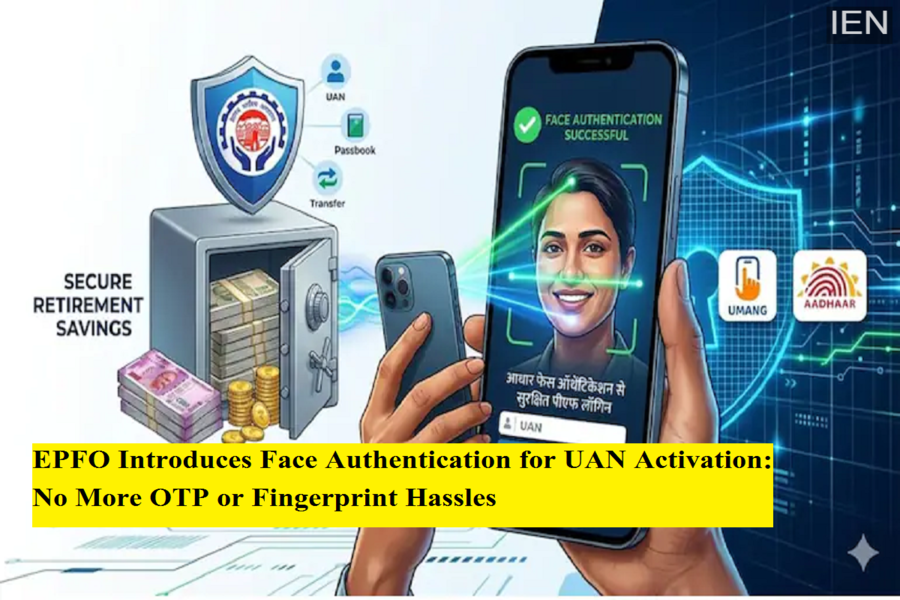
Millions of Employees’ Provident Fund (EPF) subscribers can now activate their Universal Account Number (UAN) more easily than ever before. The Employees’ Provident Fund Organisation (EPFO) has introduced a new Face Authentication feature through the UMANG app, allowing users to complete UAN activation without relying on OTPs or fingerprint verification.
The move is expected to benefit employees who face difficulties receiving OTPs on Aadhaar-linked mobile numbers or whose biometric fingerprints fail to match during authentication. With facial recognition technology now integrated into the process, EPFO aims to make digital services more accessible, secure, and user-friendly.
Why EPFO Introduced Face Authentication
Many EPF members have reported challenges while activating their UAN accounts due to technical issues such as delayed OTP delivery, outdated mobile numbers linked to Aadhaar, or fingerprint mismatches.
To address these concerns, EPFO has adopted facial authentication technology, enabling users to verify their identity simply by scanning their face through their smartphone camera.
The new system is designed to improve convenience while maintaining strong security standards.
Apps Required for Face-Based UAN Activation
To use this facility, subscribers must install two official government applications on their smartphones.
1. UMANG
The UMANG app serves as a unified platform that provides access to various government services, including EPFO-related facilities.
2. Aadhaar FaceRD
Developed by the Unique Identification Authority of India, this application performs the live facial scan and verification process in the background during authentication.
Both apps can be downloaded from official app stores.
Step-by-Step Process to Activate UAN Using Face Authentication
Subscribers can complete the activation process by following these simple steps:
Step 1: Log in to UMANG
Open the UMANG application on your smartphone. New users can register using their mobile number before logging in.
Step 2: Search for EPFO Services
Use the search bar available on the homepage and type "EPFO." Select the official EPFO services section from the results.
Step 3: Choose UAN Activation
Under the Employee-Centric Services category, select the option for UAN Activation.
Step 4: Enter Required Details
Provide the necessary information, including:
-
UAN number
-
Full name
-
Date of birth
-
Registered mobile number
Step 5: Select Face Authentication
After entering your details, choose "Face Authentication" instead of the traditional OTP verification option.
Step 6: Scan Your Face
Your smartphone’s front camera will automatically open. Look directly into the camera and follow the instructions displayed on the screen. You may be asked to blink your eyes during the verification process.
Ensure that:
-
Your face is clearly visible
-
Lighting conditions are adequate
-
The camera lens is unobstructed
Step 7: Complete Activation
Once the facial scan matches the Aadhaar-linked records, verification is completed instantly.
A confirmation message indicating successful UAN activation will appear on the screen, and a default password will be sent to the registered mobile number.
Key Benefits of the New Feature
Freedom from OTP Issues
Users no longer need to depend entirely on OTP-based verification, which can sometimes fail due to network problems or outdated Aadhaar-linked mobile numbers.
Enhanced Security
Facial authentication uses live face recognition technology, making it significantly harder for unauthorized individuals to access or activate someone else's UAN account.
Major Relief for Senior Citizens
The feature is particularly beneficial for elderly subscribers and pensioners whose fingerprints may not match due to age-related changes or years of physical labor.
Faster Access to EPFO Services
With quicker verification, users can activate their UAN and access various EPFO digital services without unnecessary delays.
Important Points to Remember
For successful facial authentication, the user's face must closely match the photograph available in the Aadhaar database. Adequate lighting and a clear camera view are also essential for accurate verification.
Final Takeaway
EPFO's introduction of face authentication marks another significant step toward digital transformation in employee welfare services. By eliminating common OTP and biometric-related issues, the new feature promises a smoother and more accessible experience for millions of EPF subscribers.
Users who have been struggling with UAN activation can now take advantage of this technology through the UMANG and Aadhaar FaceRD apps to complete the process quickly and securely.
