
Don't Forget to Restart Your Phone After an Update—Otherwise, You Could Face Major Issues
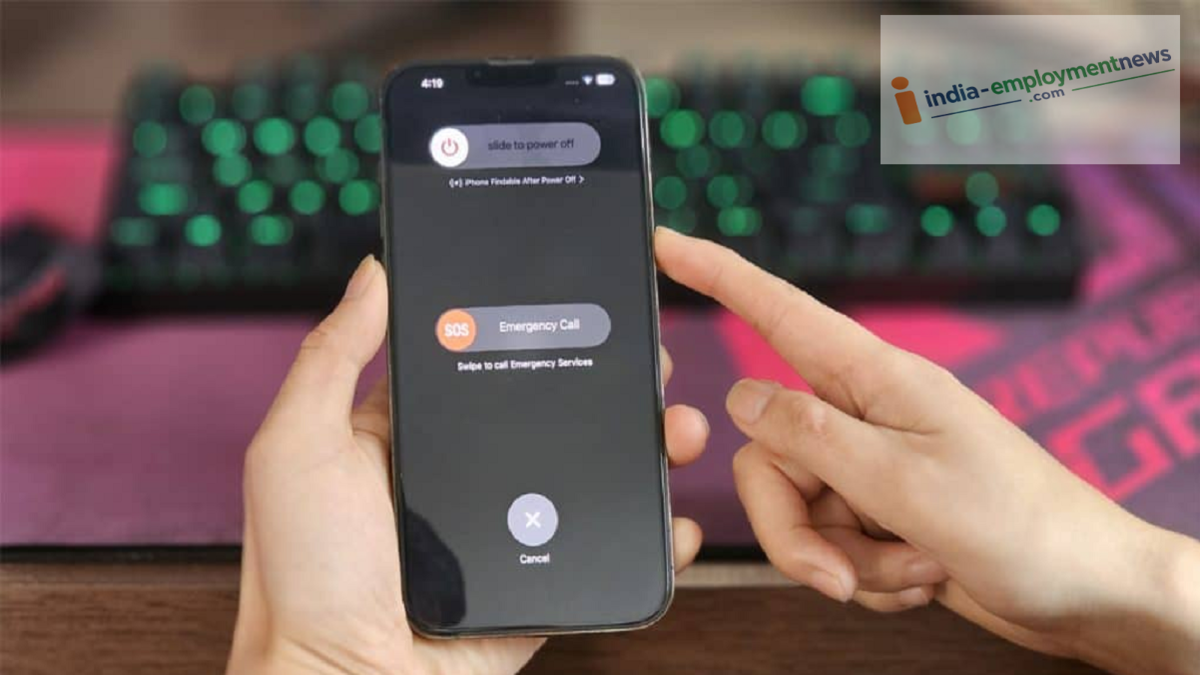
Do you start using your phone immediately after an update? This minor oversight could prove costly for both your device and your privacy. Here’s how you can avoid such problems.
In today’s world, the phone has become an essential part of our lives. We rely on it for almost every daily need—big or small. To ensure your phone runs smoothly and functions correctly, it is crucial to update its software periodically. Typically, whenever a new system update is released by the manufacturer, your phone downloads and installs it automatically.
Often, this entire process happens in the background, and the device may even restart on its own once the update is complete. However, in many cases—especially with smaller updates—the phone does not reboot automatically. Users frequently overlook this and continue using the device as usual. Yet, manually restarting your phone after an update is vital for the health of your device.
Does Restarting Improve Phone Speed and Performance?
Restarting (or rebooting) your phone after an update gives its internal system a fresh start. During the installation of an update, various temporary files accumulate, unnecessarily occupying storage space and memory. Turning the phone off and back on again automatically clears these redundant files.
Furthermore, this process clears the phone’s RAM, allowing the processor to begin fresh. This not only significantly improves the phone's speed but also resolves minor issues, such as the device hanging or apps crashing. Tech experts also recommend that, following a major software update, you should not only restart your phone but also clear its cache memory and verify your network settings.
It Is Also Important to Restart These Devices
This rule of restarting applies to both Android phones and iPhones. Furthermore, if you use tablets, laptops, desktop PCs, smart TVs, or handheld gaming consoles, it is equally important to reboot them after an update.
Keeping gadgets running for several days without turning them off can cause various processes to get stuck in the background, which directly impacts battery consumption and system speed. When you turn your device off and back on again—especially after an update—all the features and changes in the new software integrate properly with the system.
Protection Against Risks
The benefits of periodically turning your phone off and on again extend beyond just improving speed or saving battery; it is also directly linked to your privacy. According to a report by BGR, the U.S. National Security Agency (NSA) has advised users to restart their personal and work phones at least once a week.
In today’s digital landscape, there are many dangerous forms of malware and spyware that can run silently in the background without your knowledge, stealing your personal data. Such spyware often hides in the phone’s temporary memory. Restarting your device breaks the chain of these malicious apps and surveillance tools, causing them to shut down immediately.
