
Do you charge your laptop this way? It could cause damage.
Tech Tips: Charging your laptop via a low-power USB port can lead to several issues.
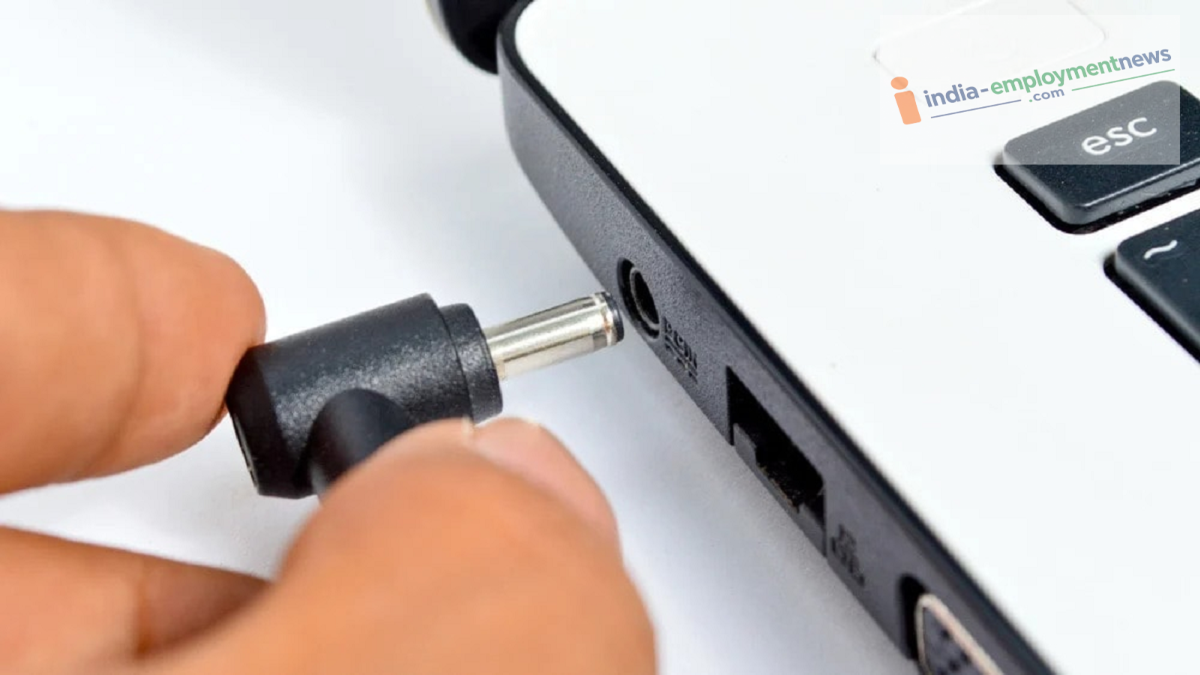
Tech Tips: Laptops are widely used today—from office work to children's studies. People also frequently use them while traveling. In such situations, many resort to using the car's USB port to charge their laptops. But is this the right thing to do? Let’s find out the facts.
What are the downsides?
Charging a laptop via a low-power USB port can result in several problems:
The laptop may not charge at all.
Charging speeds will be extremely slow.
The battery might drain faster during use instead of charging.
Constant low-power input can place extra strain on the charging system.
In some cases, the car's USB port itself could get damaged due to the excessive load.
While modern laptops come with safety systems that minimize direct damage to the device, this method is neither effective nor recommended.
Why shouldn't you charge a laptop using a car's USB port?
It is worth noting that the USB-A or older USB-C ports found in cars are designed for smartphones, music playback, or data transfer. They typically provide a limited power supply at 5V, usually ranging from 5W to 15W.
In contrast, modern laptops require 45W, 65W, 90W, or even higher power output to charge correctly. A standard car USB port is simply incapable of delivering that much power. That is why charging a laptop in a car is generally discouraged.
What if there is a USB-C port?
It is worth noting that while new cars are increasingly equipped with USB-C ports, not every USB-C port supports high-power charging. Many are designed solely for data transfer or low-power charging.
Consequently, if your car does not support USB Power Delivery (USB PD), your laptop will not receive adequate power. Therefore, simply plugging your laptop into a USB-C port without verifying its capabilities is not advisable.
What is the right way to charge a laptop?
If you need to charge your laptop while traveling, the best option is a high-quality car charger that supports USB Power Delivery (PD). Such a charger plugs into the car's 12V socket and can deliver an output of 45W, 65W, or higher.
This allows most modern laptops to charge safely and quickly. If your laptop requires higher power, you can also use a power inverter. This device converts the car's DC power into AC power, enabling you to use your laptop's original charger.
Keep the car battery in mind.
Be aware that if the car engine is turned off while you charge your laptop for an extended period, the car battery may drain. Therefore, try to keep the engine running while charging or avoid charging for longer than necessary.
Additionally, always use high-quality chargers and cables. Using cheap or unverified accessories can impair device performance and carries the risk of damaging the device.
This is why standard car USB ports are not designed for charging laptops; they fail to provide sufficient power, resulting in very slow charging. If you need to charge your laptop while traveling, using a car charger that supports USB Power Delivery or a power inverter is the safest approach.
