
Do Laptops Have an Expiry Date? Here’s When You Need to Replace Yours
Laptop: New operating systems and software often do not function correctly on older laptops.
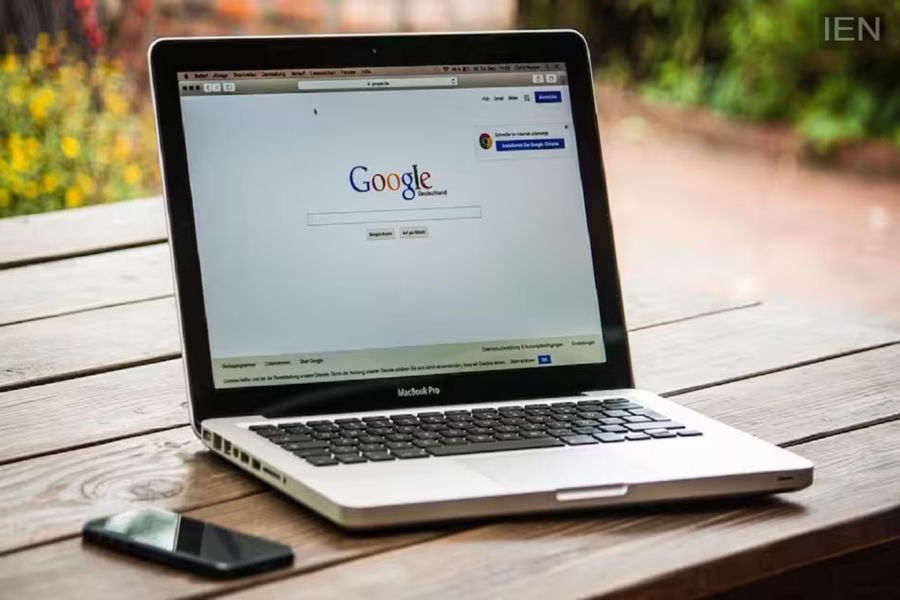
Laptop: In today’s digital world, the laptop has become an essential tool for everyone—whether for office work, working from home, or for students. However, a laptop doesn’t last forever. Just like smartphones, laptops can eventually stop functioning effectively. People often wonder if laptops have an expiry date. Here, we explain when you might need to replace your laptop.
When Updates Stop Coming
It is worth noting that new operating systems and software often do not run properly on older laptops. Many companies also stop releasing security updates for older models, which can increase risks to data security. If your laptop no longer supports essential updates, you should consider replacing it.
Battery Drains Quickly
Over time, every laptop’s battery capacity diminishes. If your laptop runs out of power in just a few minutes or must always remain plugged into the charger during use, you might first consider replacing the battery. However, if other hardware components have also aged alongside the battery, buying a new laptop might be the wiser choice.
When to Buy a New Laptop
If your laptop has become significantly slower than before, frequently hangs, or takes a long time to boot up, these are signs that the system’s hardware is outdated. While upgrading the RAM or SSD can sometimes resolve these issues, if there is no improvement in performance after doing so, you should consider purchasing a new laptop. Frequent Need for Repairs
Moreover, if your laptop frequently encounters issues with the keyboard, screen, motherboard, or other hardware components—requiring you to spend money on repairs every few months—it is better to buy a new laptop instead of repeatedly repairing the old one.
How to Extend Your Laptop’s Lifespan
If you want to extend the life of your laptop, there are a few important things to keep in mind. You should clean the system periodically. Delete unnecessary files, keep your software updated, use reliable antivirus software, and prevent the laptop from overheating. Additionally, upgrading the SSD and RAM can significantly improve the speed of many older laptops.
