
Did the BLO submit your SIR form? Check it from home in minutes using your mobile phone. Learn the complete process.
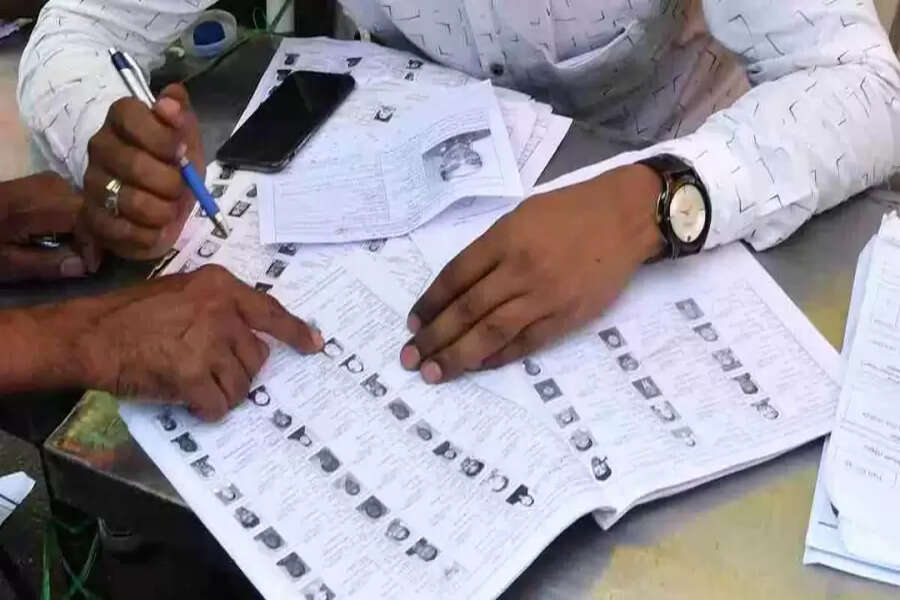
During the ongoing SIR process in states across the country, many people have already filled out their enumeration forms. The biggest question is whether the BLO submitted the form correctly.
SIR: During the ongoing SIR process in 9 states and 3 union territories across the country, many people have already filled out their enumeration forms. The biggest question is whether the BLO submitted the form correctly. The good news is that you can verify this without going anywhere, just from your phone, in a few seconds. With the help of an online system developed by the Election Commission, you can easily find out whether your form has been accepted or is still pending.
What is an enumeration form?
This form is used to update and verify the voter list. BLOs go door-to-door to collect this information to ensure that no eligible citizen is left off the voter list and that no incorrect data is entered. This process is crucial for the Election Commission, as the voter list for upcoming elections is based on it.
How to Check Form Status from Mobile
If the BLO hasn't yet visited you to complete the form, you can fill it out online. However, if you have submitted the form, its status can be checked on your mobile. To do this, search for "Sarkari CSC" on the internet and open the website. Under the "Government Work" section, you'll find the SIR form option. New users must first enter their mobile number, email address, and captcha to complete their registration.
After logging in, select your state from the "Fill Enumeration Form" option that appears, enter your EPIC number, and submit to check whether the form has been submitted. If the screen displays "Your form has already been submitted," your form has been successfully accepted. If you don't see this message, it means the form hasn't been submitted yet. In such a situation, you should contact the BLO in your area for information.
Process for Filling the Online Enumeration Form
If you wish to fill the form online yourself, you must visit the Voter Services Portal at voters.eci.gov.in. Here, you have the option to login to the Special Intensive Revision-2026 section, where you can enter your EPIC number, mobile number, or email address. After this, you must select your state and enter your EPIC number in the form provided, which will then display your voter details and BLO information.
At this stage, you can check important information such as your name, serial number, part number, Assembly or Lok Sabha constituency. To proceed, you must enter your mobile number and complete the OTP verification.
It is important to have your Aadhaar card handy while filling the form, as the final verification is completed using the OTP received on the Aadhaar number and the mobile number linked to it. After submitting the form, you will receive the SIR 2026 Receiver Slip, which you can keep safe for future use.
