
Debit or credit card missing from your wallet? Instead of panicking, take these steps immediately to reduce the risk of fraud..
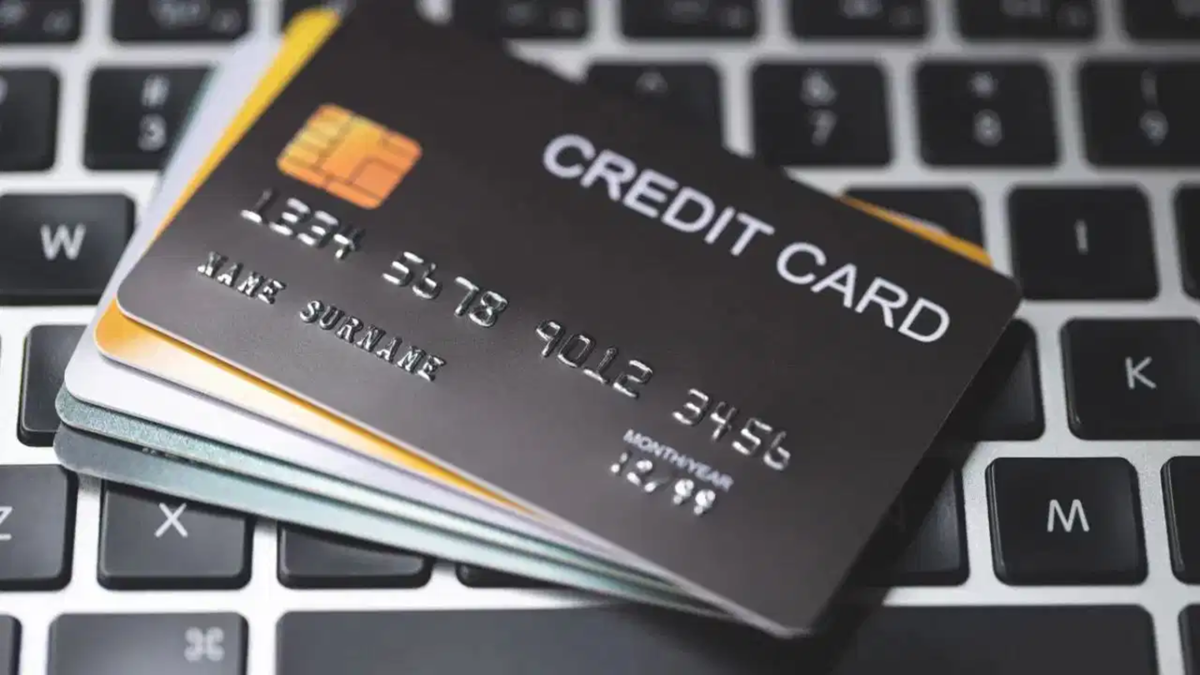
Nowadays, the need to carry cash for purchases has significantly decreased compared to the past. Whether it is online shopping, paying a restaurant bill, or making a payment at a shop, debit and credit cards make the process easy. Many banks offer discounts, cashback, and other incentives for card payments, which is why people are increasingly using them for daily expenses.
However, problems can arise if a card suddenly goes missing from your wallet or gets stolen. In such a situation, simply spending time searching for the card is not advisable; if it falls into the wrong hands, there is a risk of misuse. Therefore, as soon as you realize the card is lost or stolen, you should block it immediately. You do not need to visit a bank branch for this; many banks provide facilities to block cards via mobile apps, internet banking, and SMS.
How to block a card using a mobile banking app?
If your debit or credit card is lost, first open your bank's official mobile banking app. After logging in, follow the steps below:
Open the 'Card' section or the section related to cards within the app.
Identify the specific card you wish to block using its last four digits.
After selecting the card, navigate to options such as 'Manage Card', 'Manage', or 'Support'.
Here, you may see options like 'Disable Card', 'Permanent Block and Reissue', or something similar.
If the card is lost or stolen, select the option to block it permanently. You can also request a replacement (reissue) card if needed.
Confirm your request by following the on-screen instructions.
Once the card is blocked, the bank may notify you via SMS or email. Please note that the names of options and the specific procedures may vary slightly across different banking apps.
**Blocking via Internet Banking**
If you do not have the banking app on your phone or prefer not to use it, you can also block your card using internet banking. To do this, visit the bank's official website and log in to your account. Then, navigate to the 'Cards' section and select the relevant debit or credit card.
Next, go to options like 'Manage Cards' or 'Support' to submit a request to block the card. If the bank asks for the reason (such as loss or theft), select the appropriate option to complete the process. After submitting the request, be sure to check for the confirmation message from the bank.
**Blocking the Card via SMS**
Some banks offer the facility to block cards via SMS. However, the SMS format and number vary by bank. Therefore, before sending a message, check the information provided on the bank's official website or mobile app.
Send an SMS to the designated number, including necessary details—such as the last four digits of the card—in the format specified by the bank. You may receive a confirmation message from the bank once the request is processed.
**Points to Remember if Your Card is Lost**
After blocking the card, check your bank account for recent transactions. If you notice any unfamiliar payments, inform the bank immediately and file a fraud complaint if necessary. Use only the contact numbers provided on the official website, the app, or in the documents associated with the card.
Do not share your OTP, PIN, or internet banking password with anyone. Remember, the sooner you take steps to block the card, the more you reduce the risk of its misuse.
Disclaimer: This content has been sourced and edited from TV9. While we have made modifications for clarity and presentation, the original content belongs to its respective authors and website. We do not claim ownership of the content.
