
CJP Protest: Google Maps will work even during the internet shutdown; send messages via Bitchat—here's how.
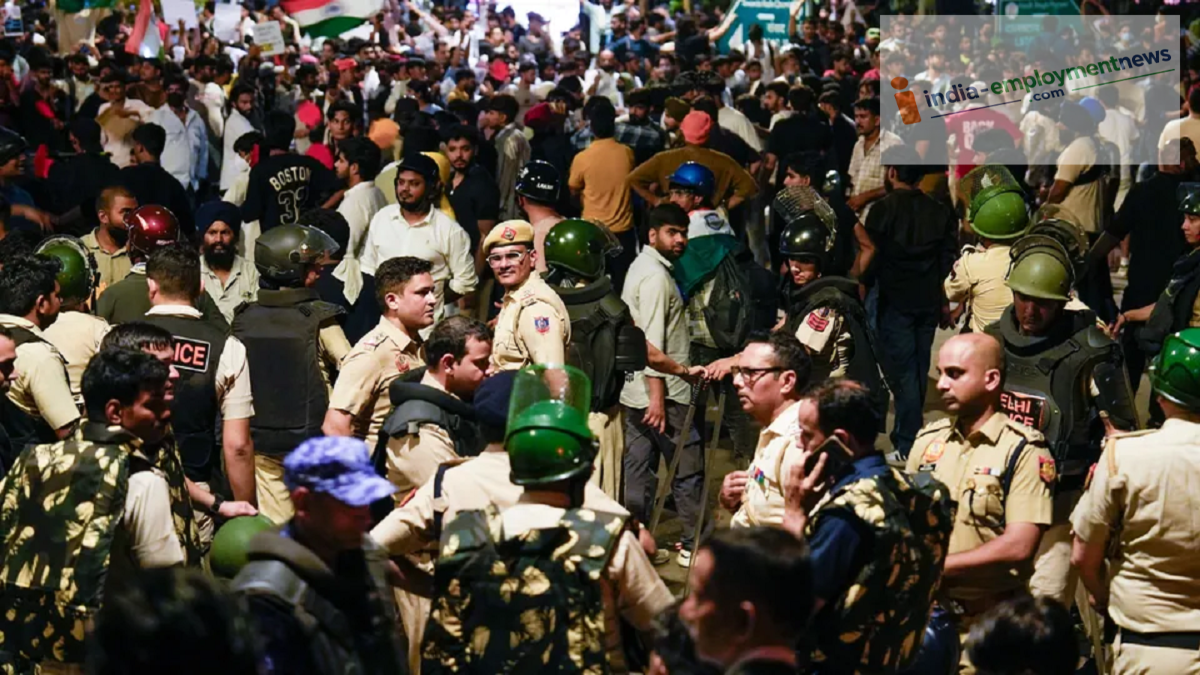
How can you use Google Maps when mobile internet services are suspended around Janpath and Kartavya Path during the CJP protest in Delhi? Learn how to download offline maps, the current availability of the Bitchat app, and essential options for staying connected without the internet.
In view of the CJP protest in Delhi, orders have been issued to suspend mobile internet services within a four-kilometer radius of Janpath and Kartavya Path from 10 PM on October 9 to 10 PM on October 10. This raises questions for people regarding navigation and staying in touch with one another. It is important to understand how Google Maps can be used during an internet shutdown and how useful the Bitchat app—which allows messaging without the internet—will be in this situation.
How will Google Maps work during an internet shutdown?
Google Maps can still be used even when mobile internet is suspended, provided the map for the specific area in Delhi is already downloaded to your phone. This is known as an "offline map." It allows you to navigate within the downloaded area. If the map hasn't been downloaded beforehand, it will not be possible to download it once the internet service is cut off.
However, offline maps have certain limitations. They do not provide real-time traffic updates or suggest alternative routes if the path changes. Information regarding walking routes and public transport is also unavailable in offline mode. Therefore, those visiting the area should download the local map in advance.
How to download maps in Google Maps?
Follow these simple steps before the internet is shut down:
Open Google Maps and search for Delhi or your intended destination.
Open the location details and select the option to download an offline map.
Select the entire area you need and download the map. Once the download is complete, go to the saved maps on your phone to verify.
Google Maps Offline Download Guide
This helps you navigate within the downloaded area even without an internet connection. Ensure that your entire route falls within the downloaded map area.
How to send messages using the Bitchat app?
Bitchat is an app that allows messages to be sent between nearby phones using Bluetooth. It does not require mobile internet or Wi-Fi. Reports of the app being used surfaced during the CJP protests in July.
However, Bitchat is no longer available for download from the Apple App Store or Google Play Store in India. According to reports from October 3, it was removed from app stores following an order by the Ministry of Electronics and Information Technology, Government of India.
Its removal from app stores does not mean that the app stops working on phones where it is already installed. However, its functionality will depend on the current state of the phone and the app itself. Sending messages via Bluetooth may require the app to be active on the phones of other people nearby as well. Therefore, it cannot be considered a foolproof solution for every situation.
What to do during an internet shutdown?
Taking certain precautions can help minimize inconvenience during an internet shutdown. Phone calls and SMS can be used, provided mobile networks and these services remain operational. People should keep a written record of important phone numbers and pre-arrange a meeting point with their companions.
Be sure to do the following before the internet is shut down:
Download offline maps for Delhi and your destination.
Keep a written record of important phone numbers.
Decide on a meeting point and time in advance.
Save important addresses and information on your phone.
Do not download Bitchat or any other app from unknown websites.
In summary, while downloaded Google Maps can help with navigation during an internet shutdown, you will not receive real-time traffic or other live updates. However, given the limited availability of Bitchat, it is not advisable to rely on it entirely.
