
Check Your PF Balance and Download Your Passbook from Home via WhatsApp – A Step-by-Step Guide
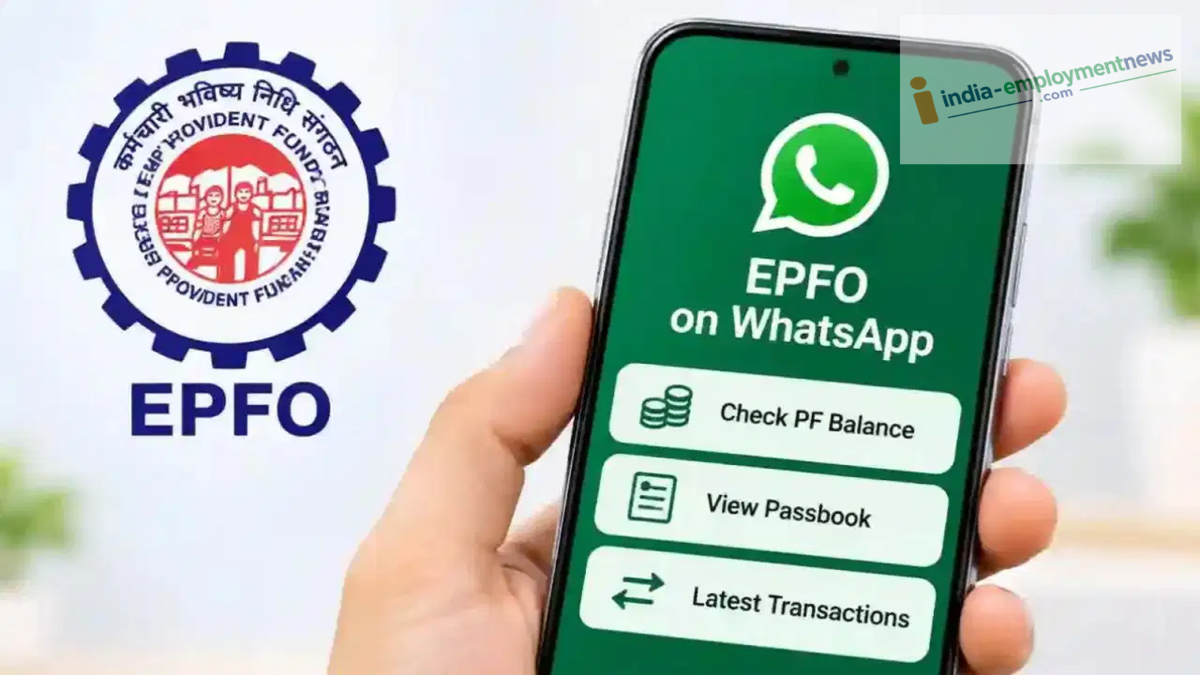
Employees no longer need to repeatedly log in to the EPFO website to check their PF (Provident Fund) balance or download their passbook. The EPFO has introduced a WhatsApp-based service via the number +91 87964 41800, allowing users to view their balance and the last 5 transactions.
EPFO WhatsApp Service: For employed individuals, a portion of their salary is deducted every month as a Provident Fund (PF) contribution. This amount serves as savings for the future. Employees are no longer required to log in to the EPFO website repeatedly to check their PF balance or download their passbook; the EPFO has now made these services available via WhatsApp. Through this, you can view the PF balance and access details of your last 5 transactions.
What is the EPFO’s WhatsApp number?
To use the EPFO’s WhatsApp service, you need to send a message to +91 87964 41800. Through this facility, members can check their PF balance, view their last 5 transactions, and download their account passbook. You also have the option to select your preferred language.
How to check your PF balance via WhatsApp
If you would like to know the balance in your PF account, follow the steps below:
First, save the EPFO’s WhatsApp number, 87964 41800, to your phone.
Open WhatsApp and send a message saying "Hi" to this number.
You will receive a welcome message; select your preferred language from the options provided.
Choose the option to check your PF balance from the list provided.
Complete the verification process by confirming your registered mobile number and providing the requested information.
Once verified, you will be able to view the balance in your PF account.
How to Download Your PF Passbook via WhatsApp
Through this EPFO facility, you can download your PF account passbook. It displays information related to your account, including entries for all transactions made within your PF account.
First, send "Hi" to the EPFO WhatsApp number: +91 87964 41800.
Select your preferred language.
Tap on "Download Passbook" from the given options.
If you have more than one UAN, select the specific UAN for which you wish to download the passbook.
An OTP will then be sent to your registered mobile number.
Enter the OTP on WhatsApp to complete the verification process.
Once verified, you will be able to download your PF passbook.
Your date of birth will serve as the password to open the PDF file of the passbook.
View Your Last 5 PF Transactions
Through this WhatsApp service, employees can also view details of the last 5 transactions in their PF account. This allows you to track recent entries in your account. To do this, connect with the EPFO WhatsApp number and select the relevant transaction option.
What is a UAN?
UAN stands for "Universal Account Number." It is a 12-digit permanent number assigned to employees by the EPFO. If you change jobs, this number allows you to link PF accounts from different employers.
Important Note: Use only the official EPFO WhatsApp number to access information regarding your PF account. Never share your OTP with anyone else. Once you have downloaded your passbook, keep the PDF file secure, as it contains private information about your PF account.
