
Can a phone's fingerprint lock unlock a laptop? Here is the full story.
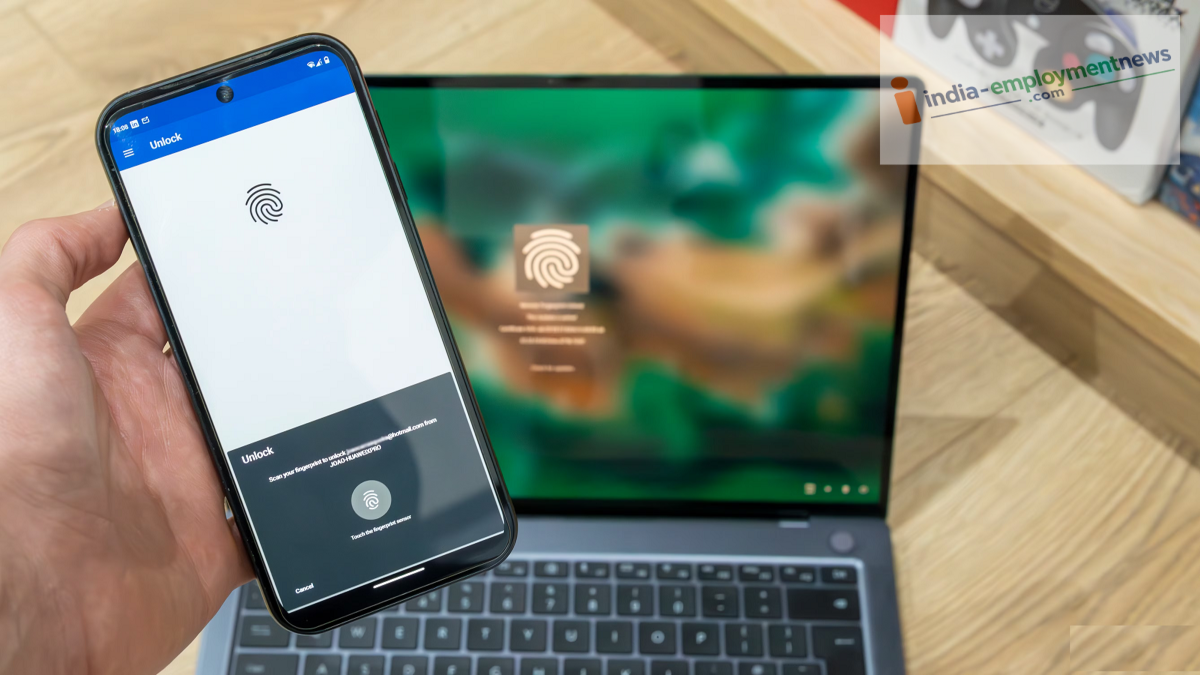
Tech Tips: Fingerprint data saved on your phone cannot be directly shared with a laptop. In smartphones, fingerprint information is stored securely within the device's secure hardware or a protected area.
Tech Tips: Many smart devices have entered the market. Today, the smartphone has become the most widely used device. With advancing technology, smartphones now offer a host of excellent features. In the digital world, data is of paramount importance; consequently, devices are now equipped with increasingly advanced security features. A common question in this context is whether a laptop can be unlocked using the fingerprint sensor on a phone. Let’s find out the facts.
Can a phone's fingerprint unlock a laptop?
In reality, this is not normally possible. Fingerprint data saved on your phone cannot be directly shared with a laptop. Fingerprint information on a smartphone is stored securely within the device's secure hardware or a protected area. The phone uses this data solely to verify whether the person using the device is authorized. This means that the fingerprint registered on your phone is not transferred to the laptop to unlock it.
Why isn't fingerprint data shared?
Fingerprint data is biometric information; therefore, transmitting it to another device—like a standard photo or file—is not considered safe by any measure. Advanced smartphones generally do not share the actual fingerprint image with apps or other devices.
The phone's security system simply verifies whether the scanned fingerprint matches the one previously registered. Permission is granted to the device or app only after this verification.
So, how can a phone unlock a laptop?
It is worth noting that while smartphones can assist in unlocking laptops in certain scenarios, unlocking a laptop directly using the phone's fingerprint sensor is not possible. In fact, certain apps and software establish a secure connection between a smartphone and a computer, allowing the phone to function as an authentication device. For instance, after verifying your identity via the phone's fingerprint scanner, the app grants permission to unlock the laptop. This feature depends on the specific operating system, phone model, app, and security protocols involved.
What are the options for Windows and Mac?
In today's era of technology, many advanced laptops come with their own built-in biometric security systems. Some Windows computers support fingerprint or facial authentication via Windows Hello, while certain MacBook models feature Touch ID. The advantage here is that the fingerprint sensor is directly integrated into the laptop's security system, eliminating the need for a phone to unlock the device.
