
Ayushman Card: How to make Ayushman Card at home, here's how; see the step-by-step process..
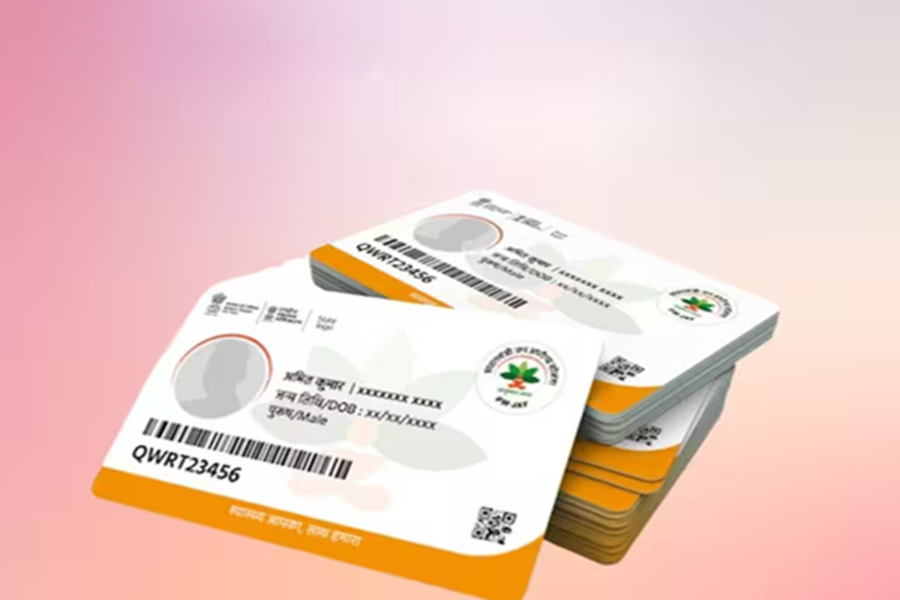
Under the Ayushman Card, needy individuals receive free treatment up to ₹5 lakh. You don't need to visit offices to get one. You can easily make an Ayushman Card from home. Let's learn how. But before delving into the process, let's understand what documents you'll need to apply.
What documents are required?
For an Ayushman Card, you'll need:
Aadhaar Card
Ration Card
Income Proof and Labor Registration Certificate (BoWC)
Mobile Number Linked to Aadhaar
How to Make a Card Through the Ayushman App?
After downloading the app, you'll need to log in.
When logging in, select Login as Beneficiary, then enter the captcha code and mobile number.
You'll receive an OTP on your mobile number; enter it.
A form will then open. Enter PMJAY and your state's name under Scheme and Sub-Scheme.
Then, on the Search By option, you'll need to enter your Aadhaar number, family ID, or ration card number.
After this, enter the captcha code to check your eligibility. Only if you are eligible can you create a card under the scheme.
After completing e-KYC, you can download the card's PDF.
This way, your Ayushman card will be easily created at home.
What are the benefits?
This scheme includes 3 days of pre-hospitalization and 15 days of post-hospitalization.
All tests are included under this scheme.
Medicine expenses are also included.
Medication expenses during hospitalization will also be covered under the insurance.
Furthermore, some eligibility restrictions have been imposed.
Disclaimer: This content has been sourced and edited from Dainik Jagran. While we have made modifications for clarity and presentation, the original content belongs to its respective authors and website. We do not claim ownership of the content.
