
Avoid these 6 mistakes if you have a PF account; EPFO issues alert regarding fake links.
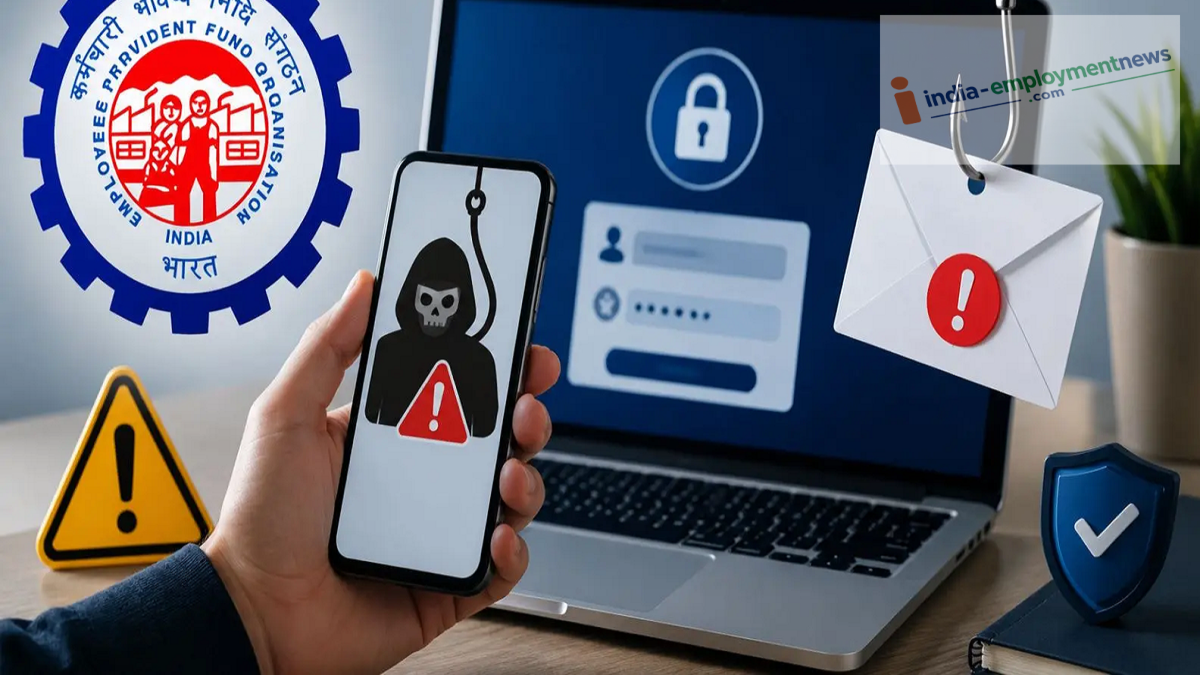
The EPFO has issued an alert concerning online PF services. Learn how to avoid fake links and keep personal information—such as your UAN and OTP—secure.
If you handle any EPF or PF-related tasks online, please exercise caution. The Employees’ Provident Fund Organisation (EPFO) has advised its members to beware of fake links, messages, and emails. The organization urges members to thoroughly verify any link or request for personal information before proceeding.
The EPFO issued this warning via a post on X (formerly Twitter) on August 9. The post appeals to members to remain vigilant online, avoid fake links, and verify website URLs.
Think Before You Click! EPFO urges all members to stay vigilant online. Avoid fake links, verify URLs and protect your personal information at all times.
— EPFO (@officialepfo) August 9, 2026
#EPFOWithYou #HumHainNa #EPFO #ईपीएफओ pic.twitter.com/LwQVy0S84g
Why did the EPFO issue this alert?
Many EPF-related tasks are now performed online. Consequently, cyber fraudsters may target individuals using fake websites and links. These websites can appear identical to official platforms. Such links may be sent via SMS, social media, email, or other unknown sources. Clicking on them could lead to requests for sensitive information such as UAN, passwords, Aadhaar, PAN, bank details, or OTPs. Therefore, instead of using PF-related services through unknown links, it is safer to access the official EPFO website directly.
What are the EPFO's 6 essential guidelines?
The EPFO has outlined key precautions to help members avoid online fraud:
- Use only the official EPFO website. Do not access the site via random links found on the internet, in SMS messages, or in emails.
- Do not click on unverified links. Avoid suspicious links received via SMS, social media, or email.
- Do not share personal information. Do not enter details such as UAN, PPO, passwords, Aadhaar, PAN, bank details, or OTPs on any website other than the official EPFO site.
- Check the URL carefully. Before logging in, verify the spelling of the website address and the domain name. Fake websites may contain subtle alterations. Report suspicious links or websites. Report any phishing links or suspicious messages to EPFO’s official helpline or cybersecurity reporting channels.
- Do not share information over the phone or via messages. EPFO never asks for OTPs, personal information, or login credentials via phone calls, SMS, WhatsApp, social media, or email.
How to avoid fake links?
The most important step is to verify any link received in a message or email before trusting it. Be immediately cautious if a link asks for personal or account-related information under the pretext of providing PF-related services.
Do not log in or enter any information without verifying the website's authenticity. Verifying the website URL yourself and avoiding suspicious links when using EPFO's online services can reduce the risk of falling victim to cyber fraud.
