
Are neighbors secretly stealing your Wi-Fi? Block them in 2 minutes using these easy methods..
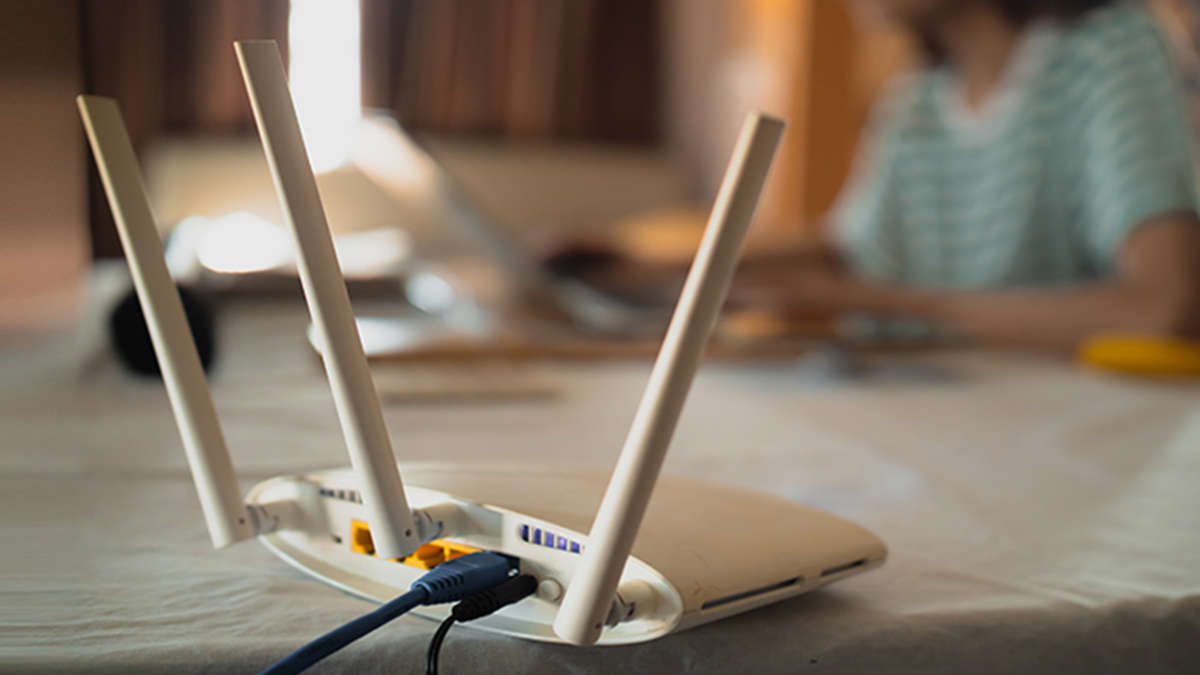
WiFi Security Tips: Most people set a password once when installing a new WiFi connection at home and never revisit the router settings. This minor oversight can leave your internet connection vulnerable.
When neighbors or people nearby use your WiFi without permission, not only does your internet speed slow down, but your data also gets consumed rapidly. An even greater risk is that someone could use your IP address to engage in illicit activities. If this is happening to you, there is no need to panic; you can resolve this issue in just two minutes using your phone or laptop.
Default Router Settings Pose the Biggest Risk
The primary reason for WiFi theft is the router's default settings. Manufacturers often set the initial admin username and password to something very simple, like "admin" or "1234." Default passwords for any router model can easily be found online.
How to Check Who Is Connected to Your WiFi
Type `192.168.1.1` or `192.168.0.1` into your browser (Google Chrome or Safari) and press Enter.
Log in using your router's admin password and navigate to the "Connected Devices" or "Device List" option.
If you spot a phone, laptop, or TV that you do not recognize, it indicates that your WiFi is being used without authorization.
Change the Router Admin Password and Set Security to WPA3
The WiFi password used to connect devices is different from the router admin password. The admin password controls the entire router; change it to a strong, secure password. Check the security mode in the router settings. If it is set to WEP or WPA, it is outdated and insecure. Change this setting to WPA2-PSK or WPA3 to effectively block hackers.
Disable the WPS feature and hide the Wi-Fi name
While the WPS feature makes it easy to connect devices without a password, its PIN can be easily cracked. Go to your router settings and completely disable WPS. Additionally, create a Wi-Fi password that is at least 12–16 characters long, incorporating a mix of letters, numbers, and special characters. Also, enable the "Hide SSID" option on your router; this ensures your Wi-Fi network name does not appear in your neighbors' lists of available networks.
Enable MAC filtering
Enable MAC Address Filtering on your router and whitelist only the MAC addresses of your and your family members' mobile phones and laptops. This way, even if someone discovers your password, they will not be able to use your internet connection. Just as smartphones require updates, it is essential to update your router's software periodically. Outdated firmware compromises security, whereas a new update enhances both your internet speed and security.
Disclaimer: This content has been sourced and edited from NDTV India. While we have made modifications for clarity and presentation, the original content belongs to its respective authors and website. We do not claim ownership of the content.
