
AC – Passengers with waitlisted tickets can now check for vacant train seats on their mobile phones in minutes...
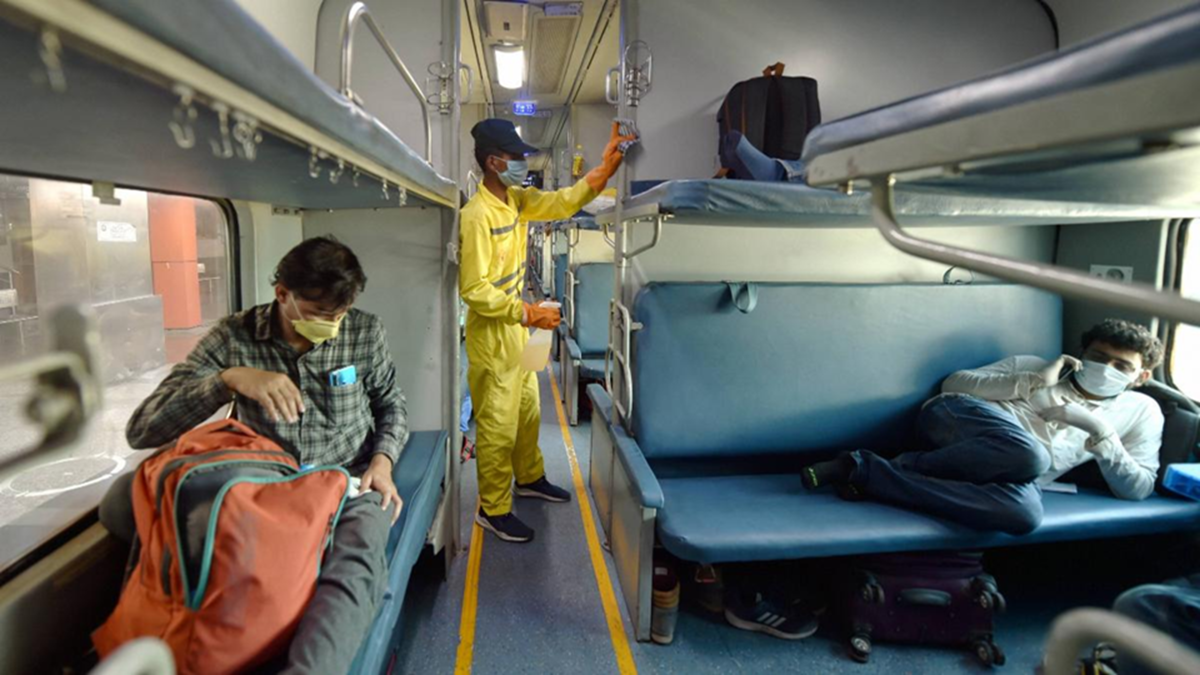
Is your train ticket still on the RAC or waiting list? If so, you won't need to repeatedly approach the TTE for a seat. Indian Railways has introduced a facility allowing passengers to check the availability of vacant berths on the train directly from their mobile phones.
To use this, simply download the IRCTC Rail Connect app on your mobile. Alternatively, you can easily locate vacant berths via the digital chart published on the official railway website. This feature helps passengers stay informed about seat availability during the journey and plan accordingly.
When can you view the list of vacant berths in the coach?
According to IRCTC, the first reservation chart is released approximately four hours before the train's scheduled departure. The second and final chart is prepared about 30 minutes before departure. Consequently, information regarding remaining vacant seats and berths is updated after the second chart is released. This makes it easier for passengers holding RAC or waitlisted tickets to identify which coaches have available seats.
How to view the list of vacant train seats on your mobile
If you are traveling on a waitlisted or RAC ticket, check the list of vacant seats beforehand...
To find vacant seats on the train, first visit the IRCTC Rail Connect app or the official railway website.
Next, navigate to the 'Trains' section within the app and select the 'Charts/Vacancy' option.
Then, enter the train number, date of journey, and boarding station details, and click on 'Get Train Chart'.
Once done, detailed information regarding coach-wise seats and vacant berths will appear on the screen, giving passengers an idea of their chances of securing a seat.
Seat availability displayed in different colors
Seat availability is shown in different colors on the digital chart. If a berth appears in green, it indicates that the seat is completely vacant. Other colors indicate that the seat is available only for specific segments of the journey (between certain stations). This helps passengers easily understand for how long a seat remains vacant and the likelihood of securing it.
Seeing a seat available does not mean you can simply occupy it.
It is important to note that just because a seat appears vacant on the digital chart, it does not mean you can go and sit there immediately. If you hold an RAC or waitlisted ticket, you must first contact the TTE (Travelling Ticket Examiner) on the train for seat allocation.
According to railway rules, only the TTE can officially allocate a vacant seat or berth. If any additional charges apply to the seat allocation, they must be paid, and it is essential to obtain an official receipt from the TTE. Doing so helps avoid any future complications.
Disclaimer: This content has been sourced and edited from NDTV India. While we have made modifications for clarity and presentation, the original content belongs to its respective authors and website. We do not claim ownership of the content.
