
Aadhaar Update Rules: How Many Times Can You Change Your Mobile Number and Address in Aadhaar? Know the Limits and Process
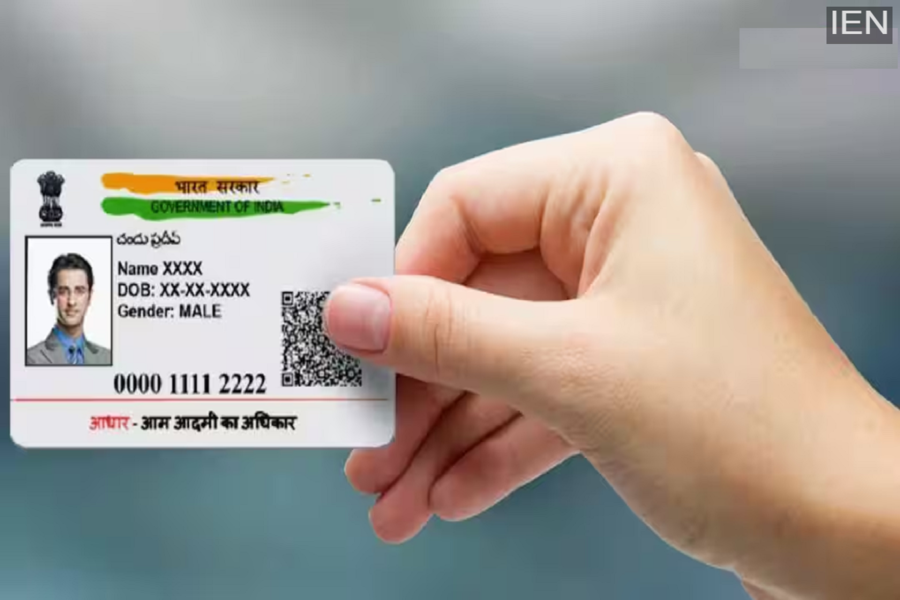
Aadhaar Card Changes: If you wish to make any changes to your Aadhaar card but are unsure how many times such modifications are permitted, you must pay close attention to these specific rules.
Mobile Number and Address: In today's times, the Aadhaar card is no longer merely an identity proof; it has become an indispensable part of our lives, essential for availing benefits related to banking, government schemes, and other vital services. Consequently, the information recorded on your Aadhaar card must be absolutely accurate and updated periodically. However, according to UIDAI regulations, you cannot update every piece of information on your Aadhaar card repeatedly or indiscriminately. So, in this report, let us find out exactly how many times you are permitted to make changes to your personal details.
Find Out Which Information Can Be Updated—And How Many Times
1. Home Address
As a matter of fact, there is no fixed limit on the number of times you can change your home address. This means that if you move to a new city or a new home, you can easily update your address multiple times, whenever the need arises.
2. Your Name
On the other hand, you are permitted to update your name on your Aadhaar card a maximum of only *two* times. Therefore, always keep this in mind: when changing your name, do not forget to thoroughly verify the spelling to ensure it is correct.
3. Your Date of Birth
Furthermore, corrections to your Date of Birth on the Aadhaar card can be made only *once*. Therefore, you must verify this information with extreme care to ensure its accuracy.
4. Mobile Number and Email
If your old mobile number has become inactive, you can link a new number to your Aadhaar. Additionally, alongside updating your mobile number, you can also change your email address without facing any difficulties.
What is the Simple Process for Updating Information?
1. How to Change Your Address Online
First, visit the 'myAadhaar' portal and proceed to log in. Next, select the option to 'Update Address.' On this page, do not forget to upload a valid supporting document along with the details of your new address. However, completing this process may take anywhere from 30 to 90 days.
2. How to Update Your Mobile Number
Meanwhile, if you wish to update your mobile number, you will need to visit your nearest Aadhaar Seva Kendra. Additionally, you can easily update your mobile number using the UIDAI Aadhaar App with the help of an OTP and Face Authentication.
Is there a fee for making these changes?
In fact, UIDAI has fixed a fee of ₹75 per service for updating demographic details on your Aadhaar card—such as your name, address, date of birth, gender, and mobile number. You can now make changes to your Aadhaar card from the comfort of your home without any hassle. Also, remember not to forget to thoroughly verify all details while making these changes.
