
Aadhaar Update: No more running around to change your address on Aadhaar—here’s how to update it online from the comfort of your home..
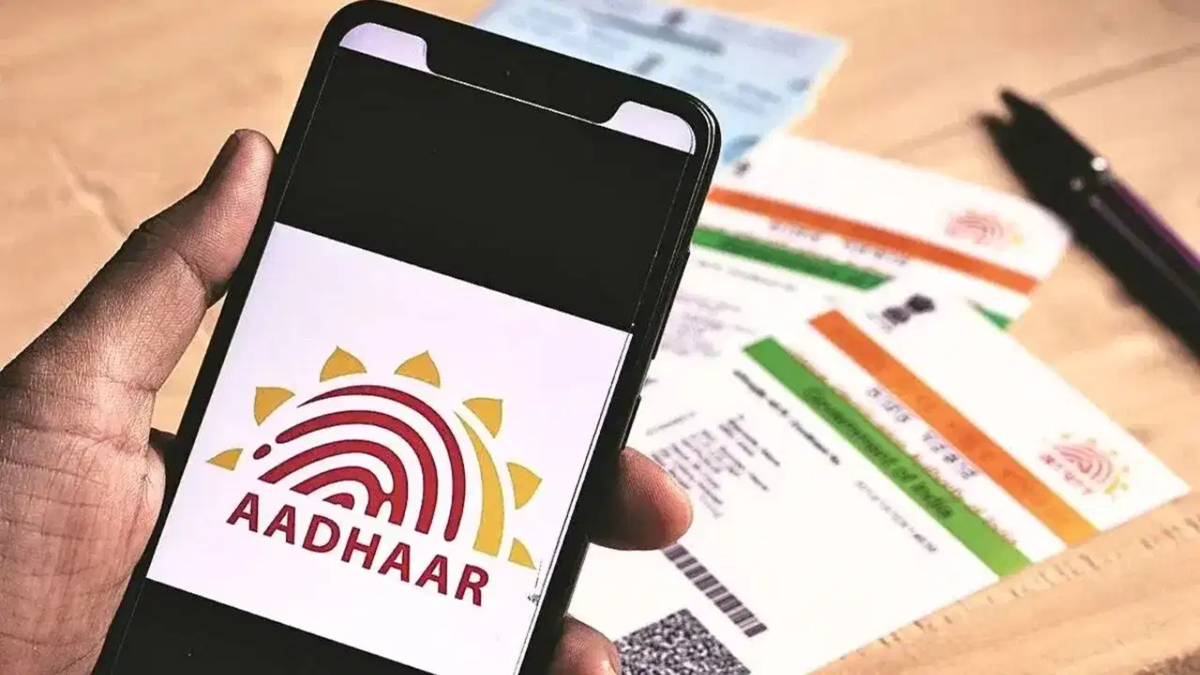
Whether you are opening a new bank account, availing the benefits of a government scheme, or purchasing a new mobile SIM card, the Aadhaar card is the first document requested everywhere. Consequently, if you have recently moved houses or relocated to another city for work, having an outdated address on your Aadhaar card can become an unnecessary hassle.
This is particularly problematic during document verification for banking or government-related tasks; if the address on your Aadhaar card does not match your other documents, the process can come to a standstill. Fortunately, updating the address on your Aadhaar card is no longer as difficult as it used to be. You do not need to stand in long queues outside an Aadhaar Seva Kendra; instead, you can easily complete this task from the comfort of your home using your smartphone or laptop.
**How to update online without queuing up**
The process of updating your address on Aadhaar is straightforward. First, open the official myAadhaar portal (myaadhaar.uidai.gov.in) in your web browser. Enter your 12-digit Aadhaar number and the captcha code displayed on the screen. You will then receive an OTP on the mobile number linked to your Aadhaar; enter this OTP to log in to the portal. Once logged in, you will see an ‘Address Update’ option on the screen. Click on it and select ‘Update Aadhaar using your documents.’ Your current address will be displayed here. Scroll down the page and accurately enter details such as your new address, state, district, city, and PIN code.
**Which documents are valid?**
Along with entering the new address, you must upload a valid document to verify it. You can use an electricity bill in your name, a bank statement, a rent agreement, a passport, or a voter ID card for this purpose. Sometimes, it may not be possible to immediately obtain address proof in your name in a new city. In such cases, you can opt for the ‘Head of Family’ (HoF) option. You can also update your address by providing the head of the family's Aadhaar number and proof of your relationship with them. Upon submitting the form, a 14-digit Update Request Number (URN) will be generated on the screen. Keep this number safe, as you will need it to track the status of your update later.
This service is completely free until June 14, 2027.
When filling out the online form, ensure that the images of the documents you upload are clear. Uploading blurry or damaged documents could lead to your request being rejected. You can update your Aadhaar address at any time, provided you have the valid supporting documents. It is also important to note that if you are simply re-verifying your existing documents without changing your address, the service is completely free until June 14, 2027. However, if you are updating to a new address in your Aadhaar, you will need to pay a nominal fee of ₹75 online.
Disclaimer: This content has been sourced and edited from TV9. While we have made modifications for clarity and presentation, the original content belongs to its respective authors and website. We do not claim ownership of the content.
