
Aadhaar Update: Is your request to correct your Date of Birth in Aadhaar being rejected repeatedly? Don't panic—try this method..
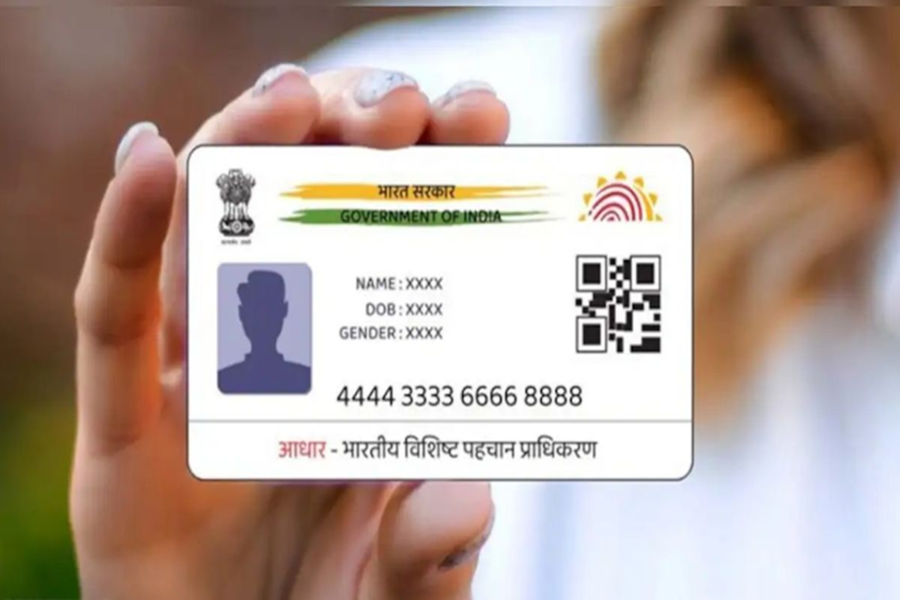
Aadhaar DOB Update Process: In today's times, it is impossible to get even a single task done without an Aadhaar card. Whether it involves opening a bank account or obtaining a new SIM card, Aadhaar is the very first thing requested. But what happens if your Date of Birth (DOB) is incorrect in your Aadhaar record? While this can be corrected easily, the biggest hurdle arises when you attempt to rectify it, only to have your request rejected repeatedly. If you find yourself caught in this very predicament, this article is specifically for you. Let's explore exactly why Date of Birth update requests get rejected and what steps you should take to avoid such issues.
Why Do Aadhaar Date of Birth Updates Fail?
1. If the Date of Birth you enter online does not match the details contained in the supporting documents you have uploaded—such as your 10th-grade marksheet or birth certificate.
2. If the photograph of the document you have uploaded is unclear or illegible, the system will automatically reject it.
3. Often, individuals inadvertently select the wrong option or category, leading to a verification failure.
What to Do If Your Request Gets Rejected?
1. Call the helpline number 1947 and explain your issue.
2. You can also write down the details of your problem and email them to help@uidai.gov.in.
3. In your email, clearly state your name, Aadhaar number, and a detailed description of the issue. Ensure you also attach a clear copy of your correct supporting document so that the support team can verify it.
The Correct Way to Update Your DOB from Home
1. First, visit the UIDAI website, navigate to the 'My Aadhaar' section, and click on 'Update Your Aadhaar'.
2. Enter your Aadhaar number and log in using the One-Time Password (OTP) received on your mobile phone.
3. Go to 'Update Aadhaar Online' and select 'Date of Birth'.
4. Now, enter the exact Date of Birth that appears on your official government-issued documents.
5. Upload a clear photograph of your 10th-grade marksheet, passport, or birth certificate.
6. Finally, pay a nominal online fee of ₹50 (using UPI or a debit/credit card). 7. Your updated Aadhaar will be ready in just a few days.
Disclaimer: This content has been sourced and edited from NDTV India. While we have made modifications for clarity and presentation, the original content belongs to its respective authors and website. We do not claim ownership of the content.
