
Aadhaar Tips: Is your Aadhaar card being misused? Here’s how to check..
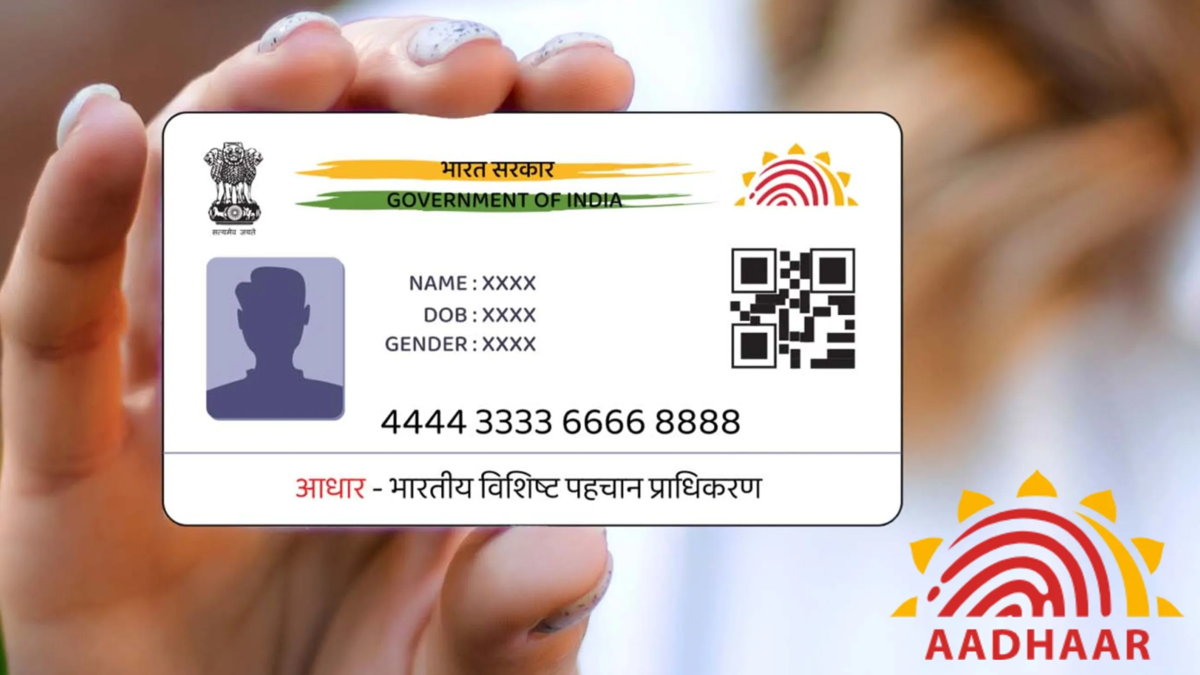
Aadhaar Card Safety Alert: In this digital age, the Aadhaar card has become essential for everything from opening a bank account to getting a new mobile connection. While Aadhaar has made life easier, the risk of its misuse or data theft has also increased significantly.
Carelessly leaving a photocopy of your Aadhaar at a shop or performing biometric authentication on a fraudulent platform can make you a victim of fraud. If you are concerned that your Aadhaar information is being misused, you can track its usage yourself.
What is Aadhaar Authentication History?
Whenever you use your Aadhaar for a service via OTP, fingerprint, or iris scan, a digital record is created in the Unique Identification Authority of India (UIDAI) system. You can use this record to check for any misuse of your Aadhaar. Specifically, you can review all authentication attempts made over the past six months. The record clearly details the date, time, and method used to verify your Aadhaar.
This allows for the immediate identification of any instance where your Aadhaar was used by an agency or at a location without your knowledge.
How to check your Aadhaar usage via the mAadhaar app:
Download the official mAadhaar app from the Google Play Store or Apple App Store. Enter your Aadhaar number and complete the verification using the OTP sent to your registered mobile number. Create a secret 4-digit PIN for secure future access. Click on the 'My Aadhaar' option in the app and enter your 4-digit PIN. Tap on the 'Aadhaar Authentication History' option under the 'Security' tab. Select the date or time period for which you wish to view the information.
Take these 3 immediate steps if you spot a suspicious entry
If you notice any transaction or verification in your authentication history that you did not initiate, take immediate action without delay. First, contact UIDAI’s toll-free helpline number, 1947, to report the suspicious activity.
Additionally, use the 'Biometric Lock' feature in the mAadhaar app to instantly lock your fingerprint and iris data, preventing unauthorized use. Also, make it a habit to check your Aadhaar history periodically.
Use 'Masked Aadhaar'—which hides the initial digits of the Aadhaar number—whenever you need to submit a copy of your identity proof. Do not provide a photocopy of your Aadhaar to any unauthorized shop or individual. Keep your biometrics locked when Aadhaar verification is not required; they can be instantly unlocked via the app whenever needed.
Disclaimer: This content has been sourced and edited from NDTV India. While we have made modifications for clarity and presentation, the original content belongs to its respective authors and website. We do not claim ownership of the content.
