
Aadhaar: Is someone using your Aadhaar without your knowledge? You can find out in just 2 minutes...
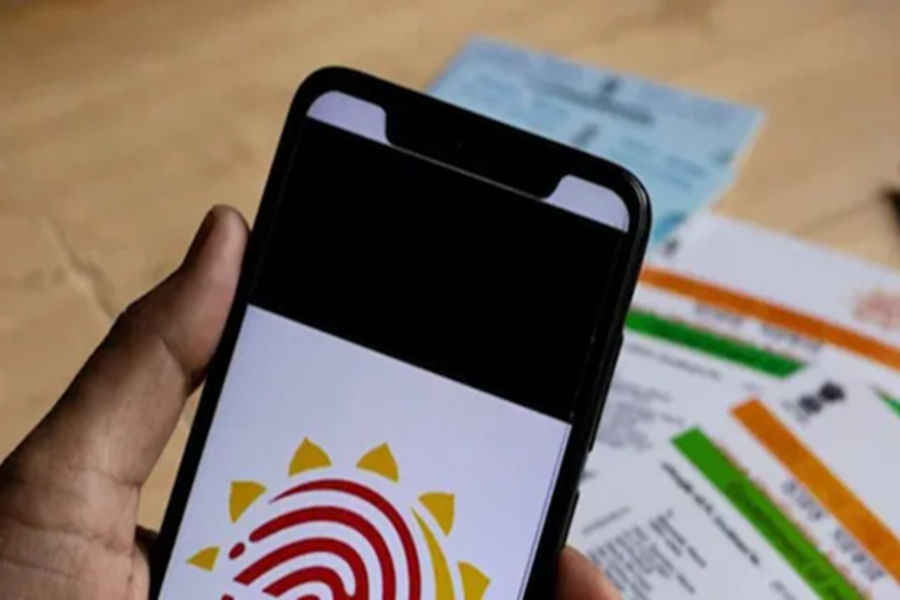
In today's digital age, the Aadhaar card has become the most essential document for establishing our identity. From bank accounts, SIM cards, and PAN cards to income tax filings and gas connections—Aadhaar is required for almost every important task. However, some individuals exploit this Aadhaar card to commit fraud. SIM card fraud, fraudulent bank loans, or unauthorized Aadhaar verifications—these incidents have become increasingly common.
If you do not check your records promptly, you will be the one to bear the financial loss.
The Easiest and Free Method: Check Your Aadhaar Authentication History
The government body, UIDAI, has introduced an excellent facility. You can view your Aadhaar Authentication History online, completely free of charge. This record reveals exactly when, where, and for what purpose your Aadhaar card was last utilized.
Why is it Important to Check This?
A SIM card could inadvertently be issued in someone else's name.
A loan could be taken out against your bank account without your knowledge.
Your personal data could be misused through fraudulent KYC verification.
If you detect any suspicious activity, you can file a complaint immediately.
How to Check Your Aadhaar History from Home? (Step-by-Step)
Method 1:
Via the UIDAI Website: Open a web browser on your mobile phone or computer.
Visit the website: https://resident.uidai.gov.in/aadhaar-auth-history
Enter your 12-digit Aadhaar number.
Enter the Captcha code and click on ‘Generate OTP’.
Enter the OTP received on your registered mobile number.
Select a date range (records for a maximum of 6 months are displayed).
Click on ‘Fetch Authentication History’.
Method 2:
Via the mAadhaar App: Download the official mAadhaar app from the Play Store.
Log in to the app.
Navigate to the ‘Security’ section and select ‘Aadhaar Authentication History’.
You can easily view your records within the app and refresh the page to access the latest information.
What Will You See in History? Date and Time
Location (AUA Name) where the verification took place
Whether the verification was performed via Biometrics, OTP, or QR Code
Whether the transaction was successful or failed
If you notice any unfamiliar name or location that you do not recognize, immediately call the UIDAI helpline at 1947 or file a complaint online.
Additional Security Measures
Lock your Aadhaar biometrics (via the app or website)
Use a Virtual ID (VID) wherever necessary
Share your Aadhaar details only where absolutely required
Keep checking your history every 1–2 months.
Aadhaar is your identity; keeping it secure is your responsibility. Do not give any opportunity to middlemen or fraudsters. Take just 2 minutes today to check your Aadhaar history. If everything looks fine, breathe a sigh of relief; however, if you spot anything amiss, take immediate action.
Disclaimer: This content has been sourced and edited from News18 Hindi. While we have made modifications for clarity and presentation, the original content belongs to its respective authors and website. We do not claim ownership of the content.
