
Aadhaar-Google Wallet: An Easy Way to Carry Your Aadhaar Card—Here's How to Save It to Google Wallet; Learn the Process..
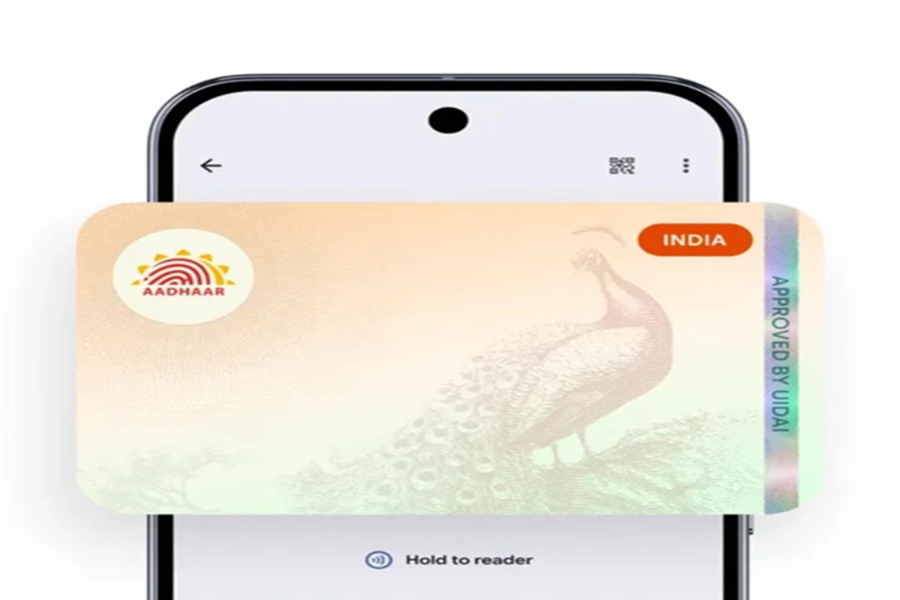
Aadhaar Card on Google Wallet: If you find it cumbersome to carry your Aadhaar card in your physical wallet at all times, there is good news for you. Thanks to a new feature in Google Wallet, you can now save a digital version of your Aadhaar card directly on your mobile phone. This will make the process of identity verification and authentication even faster, easier, and more secure. Now—whether you are checking into a hotel, presenting identification at an airport, or submitting an ID for official government work—there will be no need to carry a physical Aadhaar card with you.
**Partnership between Google and UIDAI**
Google has partnered with India's UIDAI (Unique Identification Authority of India). Under this partnership, Indian users can now directly save their Aadhaar card details within the Google Wallet app. The objective of this new feature is to provide greater convenience to people, eliminating the need to carry the physical card repeatedly and simplifying the identity verification process. All in all, storing your Aadhaar card in Google Wallet will save time, reduce hassle, and allow you to complete tasks in a more secure manner than before.
**Now Store Your Digital Aadhaar Card on Mobile**
According to Google, users can now save their Aadhaar card on their smartphones as a "Verifiable Credential." This means that your Aadhaar data will be stored securely on your phone and can be used for verification purposes—both online and offline—whenever required.
**How to Save Your Aadhaar Card to Google Wallet?**
Adding your Aadhaar card to Google Wallet is quite simple. To do so, you will need to complete a verification process using a One-Time Password (OTP) sent to the mobile number registered with your Aadhaar account at UIDAI. First, download the latest version of the Google Wallet app. Open the app and tap on the "+" or "Add to Wallet" option located on the home screen. From the menu, select the "ID Pass" or "Aadhaar Card" option. Subsequently, your Aadhaar details will be verified through the official UIDAI portal.
You will receive an OTP on your registered mobile number; enter this OTP to complete the verification process. Alternatively, if you are using the new, updated UIDAI Aadhaar app, you can generate a "Verifiable Credential" directly within that app and add it to Google Wallet using the "Share ID" option.
Disclaimer: This content has been sourced and edited from NDTV India. While we have made modifications for clarity and presentation, the original content belongs to its respective authors and website. We do not claim ownership of the content.
