
Aadhaar Card: Update Your Mobile Number on Your Aadhaar Card from Home—Learn the Simple Process..
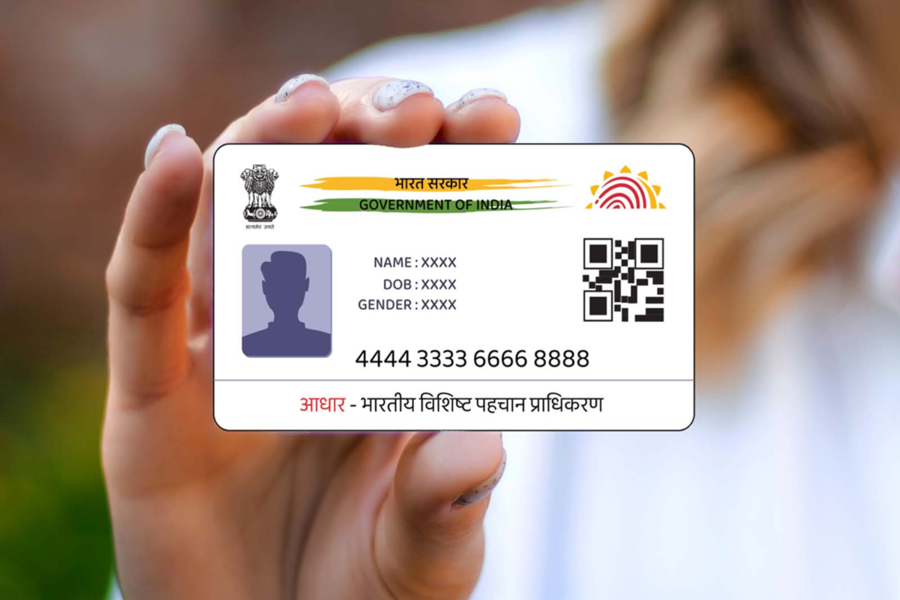
Aadhaar Card Mobile Number Update: Whether it involves opening a new bank account or obtaining a new SIM card, an Aadhaar card is required for almost every task. In today's digital era, the Aadhaar card has become one of the most essential documents. Consequently, it becomes crucial to update your Aadhaar card details periodically; otherwise, various tasks may get stalled. If you are considering updating the mobile number linked to your Aadhaar card, then this news is specifically for you. Please note that you no longer need to stand in long queues at an Aadhaar Center to update your mobile number on your Aadhaar card. You can now easily update your new mobile number from the comfort of your home using your mobile phone. Let's find out how...
How to Update Your Mobile Number on Your Aadhaar Card?
Often, the mobile number linked to an Aadhaar card becomes inactive or is no longer in use for various reasons. In such instances, updating the Aadhaar card with a new mobile number becomes essential. To perform this update, you will need to install the new Aadhaar app on your mobile phone. With the help of this app, you can update your number right from your home. Let's walk through the complete process:
1. First, log in to the Aadhaar app using your Aadhaar number and complete the verification process via an OTP.
2. Next, click on the 'Services' option within the app.
3. Then, tap on 'Update Mobile Number'.
4. Subsequently, enter the new mobile number you wish to update.
5. An OTP will now be sent to this new number; enter it to complete the verification process.
6. Once verified, submit your request for the update.
7. After submitting the update request, you will receive an Update Request Number (URN), which you can use to track the status of your request.
Important Note
While updating your Aadhaar card, please fill in all information accurately and carefully. If any information is found to be incorrect, your Aadhaar update request may be rejected. Additionally, in certain specific cases, you may still be required to visit an Aadhaar Center to update your mobile number.
Disclaimer: This content has been sourced and edited from NDTV India. While we have made modifications for clarity and presentation, the original content belongs to its respective authors and website. We do not claim ownership of the content.
