
Aadhaar Card: How to change your mobile number in your Aadhaar Card from home: See the step-by-step process..
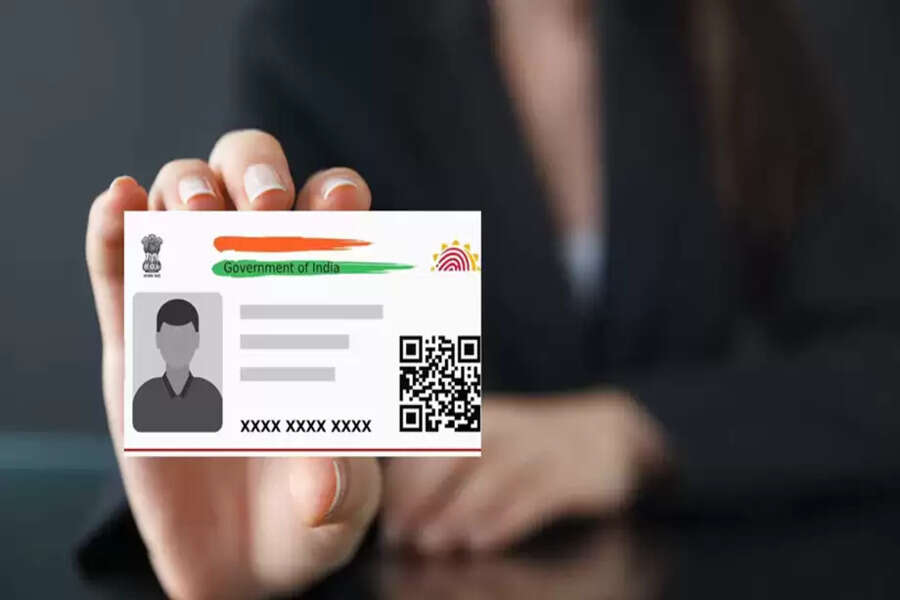
We can't even imagine getting anything done today without an Aadhaar card. Whether it's banking transactions or going to school, an Aadhaar card is essential. The mobile number linked to your Aadhaar card must also be correct. If it's not, you might face problems with verification via OTP.
Therefore, your current mobile number must be linked to your Aadhaar card. Let's learn how you can link a new mobile number to your Aadhaar.
How to link your mobile number?
Step 1 - First, go to the UIDAI website.
Step 2 - Here you will see the "Get Aadhaar" option under "My Aadhaar." You will also find the "Book Appointment" option here.
Step 3 - Now, enter your city or location and click on "Proceed to Book Appointment."
Step 4 - After this, enter your mobile number and captcha, then enter the OTP received on your mobile phone.
Step 5 - Now select your Resident Type.
Step 6 - Now enter the other requested information, such as your new mobile number.
Step 7 - Now click on "Next" and select the Appointment Date and Time (the date and time you want to visit).
Step 8 - Carefully review all the entered details once again. Finally, click on the "Submit" button.
Step 9 - Go to the Aadhaar center on the date and time you selected for your appointment. A staff member will be there to take your biometric details and link your new mobile number to your Aadhaar.
You can also update your mobile number from home using the app.
How to update using the app?
Step 1 - First, go to the "Update Aadhaar Online" option.
Step 2 - Now verify yourself through face scan or OTP.
Step 3 - After verification, you will have to enter your new number. If any other details are requested, enter them as well.
Step 4 - Now submit the required fee and the application.
Step 5 - You can now track the status online.
Disclaimer: This content has been sourced and edited from Dainik Jagran. While we have made modifications for clarity and presentation, the original content belongs to its respective authors and website. We do not claim ownership of the content.
