
YouTube New Update: Now Set Your Own Time Limit for Shorts—Set it to '0 Minutes' and They'll Disappear from Your Feed..
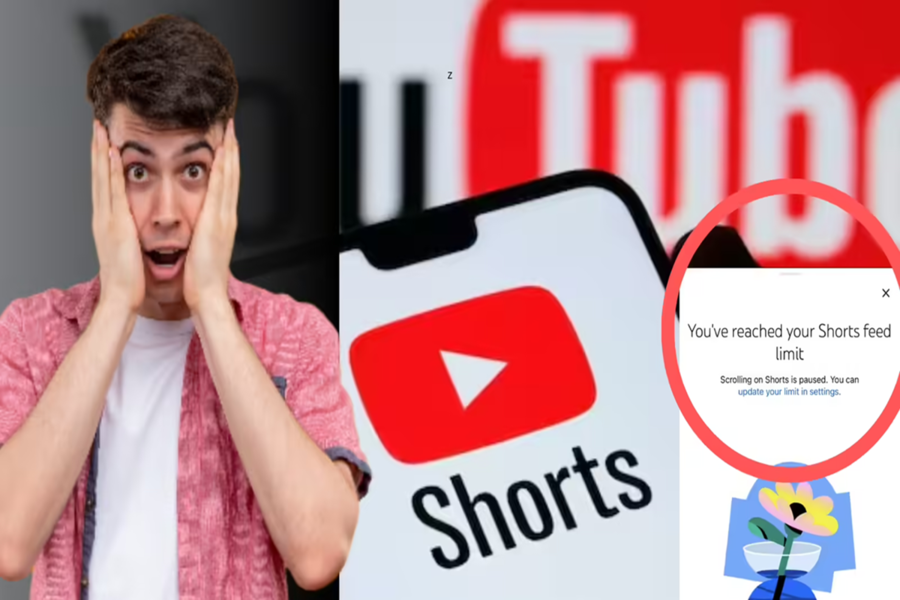
If you, too, find yourself opening YouTube only to lose track of time and waste precious hours watching Shorts without even realizing it, then there is great news for you. YouTube has introduced a new control for its users that allows you to completely remove Shorts from your home screen. Let's explore what this new feature is, how it works, and how you can use it.
**What is this new update?**
Essentially, YouTube has made a significant change to its 'Shorts Timer' feature through a recent update. When this feature was first introduced last October, the minimum time limit you could set for watching Shorts was 15 minutes; however, the company has now added a new 'zero' minutes option. This simply means that if you set this limit to zero, Shorts will completely disappear from your home screen.
Furthermore, if you set a specific time limit—such as 15 or 30 minutes—and that duration elapses while you are watching Shorts, the videos will immediately stop appearing in the tab. Subsequently, an alert reading "You have reached your Short limit" will appear on your screen. The most notable aspect of this new update is that you will no longer be able to dismiss this notification from your screen—a design choice intended to genuinely help you break the addiction to Shorts.
**How to set the Shorts limit on your phone?**
If you wish to use this feature to curb your addiction to Shorts, setting it up on your phone is incredibly simple. To do so, first open the YouTube app on your phone, tap on your profile picture, and navigate to 'Settings.' Within the Settings menu, you will find a 'Time Management' option; tap on this to proceed.
Next, toggle on the 'Shorts feed limit' option. You can now select a time duration that suits your preferences; if you wish to remove Shorts from your home screen entirely, simply set this limit directly to '0'. However, please note that this new feature has currently been released exclusively for the mobile app. This feature is currently unavailable for users accessing YouTube via a computer or web browser.
Why did YouTube suddenly take this step?
This feature arrives at a time when a U.S. court recently found YouTube and Meta liable and imposed fines on them. These companies were accused of deliberately designing their platforms in a way that fosters addiction among children and young adults.
Features such as "infinite scroll" were identified as detrimental to the mental health of children. In the wake of this controversy, YouTube decided to empower users with this control, enabling them to protect themselves from such addiction.
What about other apps?
Platforms like Instagram and TikTok already offer similar features that allow users to set screen time limits.
Disclaimer: This content has been sourced and edited from Amar Ujala. While we have made modifications for clarity and presentation, the original content belongs to its respective authors and website. We do not claim ownership of the content.
