
Your smartphone will work easily even with wet hands in the rain—just turn on this amazing feature..
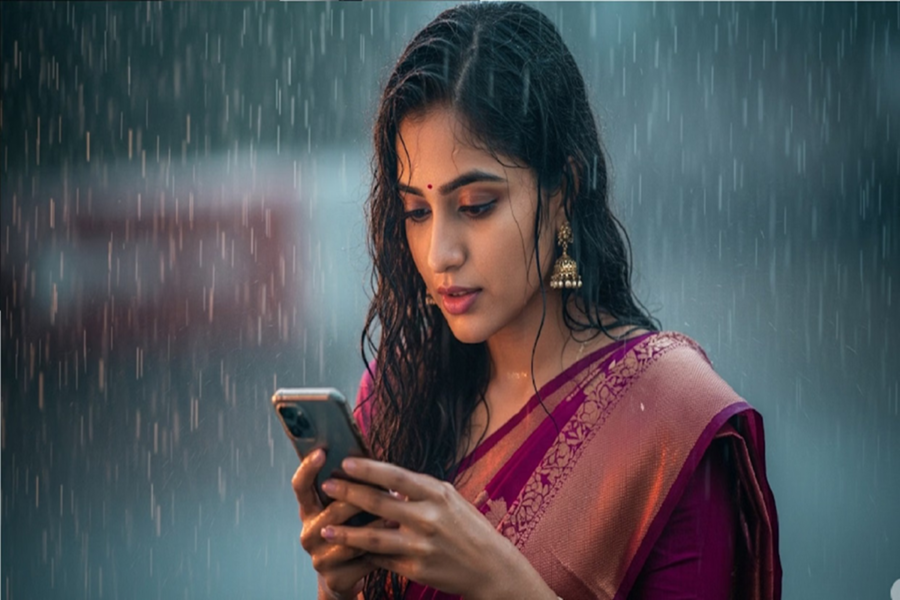
The monsoon season is here, and using a smartphone can sometimes become challenging. When your hands are wet from the rain, the phone screen may fail to respond correctly or register unintended commands.
Usually, this requires you to constantly wipe your hands dry, but did you know that many modern smartphones come with a feature that allows you to use the device even with wet hands? Let’s find out what this feature is...
What is this feature?
Nowadays, some Android smartphones offer features like 'Glove Mode,' 'High Touch Sensitivity,' or 'Increase Touch Sensitivity.' These features boost the screen's touch sensitivity, ensuring better responsiveness even when your hands are slightly wet or you are wearing gloves. Different smartphone manufacturers may offer this feature under different names on their devices.
How do you enable this feature?
To turn on this feature, go to your phone's Settings.
Open the 'Display' or 'Advanced Features' section.
Look for the 'Touch Sensitivity' or 'High Touch Sensitivity' option.
Enabling this will improve the screen's touch response.
If you do not see this option on your phone, it is likely that your device does not support this feature. Please note that this feature is designed solely to improve touch responsiveness; it does not mean you should use your phone for extended periods during heavy rain.
Disclaimer: This content has been sourced and edited from Dainik Jagran. While we have made modifications for clarity and presentation, the original content belongs to its respective authors and website. We do not claim ownership of the content.
