
Your Phone Could Save a Life: Set Up Emergency SOS Right Now—Here's How..
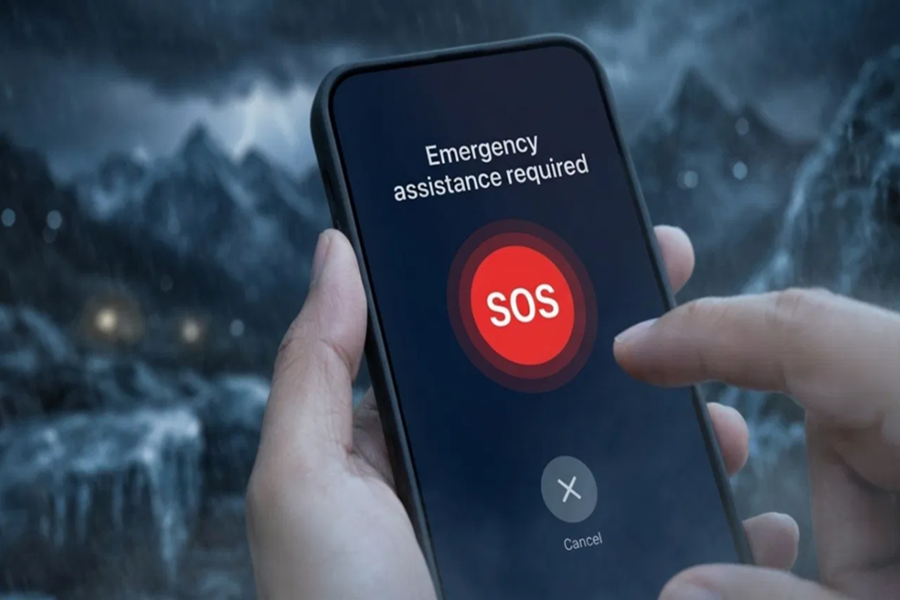
In today's world, a smartphone is no longer merely a device for making calls or accessing the internet; it has evolved into a life-saving tool during emergencies. Yet, most users tend to overlook the "Emergency SOS" feature. In times of danger or accidents, this feature can instantly transmit a distress signal to your loved ones, summoning immediate assistance. Whether you use an Android device or an iPhone, this capability is available on both platforms; however, it is essential to set it up beforehand. At the critical moment, this seemingly small feature can provide invaluable assistance.
**How to Set Up SOS on Android Phones**
Setting up Emergency SOS on an Android smartphone is quite simple, and on most devices, this feature comes pre-installed. To begin, users must first navigate to the **Settings** menu, then open the **Safety and Emergency** section. Here, you will find the **Emergency Contacts** option, where you can add one or more contact numbers. Notably, brands like Samsung and Xiaomi offer advanced functionalities within this feature, such as activating the SOS mode by pressing the power button multiple times. Additionally, options for location sharing and sending automated messages are available, ensuring that critical information is transmitted instantly during an emergency.
**How to Activate Emergency SOS on iPhone**
On Apple iPhones, the Emergency SOS feature is integrated with the **Health** app, making it even more robust and useful. To configure it, users must open the **Health** app, access their profile, and select the **Medical ID** section. From there, by tapping the **Edit** option, you can add Emergency Contacts and specify your relationship with each of them. During an emergency, this feature on the iPhone automatically shares your location, ensuring that your designated contacts receive continuous updates regarding your precise whereabouts. The feature can be instantly activated by pressing and holding the power button for an extended period or by using a specific button combination.
**Why This Feature Is Essential and How It Helps**
The Emergency SOS feature stands as one of the most critical—yet frequently underutilized—tools found on any smartphone. This feature does more than just place a call; it sends alerts to your selected contacts and shares your real-time location data. On some smartphones, activating the feature also triggers a loud alarm sound, which serves to alert people in the immediate vicinity. In the event of an accident, a medical emergency, or any situation involving personal danger, this feature plays a pivotal role in ensuring that help arrives as quickly as possible. Therefore, experts advise that every user should definitely add at least two emergency contacts and periodically check this feature.
Disclaimer: This content has been sourced and edited from TV9. While we have made modifications for clarity and presentation, the original content belongs to its respective authors and website. We do not claim ownership of the content.
