
Your phone can also tell you about the air quality! Here’s how to check the AQI from the comfort of your home..
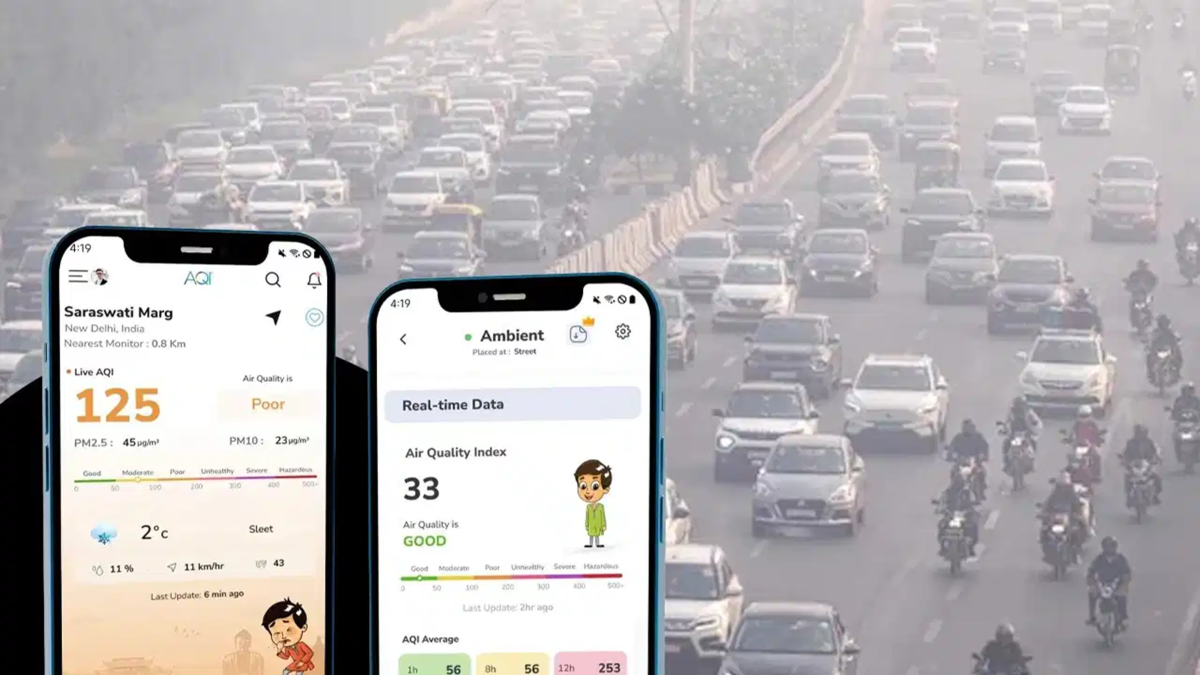
Amidst rising pollution, it has become essential to know how clean the air we breathe actually is. Often, it is difficult to gauge the level of air pollution just by looking at the weather outside. Fortunately, you can check the Air Quality Index (AQI) for your area from the comfort of your home using your smartphone—in just a few minutes.
You don’t need any specialized equipment for this. In addition to the Central Pollution Control Board’s (CPCB) 'SAMEER' app and website, platforms like Google Maps, IQAir, and AQI.in also provide information on air quality. Let’s look at how you can use these tools to find the AQI in a matter of minutes.
Check AQI using the SAMEER app.
The SAMEER app was developed by the Central Pollution Control Board (CPCB). It provides information on air quality across various cities in the country and can be downloaded from the Google Play Store or Apple App Store. Once you open the app, select your location; you will then be able to see the AQI from nearby monitoring stations. You can also view data on specific pollutants, such as PM2.5 and PM10.
Check air quality via the CPCB website.
If you prefer not to download an app, you can check the AQI directly on the CPCB website. Simply visit the site and select your city or area. You will then be able to see the AQI for different locations, along with details regarding the pollutants present in the air.
Check AQI using Google Maps.
Google Maps also offers an option to view air quality. Open the app, tap on the 'Layers' icon (usually found at the top), and select the 'Air Quality' layer. The AQI for various areas will then appear on the map, allowing you to check the air quality in your vicinity before you head out.
Use the IQAir app or website.
You can also use IQAir to check the AQI for your city and surrounding areas. Simply visit their app or website and select your location. In addition to air quality data, you can also access further information regarding pollution.
Check pollution levels at AQI.in
By visiting the AQI.in website, you can search for your city or locality. You will find the Air Quality Index (AQI) as well as the level of pollution present in the air. This also makes it easy to compare air quality across different areas.
What do AQI figures mean?
The lower the AQI figure, the cleaner the air is considered to be. In India, the levels can be understood as follows:
0–50: Good air quality
51–100: Satisfactory
101–200: Moderate pollution
201–300: Poor air quality
301–400: Very poor air quality
401–500: Severe pollution
If the AQI in your area is high, take precautions when stepping outside. Children, the elderly, and individuals with respiratory issues, in particular, need to be extra cautious.
Disclaimer: This content has been sourced and edited from TV9. While we have made modifications for clarity and presentation, the original content belongs to its respective authors and website. We do not claim ownership of the content.
