
You can send large files even without a USB cable or pen drive; here are 5 smart ways you probably don't know about..
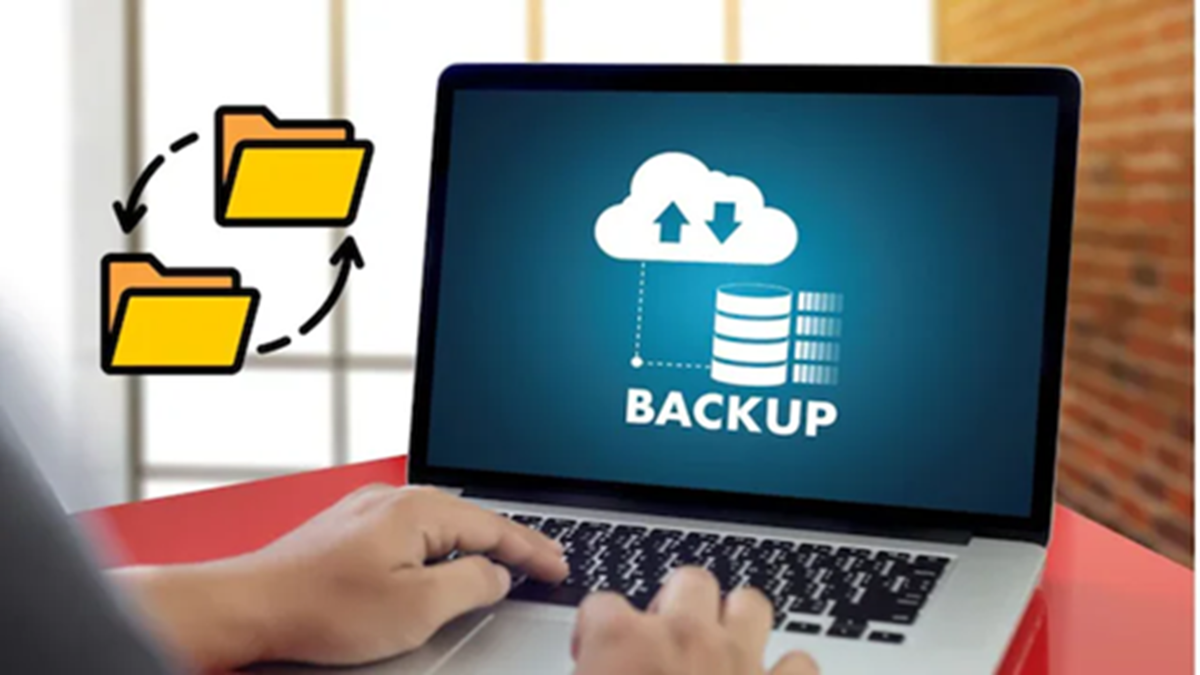
Often, we need to transfer large files but lack a pen drive or USB cable. There is no need to worry in such situations; with a few smart tricks, you can easily transfer files without any physical storage device. Today, we will explore five such easy methods.
Cloud storage as your virtual pen drive: Cloud storage services like Google Drive, OneDrive, and Dropbox offer convenient options for file transfer. You simply need to upload the file from your smartphone or computer to these platforms. You can then generate a sharing link and send it to anyone.
A key advantage of this method is that the file can be accessed from anywhere via the internet. However, do ensure you check the sharing permissions and privacy settings for important files.
Direct transfer via AirDrop and Quick Share: If you need to transfer up to 10–15 GB of data between two nearby devices, wireless file sharing proves very useful. Features like AirDrop are available for Apple users, while Android and Windows users have access to Quick Share.
These features utilize the device's wireless connectivity to transfer files without requiring an internet connection. This method is particularly suitable for large files.
Messaging apps can also help: Today, apps like WhatsApp and Telegram are used for more than just chatting; they can also be used to share files. Telegram allows for the transfer of large files, while WhatsApp’s document sharing feature enables you to send photos, PDFs, and videos as documents. When using this method, it is important to keep file size limits in mind.
Third-party file-sharing websites:
If you need to send a large file to a client or friend located far away, file-sharing websites like WeTransfer can be very useful. You can upload the file to generate a download link, which you can then share with the recipient.
The advantage here is that, in many cases, you do not need to install a separate app to send the file. However, be sure to check conditions such as file size limits and link validity before using them.
You can also share files via LAN.
If two computers or laptops are connected to the same Wi-Fi network, files can be shared over the local network. This eliminates the need to upload files to the internet, allowing large files to be transferred quickly across the local network.
So, there is no need to worry the next time you don't have a pen drive or USB cable. Depending on your needs, you can use options like cloud storage, AirDrop, Quick Share, messaging apps, file-sharing websites, or a local network.
Disclaimer: This content has been sourced and edited from News18 Hindi. While we have made modifications for clarity and presentation, the original content belongs to its respective authors and website. We do not claim ownership of the content.
