
You Can Make UPI Payments Even Without the Internet or a Smartphone—Most People Don't Know These 3 Easy Methods..
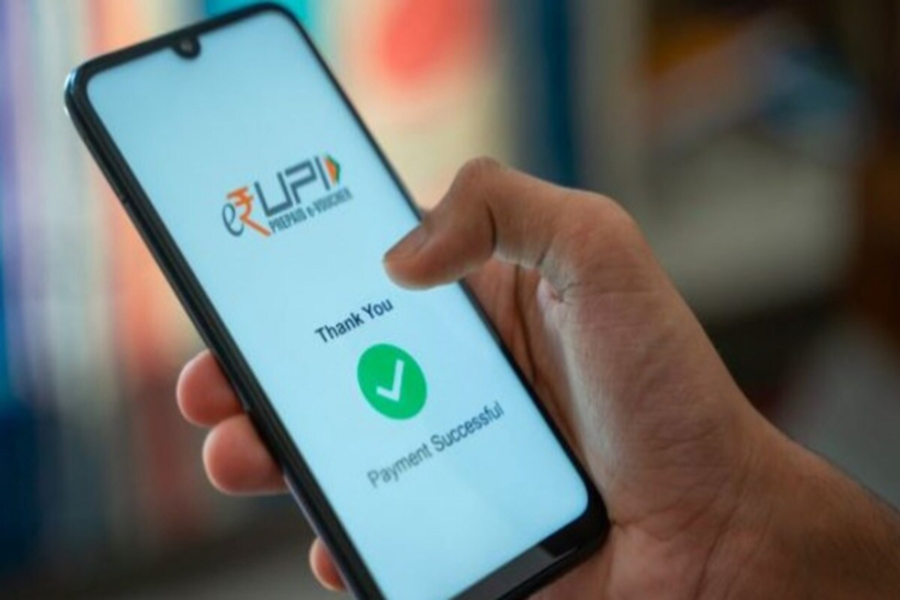
In today's times, UPI payments have become an integral part of our daily lives; however, making payments can sometimes become difficult due to weak network signals or the absence of a smartphone. In such situations, very few people are aware that UPI payments can actually be made even without the internet or a smartphone.
Yes, indeed! To facilitate this, the NPCI has introduced several features that allow you to easily make digital payments, even using a feature phone. Here, we have outlined three simple methods that enable you to make UPI payments without an internet connection. Let's explore these methods in detail...
**Via IVR Call**
If your phone lacks an internet connection, you can make payments using the IVR (Interactive Voice Response) service. To do this, you simply need to place a call to one of the following numbers: 080 4516 3666, 080 4516 3581, or 6366 200 200.
Once the call connects, select your preferred language and then follow the instructions provided. Through this interface, you can access various UPI services—ranging from sending money to checking your account balance. To complete the transaction, you will be required to enter your UPI PIN at the very end.
**Via Missed Call**
Furthermore, you can now make UPI payments simply by placing a missed call. Many shops and merchant outlets provide specific dedicated numbers for this purpose. If you place a missed call to one of these numbers, you will subsequently receive an automated callback.
You will then be prompted to confirm the payment amount and enter your UPI PIN. As soon as you enter the PIN, the transaction will be completed. This method is particularly beneficial for users who do not have access to the internet or a smartphone.
**UPI Apps on Feature Phones**
If you own a feature phone, you can still avail yourself of specialized UPI services. Several companies are now offering specific apps and systems on their phones that enable users to utilize UPI even on standard keypad phones.
To access this facility, users must first link their mobile number to their bank account. Subsequently, once the OTP verification is complete and the UPI PIN is set, you will be able to easily send and receive money. Many feature phones also offer features such as 'Scan and Pay'.
