
WiFi: Is someone secretly using your Wi-Fi? Change these essential router settings today..
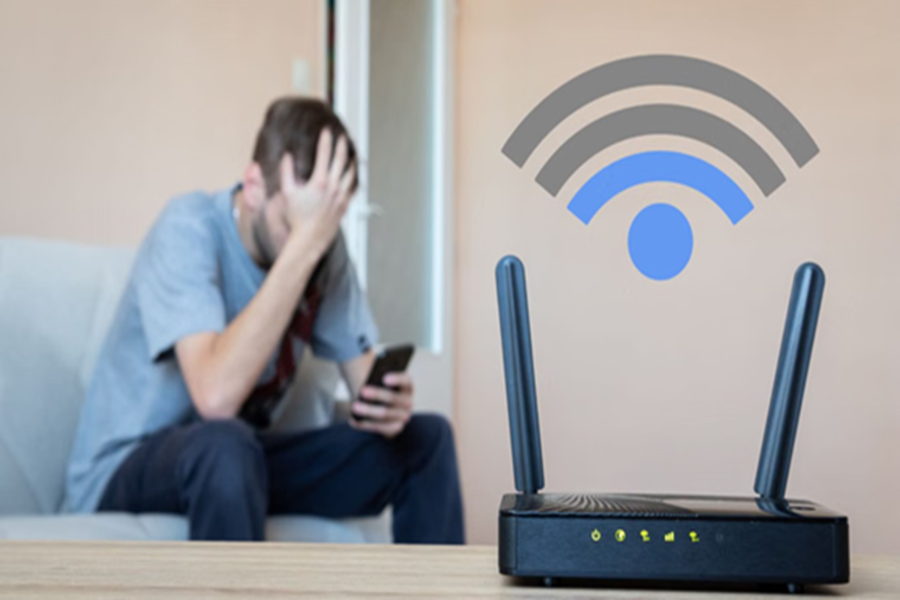
In today's world, Wi-Fi is present in almost every home. However, people often complain that their internet has suddenly slowed down or that the network isn't functioning properly. In such situations, one possible reason could be that a neighbor or an unknown individual is using your Wi-Fi network. Often, due to leaked passwords or the failure to set a password, others quietly connect to the network without the user even realizing it. Let's explore some simple methods you can use to make your Wi-Fi network completely secure.
**First, Check Which Devices Are Connected**
If you suspect that someone else is using your internet, the first step is to access your router's settings and view the list of connected devices. To do this, you will need to log in to your router's admin panel. Here, you will find an option labeled something like "Connected Devices" or "Attached Devices."
This section provides information on all the mobile phones, laptops, smart TVs, and other devices currently connected to your Wi-Fi network. If you spot a device in the list that you do not recognize, block it immediately.
**Change Your Wi-Fi Password**
If you discover an unrecognized device, the most critical step is to change your password. Continuing to use the old password can be risky. Your new password should be strong; it should incorporate a mix of uppercase and lowercase letters, numbers, and special characters (@, #, $, !). Aim for a password that is at least 12 characters long. Avoid using easily guessable information such as your name, mobile number, or date of birth, as such passwords can be cracked very quickly.
**Avoid Outdated Security Protocols**
Many older routers still operate on outdated and vulnerable security systems. If your router is currently using the WEP security protocol, switch to a different option immediately. Experts recommend using WPA3 or WPA2, as these protocols make it significantly more difficult for hackers to compromise your network.
**Hiding Your Wi-Fi Network Name Also Enhances Security**
Most routers broadcast their network name (SSID) publicly. This is why people in the vicinity can easily detect and view your network. If you wish, you can access your router settings and enable the “Hide SSID” or “Disable SSID Broadcast” option. This ensures that your Wi-Fi network name remains invisible to others. While this does not guarantee absolute security, it certainly makes it more difficult for strangers to locate your network.
**Grant Access Only to Trusted Devices**
Another method to enhance Wi-Fi security is MAC address filtering. This allows you to specify exactly which devices are permitted to connect to your network. Every mobile phone and laptop possesses a unique MAC address. By adding only the addresses of trusted devices to your router's configuration, all other devices are automatically blocked.
**It Is Better to create a Separate Network for Guests**
When friends or relatives visit, people often share their Wi-Fi password with them. Consequently, this password may eventually fall into the hands of numerous individuals. In such scenarios, creating a “Guest Network” is considered a much more secure approach. This ensures that guests utilize a separate network, thereby keeping your primary network secure. Furthermore, the password for the guest network can be easily changed once it is no longer needed.
Disclaimer: This content has been sourced and edited from Amar Ujala. While we have made modifications for clarity and presentation, the original content belongs to its respective authors and website. We do not claim ownership of the content.
