
Why shouldn't you place a Wi-Fi router near the TV? Most people don't know the reason..
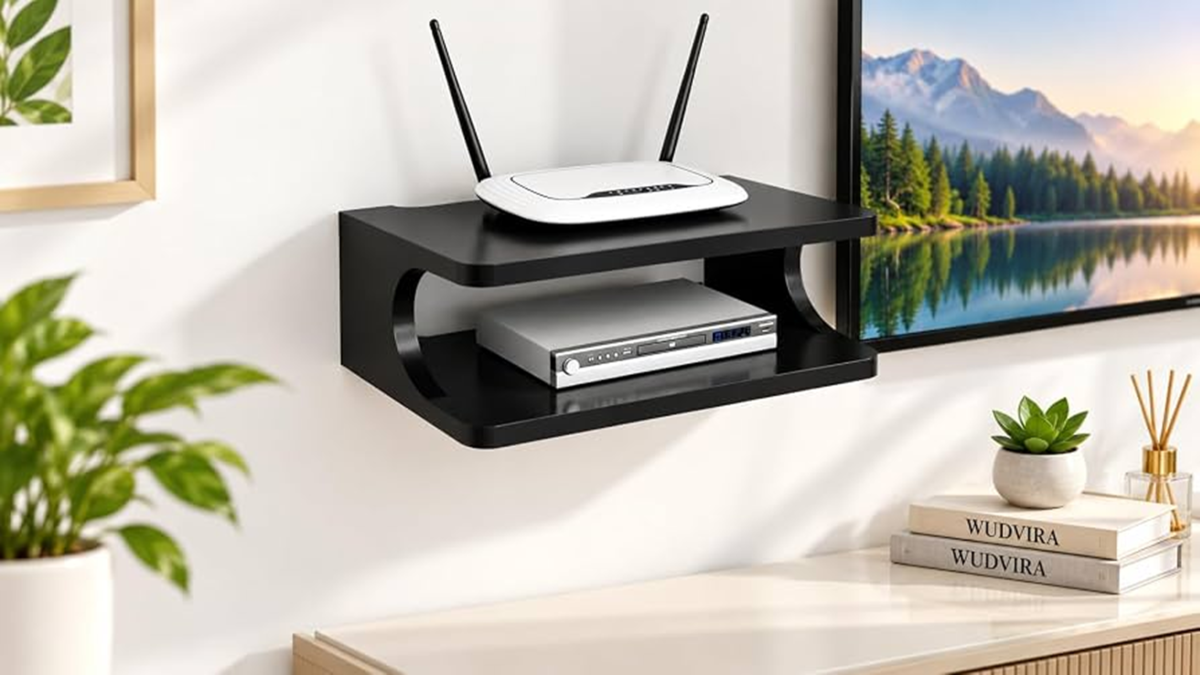
Wi-Fi has become an essential utility for using smart TVs, mobile phones, laptops, and other devices at home. Many people place their routers right next to the TV or beside the TV unit because it is convenient to connect power sockets and internet cables there. However, this placement can negatively impact Wi-Fi performance.
Indeed, this is especially true if the router is kept inside a closed cabinet, tucked in a corner, or surrounded by multiple electronic devices. Such placement can lead to poor signal coverage and slower internet speeds.
What is the problem with placing the router near the TV?
It is not entirely accurate to blame the electromagnetic waves emitted by the TV as the primary cause of slow Wi-Fi speeds. Modern TVs and Wi-Fi routers generally do not interfere with each other's signals enough to cause a significant drop in internet speed; however, problems are more likely to arise when the router is surrounded by numerous electronic devices and other objects.
If you have a set-top box, gaming console, soundbar, and other devices alongside the TV unit—or if the router is placed behind the TV amidst metal panels, cables, and closed cabinets—these elements can obstruct the spread of the wireless signal. This impact is often most noticeable in rooms located further away from the router.
Where should the router be placed?
For optimal Wi-Fi coverage, place the router in an open, elevated location. Ideally, position it in a central area of the home so that the signal can easily reach various rooms.
Never place the router inside a TV unit, a closed cupboard, on the floor, or directly behind or right next to large electronic devices. Additionally, keep the router at a distance from appliances like microwaves and large metal objects.
PC Social Media
