
Why does your old smartphone start lagging? Find out the truth.
Tech Tips: Issues with lagging or freezing are more common when your phone’s storage is 80% to 90% full.
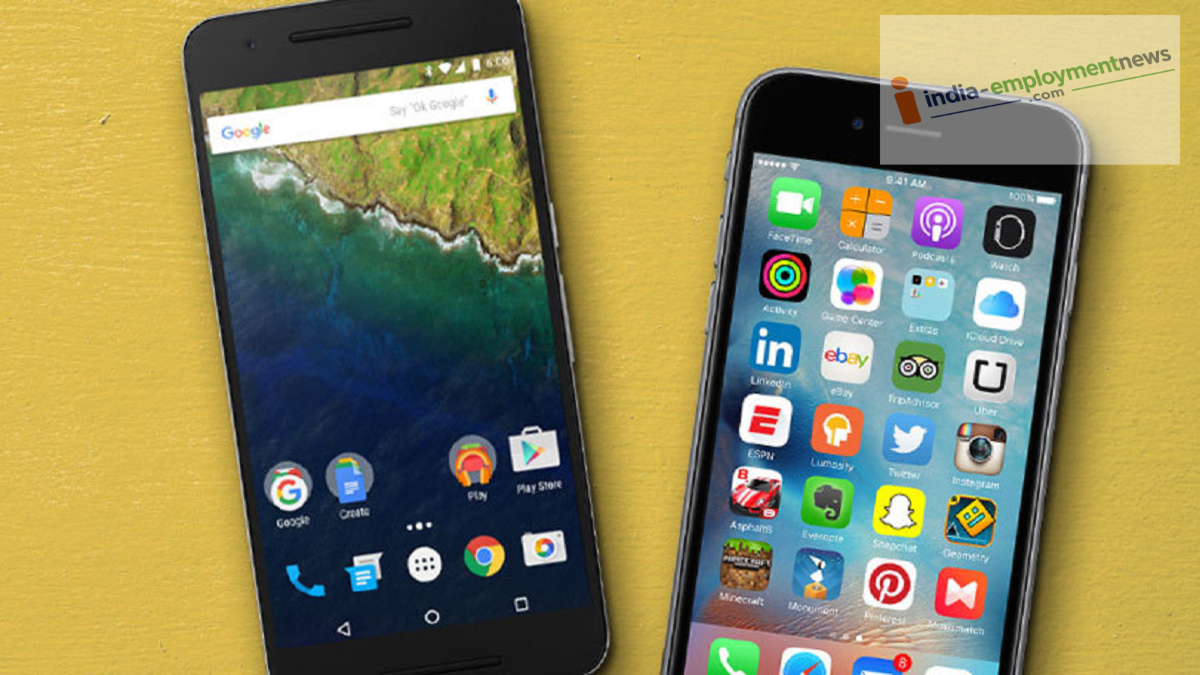
Tech Tips: Smartphone usage has grown rapidly worldwide. People now store everything from important documents to personal information on their devices. However, it is often observed that smartphones start lagging as they age. While people offer various theories for this, is it a genuine technical issue, or do companies do this intentionally? Let’s uncover the full truth.
Speed drops as storage fills up.
It is worth noting that lagging issues become more frequent when your phone’s storage is 80% to 90% full. When there is little free space left, the system struggles to create necessary files or run apps smoothly. Additionally, thousands of photos, videos, downloaded files, and unnecessary apps can impact performance.
The impact of an aging battery
Over time, every smartphone’s battery capacity diminishes. Older batteries cannot provide a power supply as stable as they once did. In such situations, some companies throttle the processor speed to prevent the phone from shutting down unexpectedly. While the goal is to maintain stability, the user may perceive the phone as slower. Consequently, simply replacing the battery can often improve the phone’s performance.
The strain of evolving software
New versions of Android and iOS are released annually, bringing new features, enhanced security, and advanced graphics. Running these features requires greater processing power and RAM. However, the processors and memory in older smartphones cannot often meet these modern demands. This is why users frequently experience lagging or sluggish performance on older smartphones.
Apps Running in the Background
Nowadays, almost every app remains active in the background. Features such as social media, messaging, email, cloud backup, and location services continuously utilize the processor and RAM. If a phone has limited RAM, apps frequently reload, causing the phone to lag or freeze.
Viruses and Unnecessary Apps Are Also Factors
Downloading apps from unknown websites or installing an excessive number of apps can slow down your phone. Some apps constantly display ads, consume background data, and place extra strain on system resources. This can cause the phone to overheat and degrade its performance.
Do Companies Intentionally Slow Down Phones?
This question has been a topic of debate for a long time. However, the reality is that not all companies intentionally slow down older phones. In some instances, performance management measures are implemented due to poor battery health to prevent the phone from shutting down unexpectedly. On the other hand, the increasing demands of new software and apps place additional pressure on older hardware. Therefore, it is incorrect to attribute every instance of a slow phone to a deliberate conspiracy.
How to Boost the Speed of an Older Smartphone?
If you want to speed up your older smartphone, you should follow a few essential steps. Always maintain sufficient free space in your phone’s storage. Uninstall apps that you do not use. Periodically clear cache files. Download apps only from trusted sources. Have your battery checked when necessary and replace it if it is faulty. Additionally, making a habit of restarting your phone occasionally and closing unnecessary background apps can help maintain better performance.
