
Why do smartphones start to slow down after 3–4 years? Is it necessary to buy a new phone?
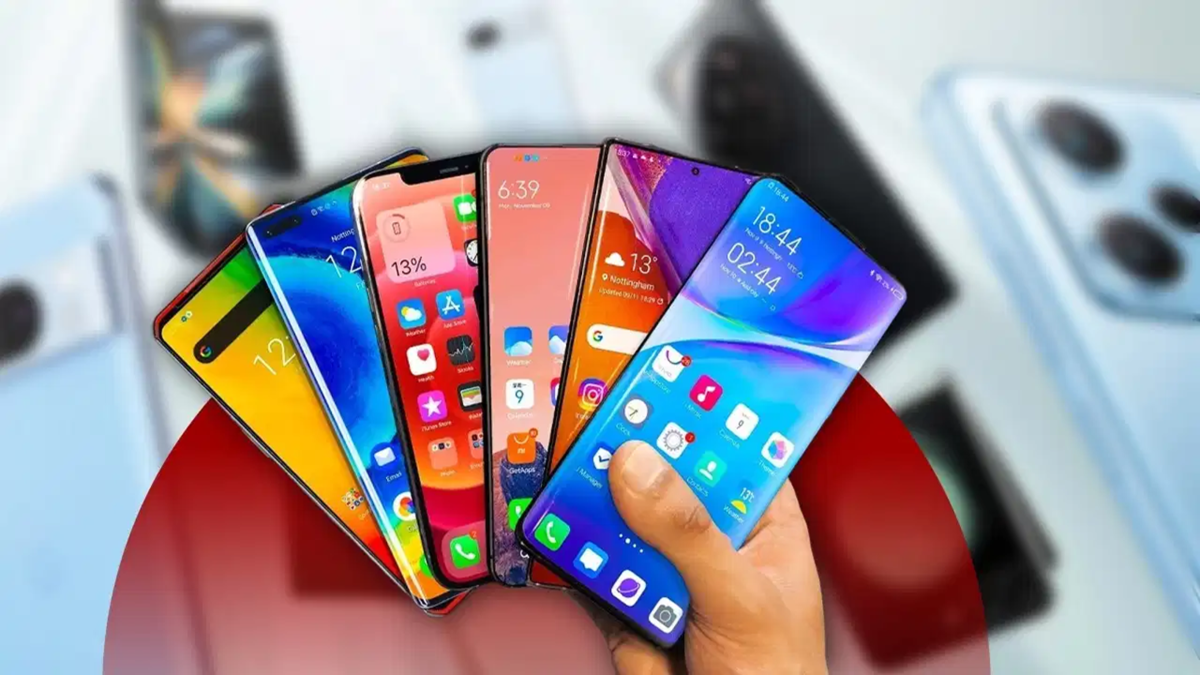
Just imagine: you bought an expensive smartphone with your hard-earned money. When you first held it, its impressive speed delighted you—apps opened in the blink of an eye, the camera captured photos instantly, and gaming was completely seamless. But a few years later, that same phone has become a source of frustration. Apps now take time to open, the screen freezes during important tasks, and there’s a noticeable lag even when typing messages. The device that was once a joy to use has now become a source of irritation.
This raises a question: why did the phone’s speed drop so suddenly? Is buying a new phone the only solution? Let’s address these questions one by one and explore whether purchasing a new device is truly your only option.
Older phones struggle to keep up with modern apps.
Think back to when you first bought your phone—how smoothly everything ran. Have you noticed how much those same apps have evolved over time? They now include new features, refined designs, and a wider range of functionalities.
Running these new features requires more effort from your phone’s processor and RAM, yet the hardware remains the same as it was years ago. Consequently, when you play a modern game or use apps for tasks like video editing or social media, the strain on your phone increases. This is why an app that once opened instantly might now take several seconds to launch.
Problems arise as phone storage fills up
After buying a phone, we gradually accumulate photos, videos, and apps—everything from thousands of wedding photos to videos sent by friends and long WhatsApp chat histories. Before we even realize it, the phone’s storage begins to fill up.
Initially, there is plenty of available space, which is why everything runs smoothly. However, when storage nears capacity, the phone has less space to save new data or perform essential tasks. This can affect everything from opening apps to general phone usage. So, if your phone keeps lagging or freezing, be sure to check its storage.
A weakening battery can also reduce your phone's performance
A smartphone battery doesn't stay in peak condition forever. A battery that once kept your phone running all day comfortably may start to falter after a few years. This is due to repeated charging and discharging cycles, which cause the battery's capacity to decline over time.
The issue isn't just that the battery drains faster; in some smartphones, a weakening battery can also lead to a reduction in processor speed. This is a safeguard to prevent the phone from shutting down unexpectedly. If your older phone has become slower and the battery drains quickly, it might be worth having it checked.
When a phone heats up, the processor slows down.
Have you ever noticed your phone getting quite hot after extended gaming or recording videos? This can also happen while the phone is charging. Phones have a built-in system that reduces processor speed when the temperature rises too high—a process known as "thermal throttling."
This is done to prevent the device from overheating. However, when the processor cannot operate at full capacity, apps take longer to open, and you may experience lag or interruptions while gaming. If your phone frequently overheats, it’s important to let it rest for a while.
New software updates can sometimes be too demanding for older phones
When a software update becomes available, we often download it without a second thought—after all, who wouldn't want new features and improved security? However, not every update is necessarily beneficial for an older phone. Over time, new features are added to operating systems, which may require more RAM and processing power to run. Consequently, phones with older hardware may no longer perform as quickly as they once did. However, this does not mean that every update slows down a phone; many updates actually improve speed and performance by fixing existing bugs.
A phone's internal storage can also be affected over time.
We often think that a phone's storage is used only for saving photos and videos, but its role is much broader. Every time you open an app, take a photo, or download a file, data is constantly being written to or deleted from the phone's internal storage.
Years of continuous use can impact its performance. While a phone isn't necessarily destined to have faulty storage just because it is 3–4 years old, issues can arise—leading to delays when opening apps, saving files, or performing other tasks.
Try these simple steps before buying a new phone.
If your phone has slowed down, is buying a new one the only solution? Certainly not; by making a few small adjustments to your habits, you can improve your phone's performance.
It’s not always just the age of the phone—how you maintain it matters too.
In short, a smartphone slowing down after 3–4 years isn't due to a single factor. It is a combination of things—such as the increasing demands of newer apps, the filling up of the phone's storage, and the gradual degradation of hardware component
Disclaimer: This content has been sourced and edited from TV9. While we have made modifications for clarity and presentation, the original content belongs to its respective authors and website. We do not claim ownership of the content.
