
WhatsApp without SIM: How long does WhatsApp work after the SIM is deactivated? Find all the details here..
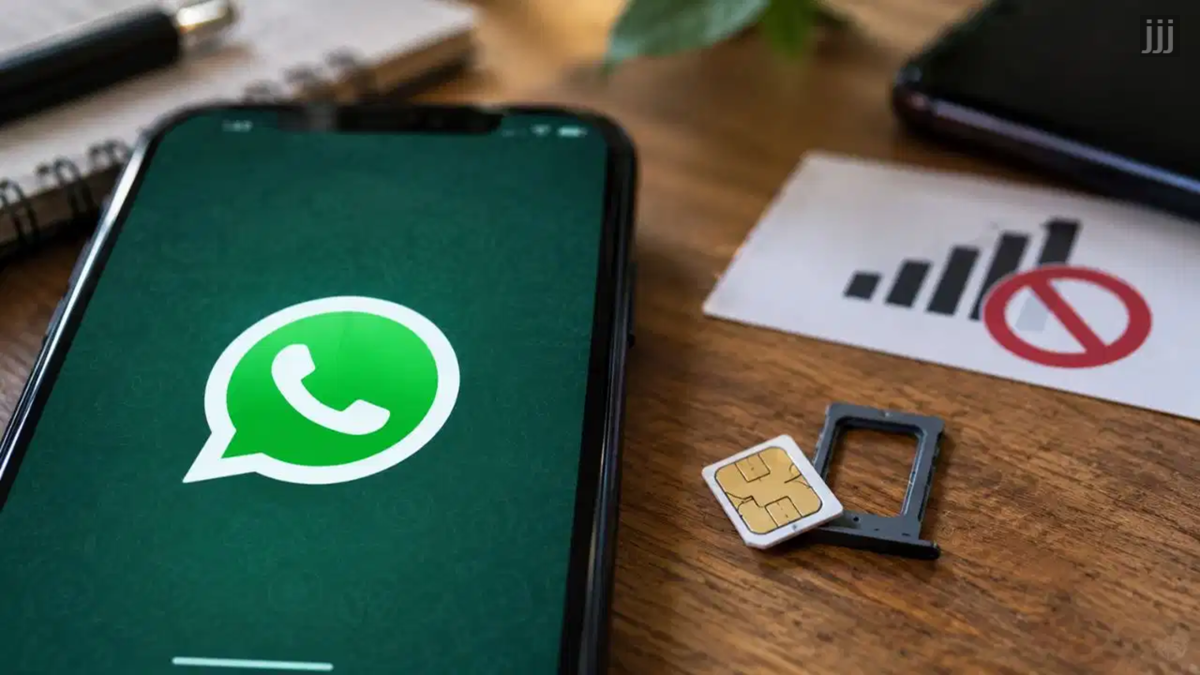
WhatsApp without a SIM: WhatsApp has become an integral part of our lives these days. From handling important office tasks to staying in touch with family, this messaging app is used everywhere. Often, we change our mobile numbers, our SIM cards get damaged, or we have to deactivate an old SIM due to network issues. In such situations, most people wonder how long WhatsApp will continue to work on their phones if the SIM card is deactivated. Some believe that their account will stop working immediately once the SIM is damaged. Today, we will clear up this confusion for you.
How the app works without a SIM
It is important to note that a WhatsApp account has no direct connection to your SIM card; the account is registered solely to a specific phone number. The app primarily requires an internet connection to function. Even if your SIM has been deactivated for some reason, your account will generally continue to work as long as your phone has access to Wi-Fi or the internet from another active SIM. You can send and receive messages and make calls to your friends just as before. Additionally, all other features of the app can be used without any issues.
No fixed timeframe for account deactivation
People often assume that their WhatsApp account will automatically be shut down by the system exactly 30, 60, or 90 days after the SIM is deactivated. However, the company has no such standard rule. There is no set time limit for account deletion following SIM deactivation. As long as your account remains active and you continue to use it via the internet, the app can function without interruption. That said, if you do not open the app for a very long period, WhatsApp's inactive account policy may come into effect.
Issues arise during re-verification
The real problem begins when, for some reason, you need to re-verify your WhatsApp account. Suppose you have switched smartphones or had to reinstall the app due to an account-related issue. In such cases, an OTP is sent to your phone number during the login process. If your SIM card is inactive, you will not be able to receive that verification code under any circumstances. Consequently, failing to receive the code—whether via SMS or call—will prevent you from logging into your own account. Under these conditions, having an active number is crucial.
**Risk of the number being reassigned to someone else**
There is another significant risk associated with an inactive SIM card. If you have completely deactivated your old number, telecom companies eventually reassign that same number to another person. This situation can prove to be very problematic for you. The new owner of the number could potentially register for WhatsApp using it. Therefore, if you are changing your mobile number permanently, the best course of action is to use the 'Change Number' feature within the app. This allows you to securely transfer your account to the new number.
Disclaimer: This content has been sourced and edited from TV9. While we have made modifications for clarity and presentation, the original content belongs to its respective authors and website. We do not claim ownership of the content.
