
WhatsApp Web or WhatsApp Desktop? Which is better in terms of speed, safety, and features?
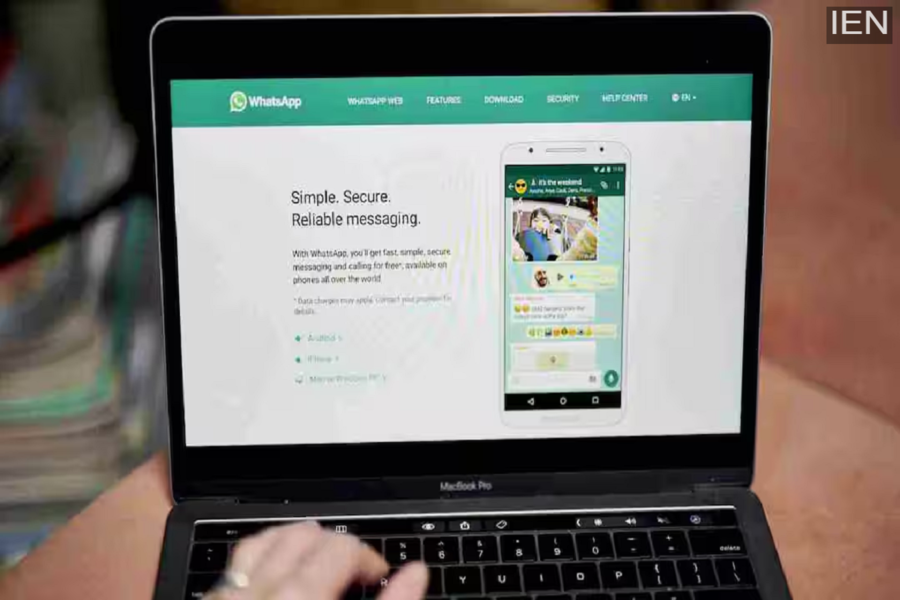
WhatsApp Web vs. WhatsApp Desktop: Chatting on a laptop or PC is common these days. WhatsApp offers two options for this: WhatsApp Web and WhatsApp Desktop.
WhatsApp Web vs. WhatsApp Desktop: Chatting on a laptop or PC is common these days. WhatsApp offers two options for this: WhatsApp Web and WhatsApp Desktop. At first glance, they appear similar, but in actual use, the confusion is evident. Let's understand the differences between the two in simple terms and determine which one is better to integrate.
What's the difference between Web and Desktop?
WhatsApp Web runs through a browser, such as Google Chrome or any other browser. You don't need to install any separate software. WhatsApp Desktop, on the other hand, is installed on the computer as a separate application. It requires downloading and then scanning a QR code to log in. This slight difference has a significant impact on the user experience.
Who's ahead in terms of safety?
In terms of security, both versions feature end-to-end encryption, meaning your messages remain secure. However, if you're using WhatsApp Web at a cyber cafe or on a public computer, it's crucial to log out as soon as you're done.
Failing to do so could expose your chats to someone else. The desktop version is typically used on personal systems, so there's less chance of error.
Speed and Count Differences
While both serve the same purpose, the difference is noticeable in count. WhatsApp Desktop generally offers a more stable and faster experience. Calls, video calls, and system notifications work better. The web version relies on a browser, so opening too many tabs can sometimes impact its speed.
Notification Experience
The desktop version's advantage is that you can receive notifications even after the app is closed, ensuring you don't miss important messages. However, in the web version, closing the browser window will stop notifications.
Which option is better?
Both options are useful in their own ways. If you want to work quickly and don't need constant notifications, the web version is perfect. However, if you're more likely to attend calls on your laptop, want instant notifications for every message, and need better notifications, the desktop version is better.
