
WhatsApp Security: Use WhatsApp with Double Security on Your Phone—Simply Enable This Secret Setting..
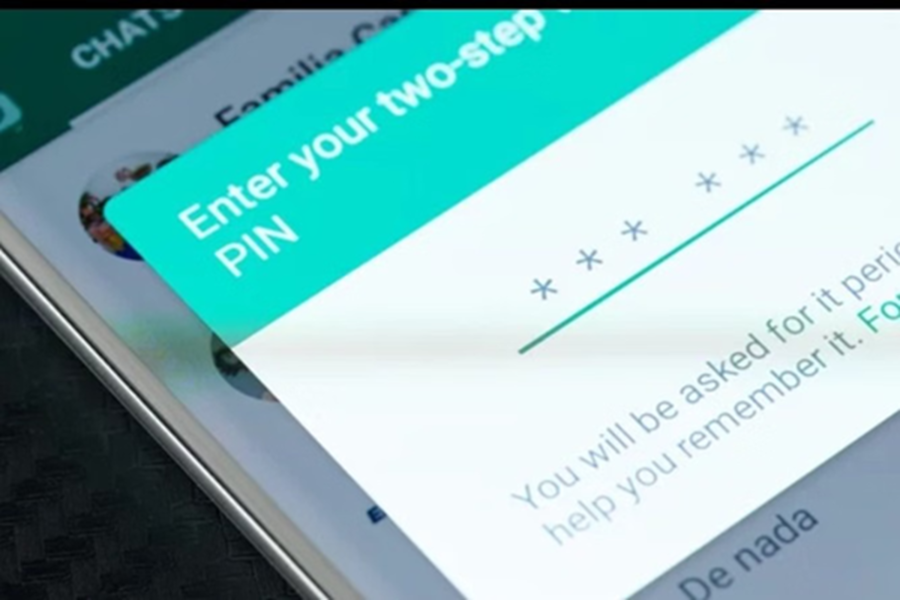
WhatsApp Security Settings: If your WhatsApp account falls into the wrong hands, your private chats, photos, videos, and important office files could be leaked. While WhatsApp typically requires an OTP (One-Time Password) to set up an account, this poses no significant challenge for hackers. Often, through methods like SIM cloning or other techniques, hackers manage to gain access. Therefore, WhatsApp offers its users an extra layer of security known as Two-Step Verification.
Two-Step Verification: What is Two-Step Verification?
Two-Step Verification is an additional security feature that allows you to set a 6-digit PIN for your WhatsApp account. It offers several benefits: in addition to the standard OTP, this PIN is also required for access; it provides protection against SIM cloning and hacking attempts; and it makes unauthorized logins virtually impossible.
How to Prevent WhatsApp Hacking: How to Enable Two-Step Verification?
Follow these simple steps to secure your account:
First, open WhatsApp on your phone.
Android users should click on the three dots located in the top-right corner; iOS users should tap on the 'Settings' icon located at the bottom of the screen.
Next, navigate to the 'Account' option within the Settings menu and select 'Two-Step Verification.'
Now, tap on the 'Turn On' button.
Here, you will need to set a 6-digit PIN. Ensure that you choose a PIN that is easy for you to remember but difficult for others to guess.
After setting your PIN, you will be prompted to enter an email ID. While adding an email is entirely optional and up to your discretion, doing so allows you to recover your PIN via email in case you ever forget it.
Enable 2FA on WhatsApp: How to Manage or Disable It?
If you ever decide to disable this feature, follow the steps outlined below:
To do this, first go to 'Settings' and tap on 'Account.'
Then, navigate to 'Two-Step Verification.'
From there, you can either change your PIN or turn the feature off completely. Recovery Email for WhatsApp PIN: Keep These Points in Mind
Do not use your date of birth, or simple number sequences like '123456' or '111222', as your PIN.
Never share your PIN with anyone, even if they are a close acquaintance.
You can change your PIN or disable this feature at any time by navigating to the Account section.
Disclaimer: This content has been sourced and edited from Amar Ujala. While we have made modifications for clarity and presentation, the original content belongs to its respective authors and website. We do not claim ownership of the content.
