
WhatsApp Scam Alert: Get instant alerts for scam messages from unknown numbers—here’s how to enable this setting..
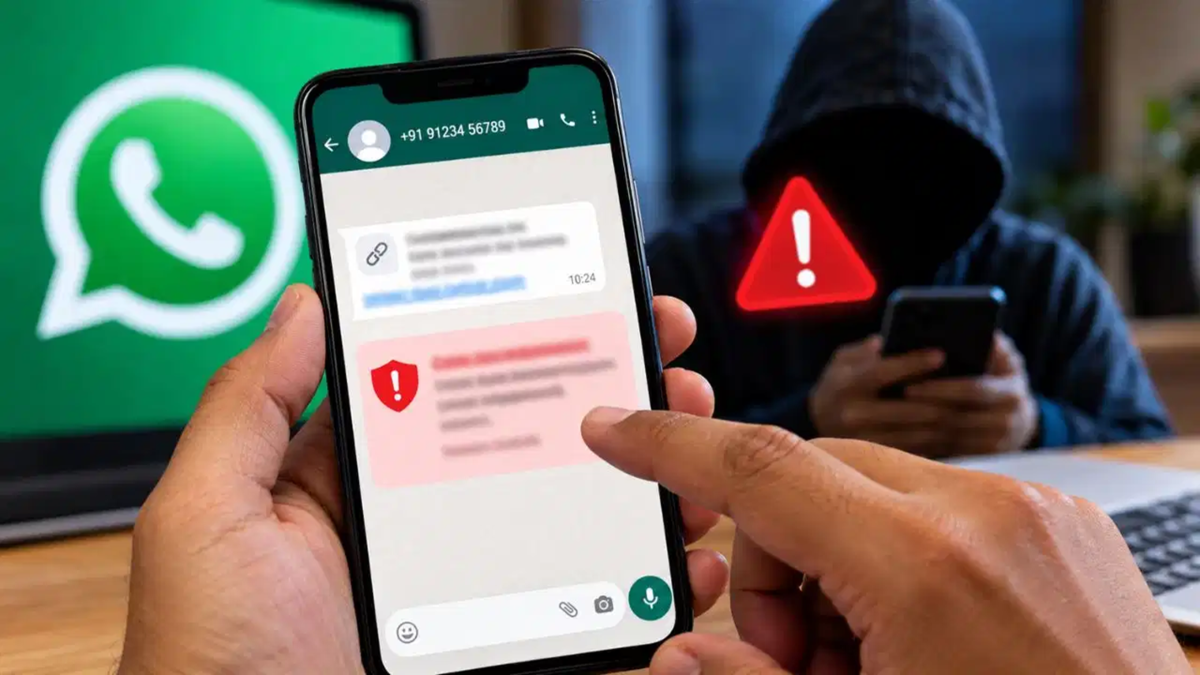
WhatsApp Scam Alert: When a message from an unknown number suddenly pops up on a mobile screen, most people open it without a second thought. Trouble begins when the sender introduces themselves as a senior bank official, an old friend, or a representative of a well-known company. The content of the message often seems so natural and ordinary that, at first glance, nothing appears amiss.
During the conversation, the sender cunningly pressures the user to send money, click on an unknown link, or share sensitive personal information. To protect the public from such digital fraud, the messaging platform WhatsApp is developing a special security safeguard. The company is currently working on a new feature called 'Scam Alert,' designed to warn users the moment a suspicious conversation begins.
**Identifying Scams from Unknown Numbers**
In the digital world, the most potent weapon for fraudsters is gaining the victim's trust. Scammers often fabricate emergencies to deny the recipient time to think critically. They might pose as bank employees warning that an account is about to be closed or pretend that an acquaintance is in distress. For the average user, distinguishing between a genuine conversation and a scammer's script can be extremely difficult.
WhatsApp's new security mechanism will primarily monitor chats originating from such unknown numbers. Its main objective is to sound an alarm for the user before any harm occurs. Once a user realizes in time that the person on the other end might be a fraudster, they will think twice before falling for the scam.
**A Smart System Operating Locally on the Phone**
From a technical standpoint, this feature relies on WhatsApp's advanced machine learning model. Notably, this model analyzes message patterns directly on the user's smartphone. This certainly does not mean that the system will immediately label a number as fraudulent the moment a "Hi" or "Hello" is received from a new or unknown contact.
The system is designed to detect specific patterns, keywords, and conversational structures typically observed in previously identified scam cases. Furthermore, the stance on privacy is clear: according to Meta, the content of chats is not transmitted to company servers for this analysis. All processing takes place securely on the device itself, ensuring the privacy of the user's personal conversations remains intact.
**Full Control for the User**
A key advantage of this new feature is that it does not force decisions upon the user. When the machine learning model detects signs of potential fraud in a chat with an unknown number, it displays a clear warning on the screen. The subsequent course of action is left entirely to the user's discretion.
If the user suspects the sender is indeed untrustworthy, they have the option to block the number immediately. Users can also choose to report the number. Conversely, if the message turns out to be from a distant relative or acquaintance and the warning was triggered in error, the user can mark the chat as "Trusted" and continue the conversation normally. The system does not report chats on its own; explicit user permission is required to do so.
**How to Activate the New Feature**
This new security measure is not enabled by default; users must manually activate it via the settings. If the feature is available for your account, enabling it is a simple process:
Open WhatsApp on your phone and navigate to the main settings.
Tap on the "Account" option within the settings menu.
Look for the new "Scam Alert" option.
Toggle the switch to turn it on. Currently, this feature has been made available only to a select group of Android beta testers. If you do not see this setting in your account yet, do not attempt to force-enable it using any third-party or unknown apps. The company is gradually rolling it out to all users. iPhone users will have to wait a little longer for this feature.
Disclaimer: This content has been sourced and edited from TV9. While we have made modifications for clarity and presentation, the original content belongs to its respective authors and website. We do not claim ownership of the content.
