
WhatsApp Call Waiting Feature Explained: How to Manage Incoming Calls While Already on a Call
WhatsApp has become one of the most widely used messaging platforms across the world, offering features such as text messaging, voice calls, video calls, and file sharing. Among its many useful tools is the call waiting feature, which allows users to handle incoming calls even when they are already engaged in a WhatsApp voice or video call.
This feature works similarly to traditional mobile call waiting. When another person calls you on WhatsApp while you are already on a call, the app notifies you and lets you decide whether to answer the new call or continue with the existing one.
Here’s a simple guide to understand how the WhatsApp call waiting feature works.
How WhatsApp Call Waiting Works
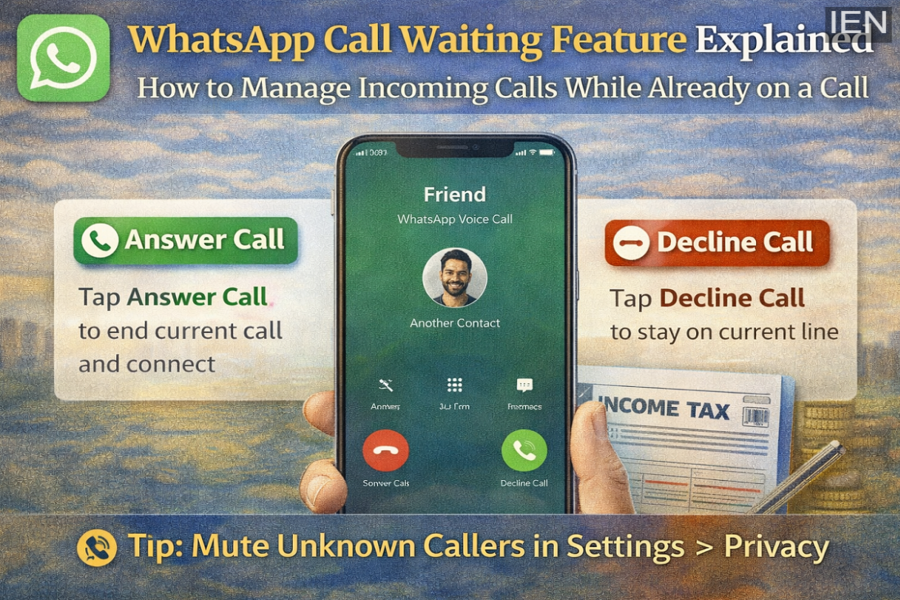
When someone tries to call you on WhatsApp while you are already on another call, the app displays a notification on your screen. Instead of automatically switching calls, WhatsApp gives you control over what you want to do next.
You will see two options:
-
Answer the incoming call: This will end the current call and connect you to the new caller.
-
Decline the incoming call: This will reject the new call and allow you to continue your current conversation without interruption.
WhatsApp does not switch calls automatically. The decision always remains with the user.
What Happens If You Receive a Call from Another App
Sometimes you may be on a WhatsApp call and receive a call from another application or your regular phone network.
In such situations, your phone will also display similar options:
-
Answer the incoming call, which will disconnect the ongoing WhatsApp call
-
Decline the call, allowing you to continue your WhatsApp conversation
This ensures that users can manage calls across multiple apps without confusion.
Important Things to Keep in Mind
WhatsApp highlights a few important points regarding voice and video calls:
-
Calls made using apps other than WhatsApp may be charged by your mobile service provider.
-
If you are roaming or using mobile data after exhausting your data limit, additional charges may apply for WhatsApp voice or video calls.
-
Users can block contacts if they do not wish to receive calls from them.
How to Silence Calls from Unknown Numbers on WhatsApp
WhatsApp also allows users to mute calls from unknown numbers to avoid unwanted disturbances. Here’s how you can enable this feature:
-
Open the WhatsApp application on your smartphone.
-
Tap on Settings.
-
Go to Privacy.
-
Select the Calls option.
-
Turn on the Mute Unknown Callers feature.
Once enabled, calls from unknown numbers will not ring on your phone. However, they will still appear in the Calls tab and notifications so that you can check them later if needed.
A Helpful Feature for Managing Calls
The call waiting feature makes WhatsApp calls more flexible and user-friendly. Whether you are handling multiple calls or avoiding interruptions from unknown numbers, these settings give users better control over their calling experience.
With WhatsApp continuously introducing new tools and improvements, managing calls and conversations on the platform has become easier than ever.
