
WhatsApp AI Magic: A Fantastic AI Image Feature Arrives on WhatsApp—Instantly Create a Status Just by Typing; Here's How to Use It...
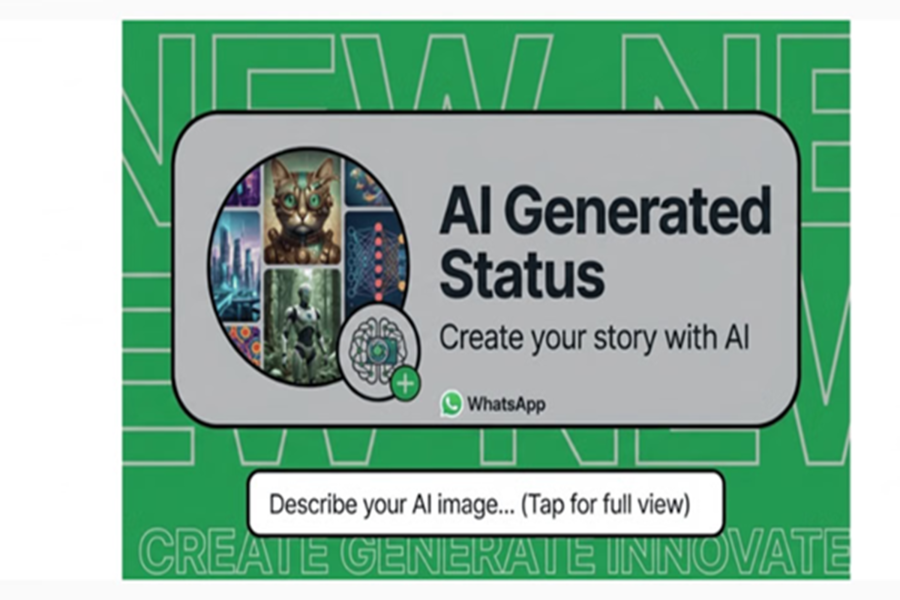
Create AI Images on WhatsApp Android: WhatsApp has launched an AI image generation feature for Status updates. This feature is powered by Meta's generative AI technology. Now, users can create stunning and creative images directly within the app using simple text prompts, customize them, and instantly post them to their Status. These images can be used not only for your Status but also for your chats, profile pictures, or group icons.
Meta AI WhatsApp Features: How Does This Feature Work?
Sometimes we have ideas in our minds that are difficult to bring to life in reality; however, WhatsApp's new AI feature can accomplish this task in just a few seconds. This not only saves the user's time but also makes their Status stand out—appearing unique, distinctive, and thoughtful compared to others.
How to Create AI Images for Your Status?
If you, too, wish to showcase your creativity through your Status, simply follow the easy steps outlined below. To begin, navigate to the 'Updates' section.
Open your WhatsApp and tap on the 'Updates' tab located at the bottom of the screen.
Tap on the Plus (+) or Camera icon to create a Status update. Here, you will see a new option for 'AI Images.'
Now, select one of the suggested prompts provided, or write your own custom text or prompt.
Once you enter a prompt, the AI will generate several options. If you don't like the initial results, you can tap the 'Regenerate' button to view new images.
After selecting an image, you can customize it to your liking and then post it directly to your Status from that very screen.
In addition to text, you will also find various effects options; you can change the text color, font, and background style.
You can use emojis or 'Add Yours' stickers to enhance your creation.
Use the Pen tool to draw directly onto the image according to your preference.
Once everything is ready, tap 'Post' or 'Share to Status' to publish. This feature is currently being rolled out gradually on both Android and iOS platforms. It has already arrived on the phones of most users. If you haven't received it yet, try updating your phone and checking again; if it still doesn't appear, please wait a little while.
Disclaimer: This content has been sourced and edited from Amar Ujala. While we have made modifications for clarity and presentation, the original content belongs to its respective authors and website. We do not claim ownership of the content.
