
What to do if the balance does not appear on a prepaid meter even after recharging? Most people do not know the correct procedure..
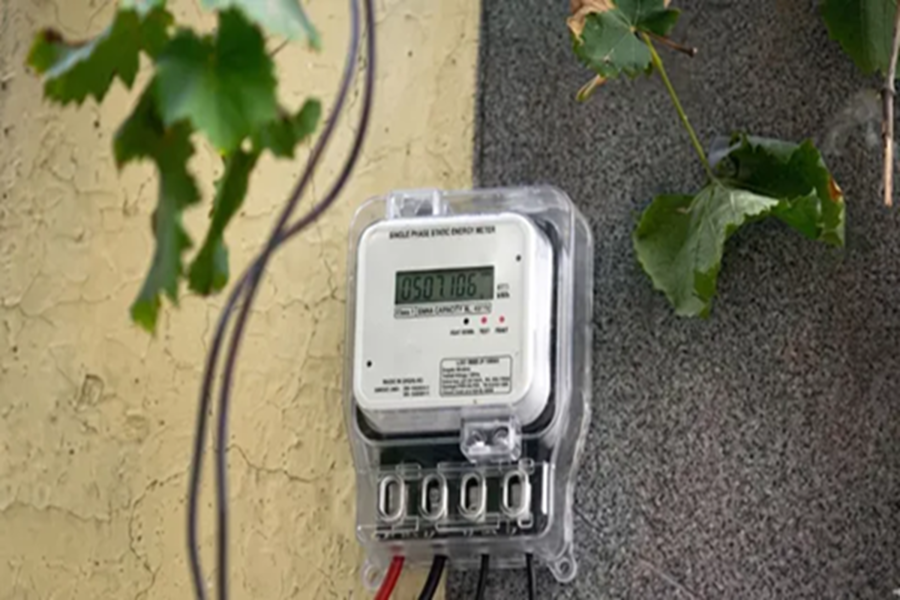
Prepaid smart electricity meters have now been installed in several states across the country. While this has undoubtedly enhanced convenience on one hand, it has also given rise to issues related to recharging on the other. Some users have reported that even after recharging, the full balance of the prepaid meter does not reflect in the app; in some instances, the connection is even abruptly disconnected. If you, too, are facing this problem, you can register a complaint from the comfort of your home using the methods outlined below.
**How to Register a Complaint via Phone Call?**
If your balance has not updated following a recharge, the first step is to register a complaint over the phone. To do this, dial the common helpline number 1912, or dial the specific helpline number corresponding to your state—a complete list of which we have provided below. Please ensure that before making the call, you have details such as your Customer ID, recharge amount, transaction ID, date, and time readily available.
**State-wise Helpline Numbers**
Uttar Pradesh (UPPCL): 1800-202-240 (BillDesk) / 1800-202-1810 (PayU)
Bihar (NBPDCL/SBPDCL): 1800-345-6198
Madhya Pradesh (MPWZ/MPCZ): 1800-233-1266 / 1912
Rajasthan: 1800-180-6507 / 1800-180-6045
Delhi (Tata Power-DDL): 1800-208-9124 / 19124
Maharashtra (MSEDCL): 022-26478246 / 1800-233-3435
Assam (APDCL): 8876100100 / 0361-2313200
Haryana (DHBVN/UHBVN): 1800-180-4334 / 1800-180-1550
**How to Register a Complaint via the App?**
If your balance does not reflect on your prepaid meter even after a recharge, you can register a complaint using your state's official smart meter app. We have provided a state-wise list of all such apps for your convenience below. To register a complaint, first open the app and navigate to the 'Menu' section. Next, select either 'Feedback' or 'Consumer Complaint.' Fill in all the necessary details, such as the recharge amount, transaction ID, etc. Finally, submit your complaint and make sure to note down the reference number.
Uttar Pradesh: UPPCL Smart Consumer
Bihar: Bihar Bijli Smart Meter
Madhya Pradesh: Smart Bijlee
Rajasthan: Bijli Mitra
Delhi: TPDDL Connect
Maharashtra: Mahavitaran (MSEDCL)
Assam: myBijli
Chhattisgarh: More Bijlee
Haryana: DHBVN / UHBVN Consumer
How to Register a Complaint via Email?
If your meter balance fails to update even after a recharge, you can also register a complaint via email. In many cases, this method can lead to a quicker resolution. In your email, clearly state the balance displayed on the meter both *before* and *after* the recharge. Additionally, attach the receipt or a screenshot of the transaction, along with details such as the recharge amount, transaction ID, date, and time. You can find a state-wise list of relevant email IDs below.
State-wise Email IDs:
Uttar Pradesh: payment.uppcl@billdesk.com / uppcl.support@payu.in
Bihar (NBPDCL): billing.nbpdcl@gmail.com / revenue.nb@gmail.com
Bihar (SBPDCL): itcell.sbpdcl@gmail.com
Delhi: customercare@tatapower-ddl.com
Maharashtra: helpdesk_pg@mahadiscom.in
Madhya Pradesh: customercare@mpwz.co.in
Haryana: 1912@uhbvn.org.in / 1912@dhbvn.org.in
Assam: support@apdcl.org
Rajasthan: helpdesk@jvvnl.org
By utilizing these various methods, you can conveniently register a complaint from the comfort of your home.
Disclaimer: This content has been sourced and edited from Dainik Jagran. While we have made modifications for clarity and presentation, the original content belongs to its respective authors and website. We do not claim ownership of the content.
