
What services will be affected if you don't link your Aadhaar and PAN cards, and how to complete the process..
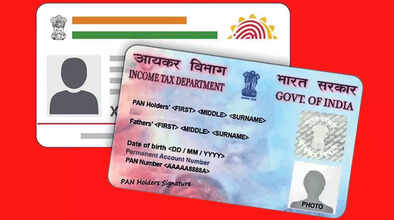
Every individual must link their PAN and Aadhaar cards before December 31st. If this is not done on time, you may face several problems. Let's first discuss the problems that may arise if you don't link your Aadhaar and PAN.
What problems will you face?
According to information from ClearTax, if a person does not link their Aadhaar with their PAN, they may face several problems:
You may face difficulties in receiving your ITR refund.
You will face problems filing your ITR return next year.
TCS or TDS will be levied at a higher rate.
Difficulty in opening a bank account.
Difficulty in getting a debit or credit card.
You cannot deposit more than ₹50,000 in a bank or post office in a single day.
You cannot deposit more than ₹2,50,000 in a financial year.
You cannot transact more than ₹10,000 in any bank.
You can complete this process from the comfort of your home via SMS.
How to link via SMS?
To do this, you need to follow the steps given below.
Step 1 - First, the customer has to send a message from their registered mobile number:
UIDPAN <12 Digit Aadhaar> <10 Digit PAN>
Step 2 - You can send the message to either <567678> or <56161>.
For example, if your Aadhaar number is 987654321012 and your PAN number is ABCDE1234F, then you have to type UIDPAN 987654321012 ABCDE1234F and send it to either <567678> or <56161>.
If you are facing any problems linking via SMS, you can also use the method described below.
How to link?
You can link your Aadhaar card with your PAN card through Income Tax e-filing. You can easily link your Aadhaar to your PAN card by following the steps given below.
Step 1 - First, you need to go to Income Tax e-filing. You will need to visit the website.
Step 2 - Here, you will need to click on the "Link Aadhaar" option.
Step 3 - Now, enter your Aadhaar and PAN card numbers.
Step 4 - After that, enter your registered mobile number.
Step 5 - Then, click on "I agree to validate my Aadhaar details with UIDAI".
Step 6 - After this, you will receive a message saying "PAN Has Been Linked Successfully".
Disclaimer: This content has been sourced and edited from Dainik Jagran. While we have made modifications for clarity and presentation, the original content belongs to its respective authors and website. We do not claim ownership of the content.
